How to Get a Holafly Refund in 2026: Step-by-Step Guide
Written By:
Umi
TL;DR: Navigating Holafly's eSIM Refund Process
Many travelers encountering challenges with Holafly's eSIM refunds can follow a detailed process for effective resolutions.
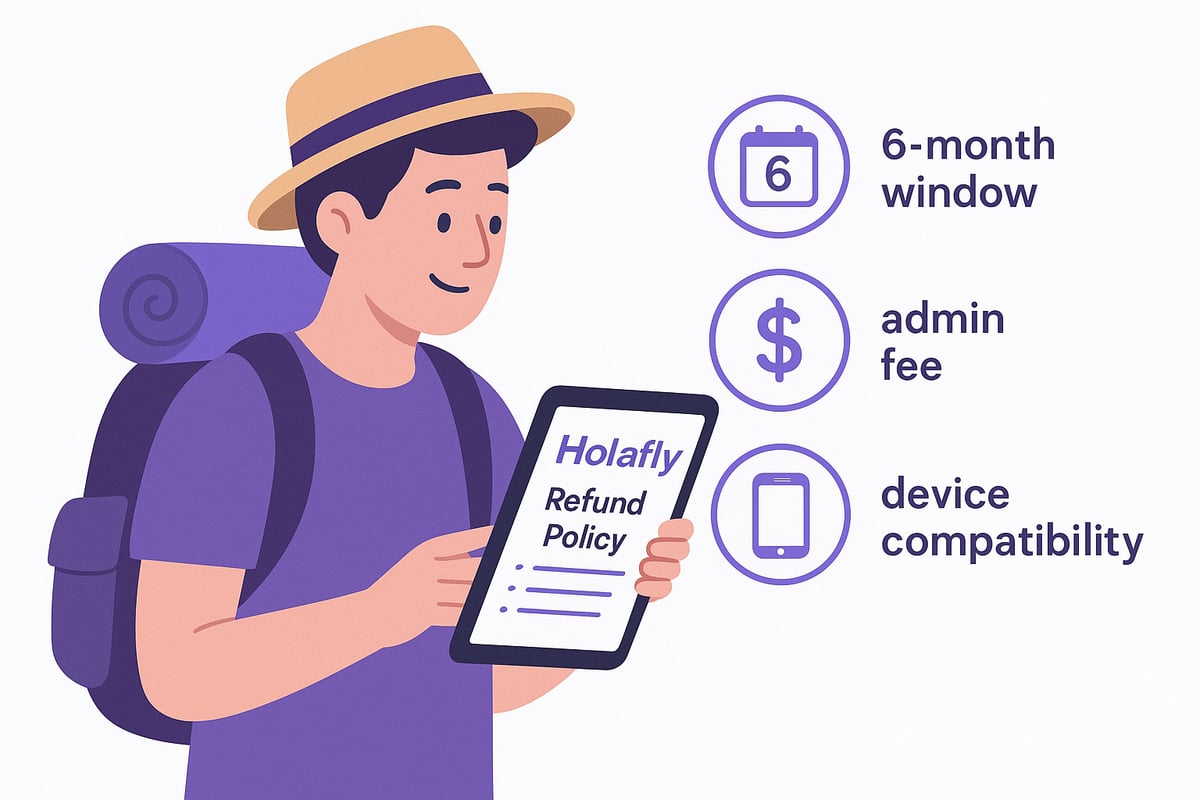
Holafly offers a generous 6-month refund window, minus a $3.50 fee if applicable, with eligibility for issues like service withdrawal, device incompatibility, and connection problems.
Steps include gathering necessary documentation, emailing support with order and issue details, and awaiting a review in 10–14 days.
Common mistakes such as activating eSIMs before requests or incomplete documentation can delay refunds; prompt and correct submissions are crucial.
Struggling to figure out how to get your holafly refund after a tricky eSIM purchase? You’re definitely not alone. Many travelers feel lost in a maze of policies, slow replies, and unclear steps when trying to recover their money.
Have you ever wondered if you’re missing something important or worried your claim might be denied? The good news is, you don’t have to guess anymore. This guide lays out the holafly refund process step by step, making it easy to follow and stress-free, even in 2026.
We’ll walk through who qualifies for a refund, what paperwork you need, exactly how to submit your request, and the most common mistakes that can hold you back. Plus, you’ll get expert tips to boost your chances and avoid frustration.
Ready to finally get your holafly refund sorted out? Let’s dive in and make the process simple together.
Understanding Holafly’s Refund Policy
Getting to grips with the holafly refund policy can save you time and stress if your travel plans change. Holafly offers a 6-month window for refund requests, which is generous compared to many eSIM providers. Depending on your situation, you may be eligible for a full or partial refund, but keep in mind a $3.50 administrative fee may apply in certain cases.
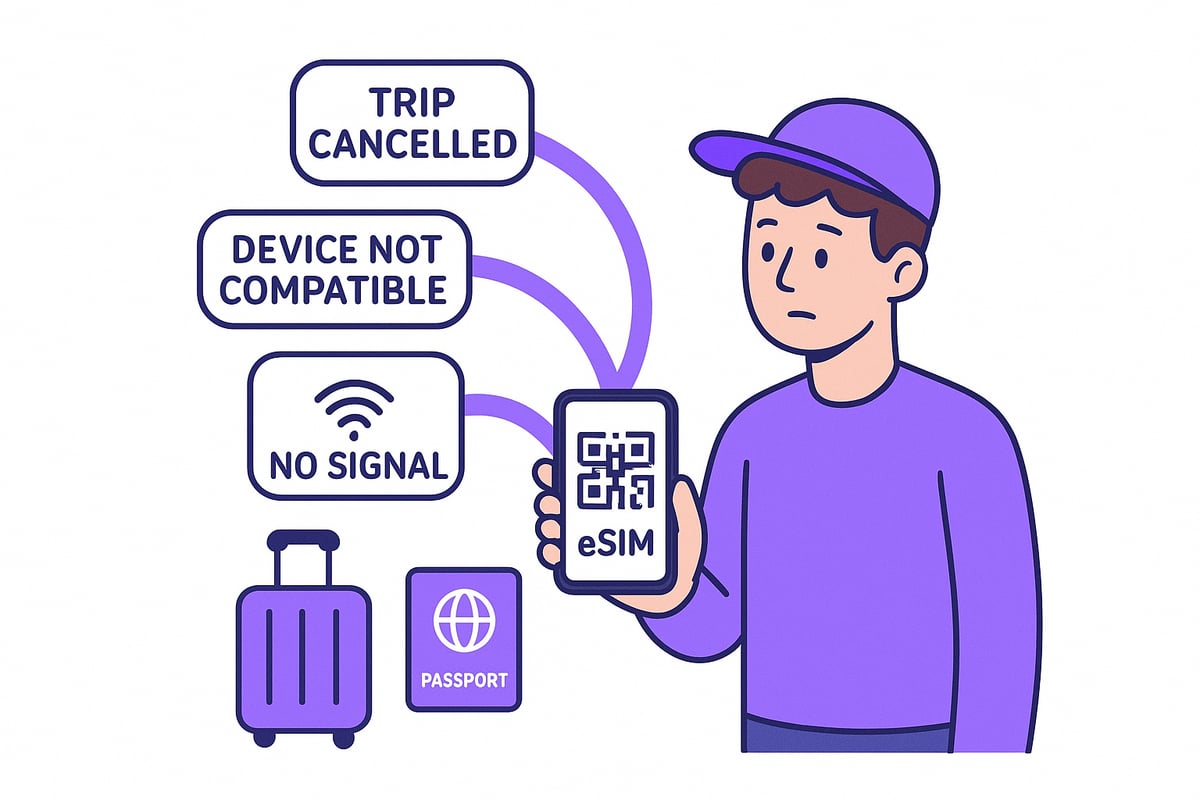
Refunds are possible in these scenarios:
You withdraw from the service before activation.
Your device is incompatible or locked, preventing eSIM use.
You face connection issues at your destination and contact support promptly.
To qualify, make sure:
The eSIM has not been activated or used.
No data has been consumed.
Your purchase was made via the Holafly website or app.
However, not all claims are approved. Refunds are denied if you request them after your trip, use data beyond the allowed threshold, or fail to provide required documentation. For instance, a customer discovered their phone wasn’t compatible but used some data before seeking help, so their holafly refund was denied.
For 2026, Holafly has updated its policy to require digital documentation for all claims, reflecting trends in the eSIM industry. Compared to others, Holafly stands out with its 6-month window, while some providers only allow 30 days for refunds. For full details, see Holafly's Official Refund Policy.
By understanding these points, you can set yourself up for a smoother refund experience.
Scenarios That Qualify for a Holafly Refund
Wondering if your situation makes you eligible for a holafly refund? Let’s break down the exact scenarios where you can confidently request your money back.
Refund for Service Withdrawal
If your travel plans change before you activate your eSIM, you may qualify for a holafly refund. This applies if you have not scanned the QR code or used any data. Canceled or postponed trips are common reasons, and Holafly’s policy allows a full refund in these cases, typically processed within 10 to 14 business days.
For example, imagine you cancel your flight the day before departure and haven’t activated your eSIM yet. As long as you follow the correct steps, your holafly refund should be straightforward.
Refund for Incompatible or Locked Device
Sometimes, a device simply won’t support Holafly’s eSIM technology. If your phone is locked or incompatible, you are eligible for a holafly refund as long as you haven’t activated the eSIM. You’ll need to provide evidence, such as screenshots of error messages or device settings, to support your claim.
For more details on specific requirements, check the official Holafly Terms and Conditions. For instance, if you discover your device is incompatible after purchase but before activation, you can submit your documentation and expect a prompt review.
Refund for Connection Issues
If you experience connection problems at your destination, you could qualify for a refund. However, you must contact Holafly support during your trip and not after returning home. Depending on your data usage, you may receive a full or partial refund, minus any admin fee.
Picture this: you arrive in Japan, activate your eSIM, but can’t connect to any network. You contact support right away, provide screenshots, and your claim is processed efficiently.
Step-by-Step: How to File a Holafly Refund Claim
Navigating the holafly refund process can feel overwhelming, but breaking it into clear steps makes it much easier. Here’s exactly what you need to do to ensure your claim is successful and stress-free.
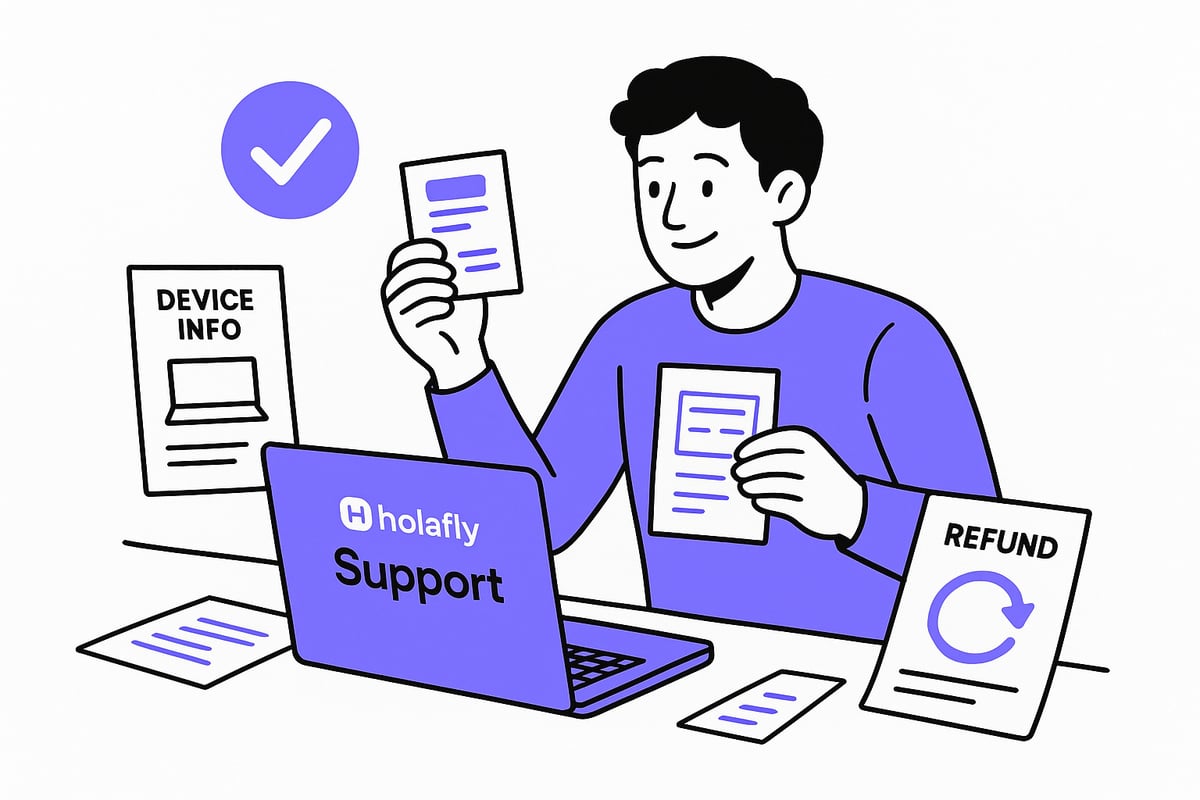
Step 1: Gather Required Documentation
Before you start your holafly refund claim, prepare all the necessary paperwork. Collect your proof of purchase, like the order confirmation or invoice. If your device is incompatible or you experienced connection issues, take clear screenshots and save any error messages.
Check your eSIM status to confirm it has not been activated or used. Sometimes, Holafly may need personal identification, so keep that handy. Acting quickly and having everything organized will help your holafly refund request move smoothly.
Step 2: Contact Holafly Customer Support
Reach out to Holafly’s support team by emailing help@holafly.com or using their live chat. In your message, include your order details, a clear description of the issue, and attach all supporting documents or screenshots.
Here’s a simple email template you can use:
Holafly usually responds within 24–48 hours, so keep an eye on your inbox.
Step 3: Await Review and Refund Processing
Once your holafly refund claim is submitted, the Holafly team will review your documents and verify your eligibility. You’ll receive an email with their decision—approval or denial.
If approved, you’ll get your refund within 10–14 business days, sent to your original payment method. Partial refunds may be offered if some data was used, minus a $3.50 administrative fee. If Holafly needs more information, respond promptly to avoid delays.
Submitting an incomplete claim can slow things down, so double-check everything before sending. For the latest details on policy changes, check out Holafly's Flexible Refund Policy Announcement. Staying updated can help you avoid common mistakes and improve your chances for a successful holafly refund.
Common Mistakes to Avoid During the Refund Process
Even with a clear holafly refund process, it’s surprisingly easy to hit a snag if you’re not careful. Let’s go over the most frequent mistakes travelers make and how you can sidestep them.
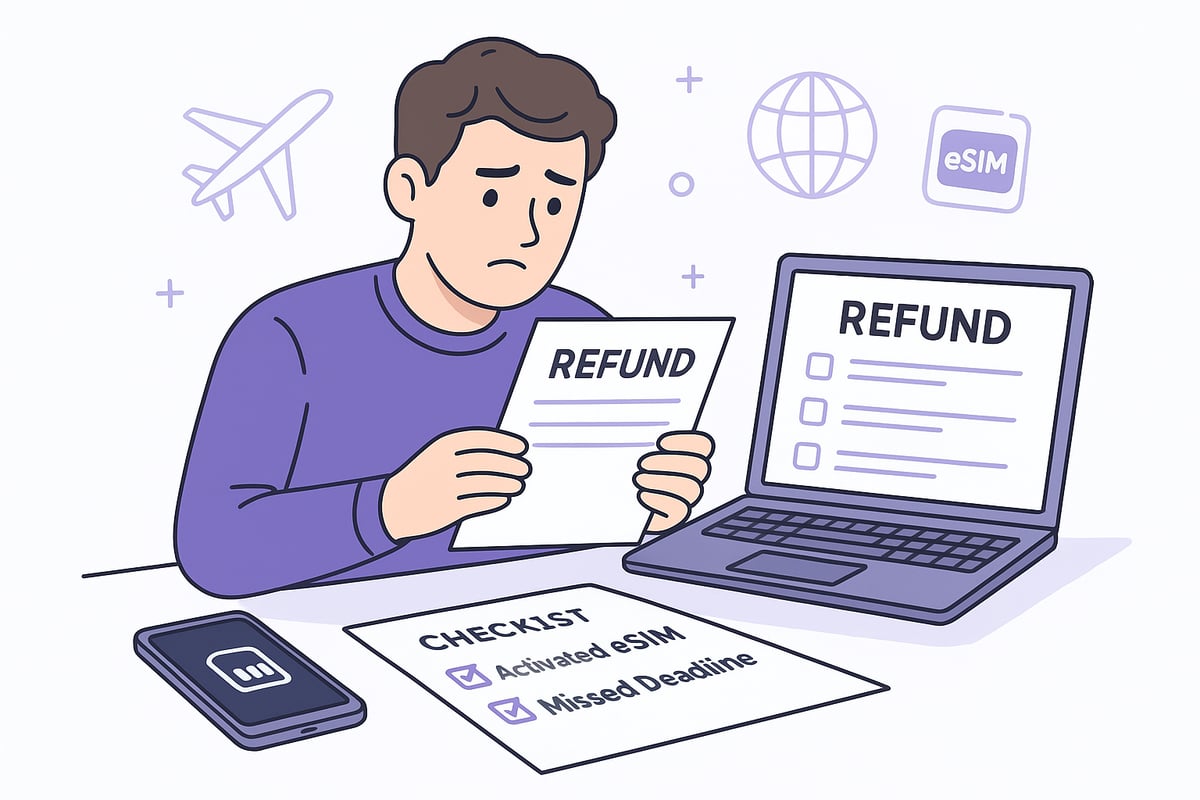
Activating or using your eSIM before requesting a refund: Once you activate or use any data, most claims become ineligible. Always double-check before scanning the QR code.
Waiting until after your trip to contact support: If you wait until you’ve returned home, your holafly refund request may be denied. Reach out as soon as you notice an issue, ideally during your travels.
Not providing clear documentation and evidence: Missing or unclear screenshots, device info, or purchase proof can stall or sink your claim. Keep everything organized from the start.
Missing the 6-month refund window: Holafly gives you up to six months to file, but it’s easy to lose track of time. Set a reminder so you don’t miss your chance.
Overlooking device compatibility before purchase: Many travelers only realize their device isn’t compatible after buying. Check compatibility in advance to avoid disappointment.
Misunderstanding partial refund terms: Sometimes, admin fees or data usage impact your refund amount. Review the details so you know what to expect.
Ignoring how Holafly’s policy compares to others: If you’re unsure about your rights, it helps to see how Holafly stacks up against other brands. You can find a detailed Holafly vs. Ubigi Refund Policies comparison to guide your expectations.
By avoiding these common errors, you’ll boost your chances for a stress-free refund experience.
Tips to Ensure a Smooth and Successful Refund
Making your holafly refund process as seamless as possible starts with a few proactive steps. If you want to avoid stress and get your money back quickly, these expert tips will set you up for success.
Here’s how to ensure your holafly refund goes smoothly:
Double-check your device compatibility before buying. Use Holafly’s compatibility tool or your phone’s official specs page. This step saves time and prevents disappointment later.
Save all your documentation. Keep emails, receipts, screenshots, and order confirmations in one digital folder. This makes it easy to submit everything Holafly needs the first time.
Contact Holafly support immediately if you notice an issue. Don’t wait until after your trip. The sooner you reach out, the better your chances for a full refund.
Clearly state your refund reason and attach supporting evidence, like screenshots of error messages or device info. Being detailed helps Holafly process your claim faster.
Always use Holafly’s official support channels for your request. Emailing help@holafly.com or using the live chat ensures your claim is tracked and handled by the right team.
Follow up politely if you don’t hear back within 48 hours. A simple, friendly check-in keeps your case moving forward.
If you need a replacement eSIM after your holafly refund, consider checking out cheap eSIM options for travelers to find the best fit for your next adventure.
For example, one traveler canceled their trip unexpectedly, reached out to support before activating their eSIM, and provided all documents up front. Thanks to their quick action and complete evidence, they received a full refund in less than two weeks.
Remember, the right approach makes your holafly refund stress-free and helps you get back to planning your travels with confidence.
Holafly Refunds vs. Other eSIM Providers
For the full picture on price, caps and hotspot limits before you rebuy, see Airalo vs Holafly.
Choosing the right eSIM provider can make all the difference when it comes to getting your money back. The holafly refund process stands out for its generous 6-month eligibility window, while many competitors only offer 30 days. If you value flexibility, this can be a major advantage for travelers whose plans change unexpectedly.
Let’s break down some key differences in a quick comparison:
Feature | Holafly Refund Policy | Major Competitor |
|---|---|---|
Refund Window | 6 months | 30 days |
Admin Fee | $3.50 (sometimes applies) | $0–$5 |
Device Incompatibility | Eligible if unused | Often stricter |
Connection Issues | Full/partial, must report during trip | Often partial only |
Processing Time | 10–14 business days | 5–21 business days |
Holafly is also known for friendly, responsive support. Many users report fast responses and clear communication, which can make the holafly refund process less stressful. Some providers, however, may take longer to reply or require more back-and-forth.
In 2026, industry trends include digital-first claims and automated systems, which are making refunds easier and faster. For a deeper dive into how Holafly stacks up against other brands, check out this Global eSIM provider comparison.
When picking a provider, look for a clear refund policy, reasonable admin fees, and a track record of supporting travelers. A smooth holafly refund experience shows just how valuable a flexible, customer-first policy can be.
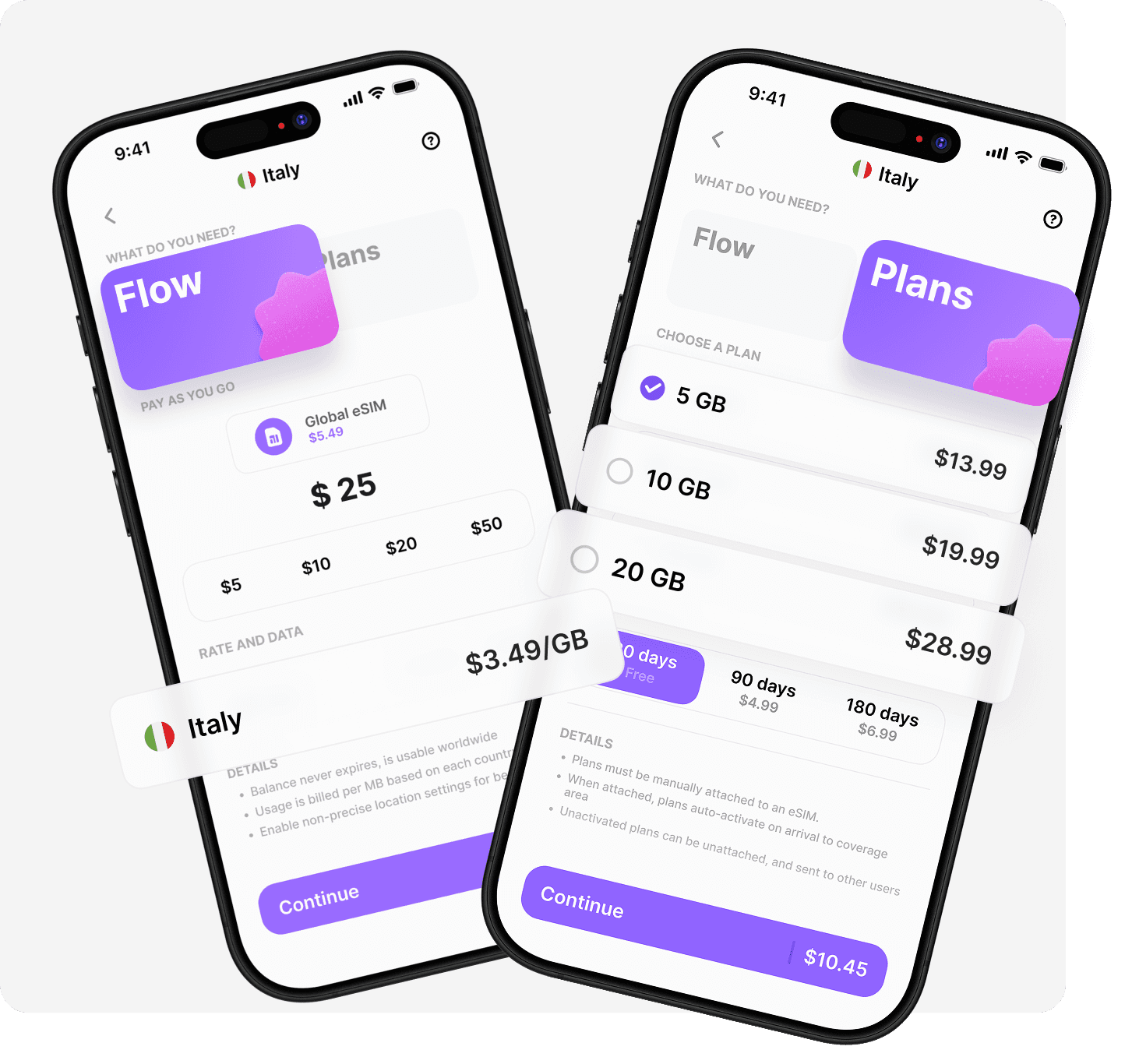
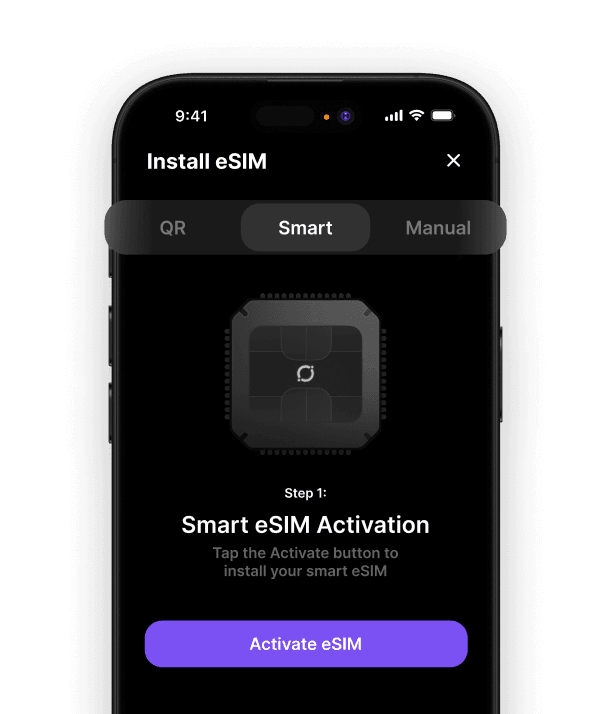
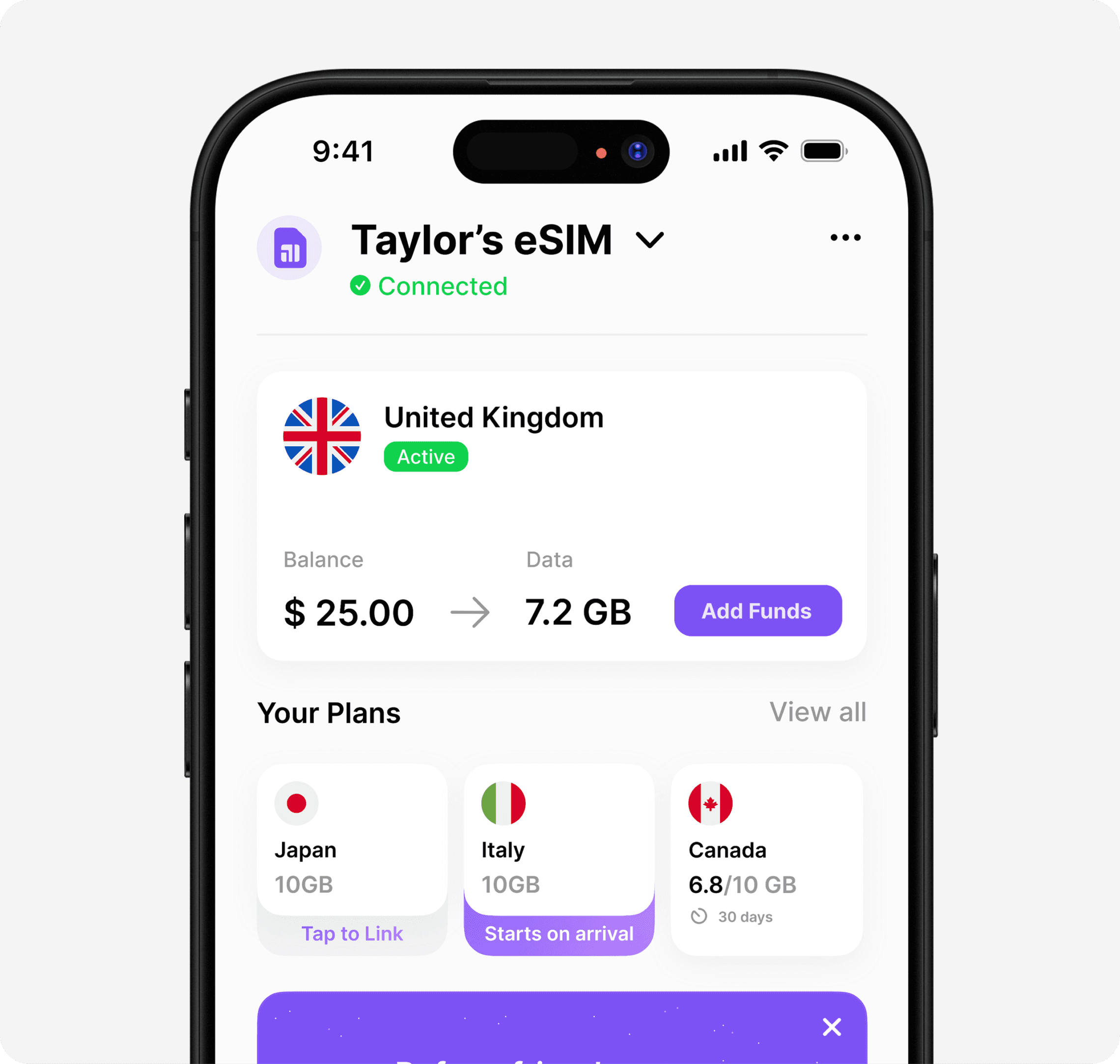
If you’ve made it through the Holafly refund process, you know how important it is to have a travel eSIM that just works—no headaches, no surprises. That’s where we can make things easier for ourselves on our next adventure. With Umi, you only need one global eSIM on your device, and you’re covered in over 200 destinations—no more switching plans or worrying about compatibility. Plus, with flexible pay as you go or prepaid options, you’re always in control of your data and spending. Want to start your next trip with peace of mind? Learn more about Umi eSIM












" height="15.96587083656648px" id="gUt8q3MIs" width="13.557999603271485px"/></svg>)