Smart SIM Management in 2026: Maximizing Your Mobile Experience with Umi eSIM
Written By:
Umi
```html
TL;DR: Mastering Your Primary SIM in 2026
• Efficient SIM management is crucial for avoiding unexpected charges and ensuring reliable connectivity, especially with dual SIM and eSIM technologies becoming mainstream by 2026. • Set up your primary SIM correctly on your device to handle outgoing communications and data effectively; regularly monitor data usage and update device settings to prevent costly mistakes. • Explore troubleshooting tips and optimize call, text, and data settings to maximize your mobile efficiency and reduce international roaming costs. • Embrace eSIM advancements for streamlined global connectivity and check out solutions like Umi for seamless cross-border service.
```
Staying connected in 2026 is more complex than ever, with dual SIM and eSIM technology now mainstream. If you've ever faced confusing SIM switches or been surprised by unexpected charges, you're not alone.
Knowing how to manage your primary sim is now essential for everyday mobile use. This guide is here to help you avoid costly mistakes, keep your service reliable, and take full control of your connectivity.
We'll explore the basics, walk you through setup on popular devices, troubleshoot common issues, and offer smart tips for both everyday use and global travel. By the end, you'll feel confident and empowered to get the most from your mobile experience.
Understanding the Primary SIM: Key Concepts for 2026
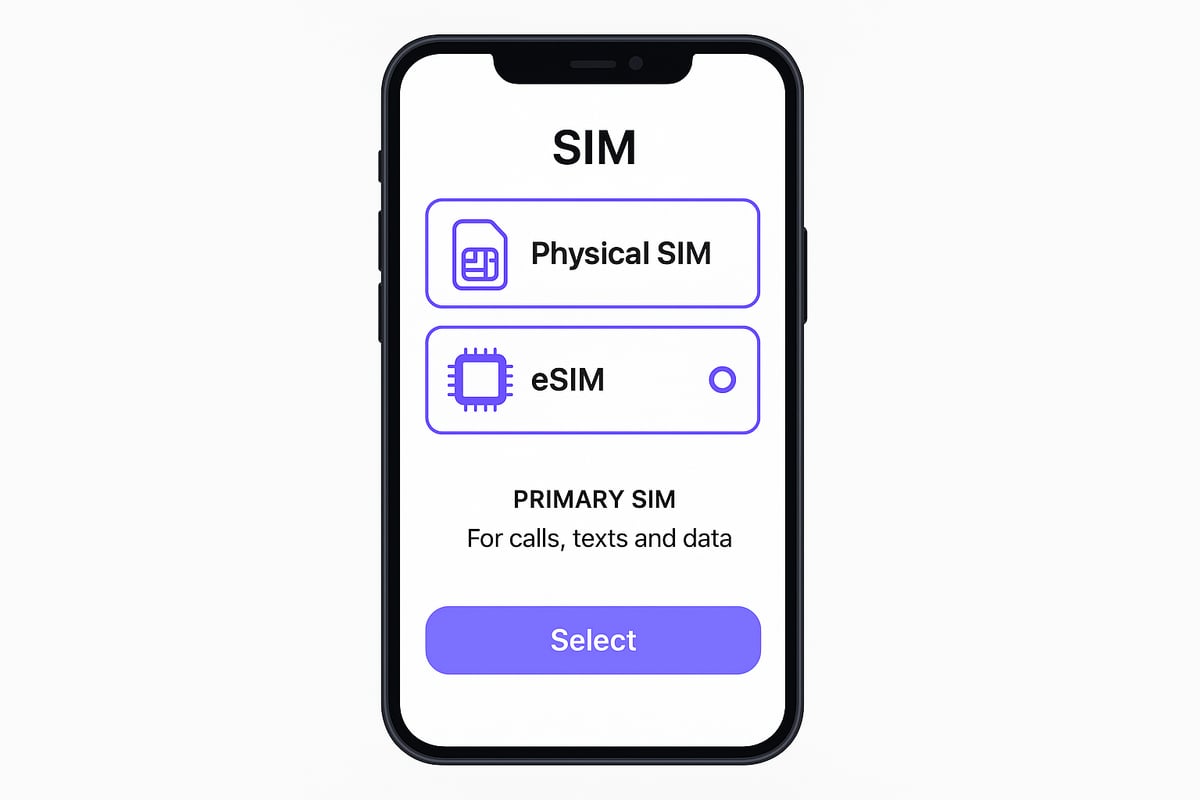
Staying connected efficiently starts with understanding your primary sim, especially as more devices offer dual SIM or eSIM options. The primary sim is the main line your phone uses for calls, texts, and data unless you specify otherwise. In dual SIM and eSIM setups, this choice decides which number and plan drive your daily communication.
Primary SIM vs. Secondary SIM: Key Differences
Your primary sim handles most outgoing calls, SMS, and internet access. The secondary SIM, on the other hand, is often reserved for backup, travel, or work. Many users face confusion when phones default to the “last used SIM” for calls, which can easily lead to unexpected charges if the wrong plan or roaming rates apply.
How Modern Phones Manage SIMs
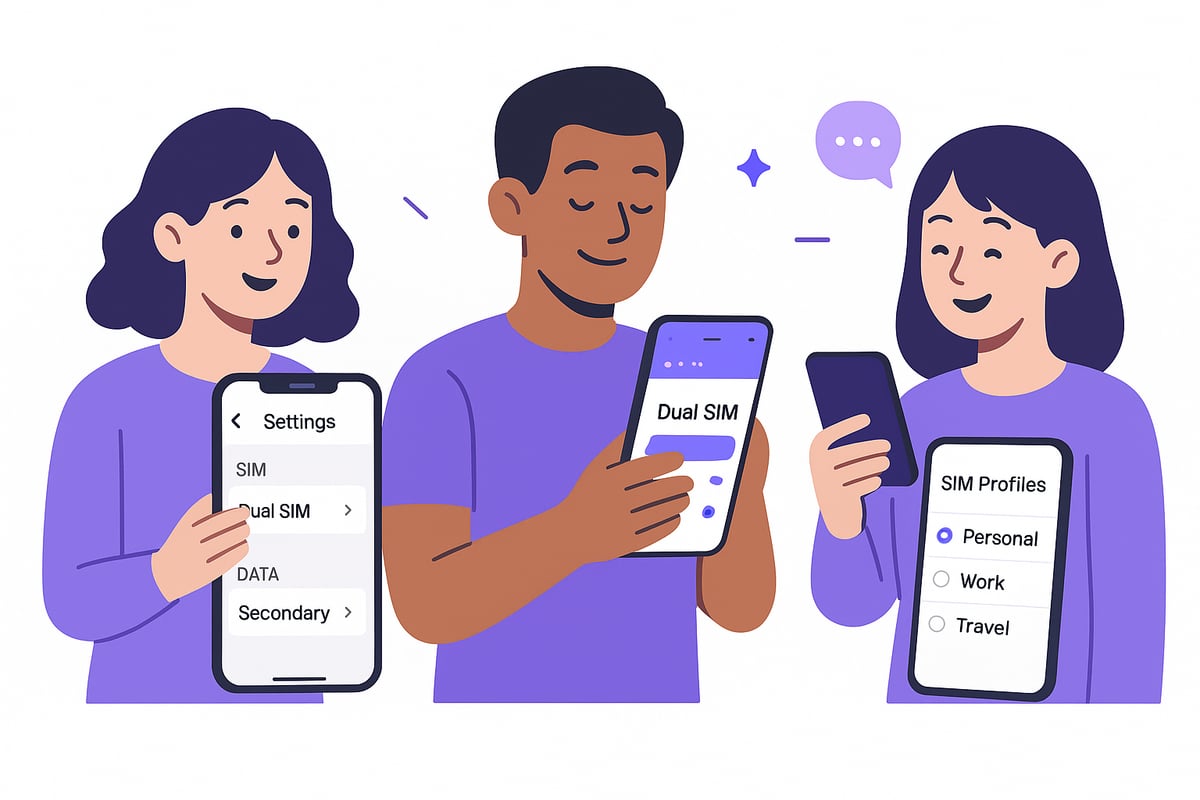
Modern smartphones, whether iOS or Android, let you choose which SIM handles each function. You can set your primary sim for data, while the secondary stays ready for texts or calls. With eSIM and physical SIMs often coexisting, there’s never been more flexibility—or more ways to make a costly mistake.
Why Primary SIM Choice Matters
Choosing the right primary sim affects everything from your monthly bill to your data speeds and even your online security. With over 40% of users now on dual SIM or eSIM devices, and eSIM-enabled device shipments forecast to exceed 633 million in 2026, the importance of smart SIM management is only growing.
Small changes in your SIM settings can make a big impact. By understanding how your primary sim works, you’ll be ready to avoid headaches, save money, and stay secure in the connected world of 2026.
Setting Up and Managing Your Primary SIM on Popular Devices
Getting your primary sim set up correctly is essential for reliable calls, texts, and data, no matter which device you use. Let’s walk through the right steps on iPhone, Android, Samsung, and eSIM-only models to keep you connected without surprises.
iPhone: Primary SIM Setup and Best Practices
On iPhone models with iOS 17 or 18, setting your primary sim is simple but vital. Go to Settings > Mobile Data > Default Line. Choose your preferred SIM for calls, texts, and data. This avoids the common issue where outgoing calls use the last sim, sometimes causing unexpected charges.
If you use both an eSIM and a physical SIM, label each for clarity. For the iPhone XS Max and newer, you can always select "Use Primary as Default" to prevent switching. Remember to recheck your settings after software updates, as iOS occasionally resets SIM priorities. Regularly reviewing your primary sim setup keeps your bills under control.
Android & Samsung: Primary SIM Configuration
On Android 14 or 15 devices, head to Settings > Network & Internet > SIM Cards. Here, you can pick your default SIM for calls, SMS, and data. For Samsung users (Galaxy S22 or newer), tap SIM Card Manager to avoid automatic sim switching.
Some users report their device changes the primary sim after a restart or update. If this happens, try disabling "auto data switching" and check for firmware updates. The Samsung Community has tips for fixing persistent issues. Configuring your primary sim correctly boosts satisfaction and helps you avoid billing headaches.
eSIM-Only Devices: What’s Different?
eSIM-only phones like the Pixel or iPhone Air manage SIM profiles digitally. Set your primary SIM in the device’s SIM manager, where you can activate, deactivate, or switch between multiple eSIM profiles. Carrier support is crucial, so ensure your provider offers flexible eSIM management.
When travelling, it’s easy to switch profiles for local data or calls. For more advanced strategies, see these Smart eSIM Management Tips for seamless transitions and staying in control.
Common Issues with Primary SIMs and How to Fix Them
Managing your primary sim can be trickier than it seems, especially as devices become more advanced. Many of us have faced moments where our phones use the wrong SIM for calls or data, leading to confusion and, sometimes, costly surprises.
A frequent problem is outgoing calls defaulting to the last used or incorrect SIM. Imagine expecting a local call rate, only to discover international charges because your phone switched SIMs without warning. This scenario is especially common among users juggling work and personal numbers.
Another headache is when devices automatically switch the primary sim without you noticing. Samsung and Apple users have reported this, with settings reverting after software updates or even randomly. This can disrupt your routine and rack up unexpected bills.
Quick Troubleshooting Steps:
Check your carrier settings and update your device firmware.
Disable features like auto data switching to prevent unwanted changes.
Reset your network settings if issues persist.
Review your Visual Voicemail settings, as these can sometimes impact data usage and SIM selection, especially on Samsung dual SIM models.
If your primary sim keeps switching despite these fixes, it might be time to contact your network provider. Some issues stem from carrier-side configurations that only they can resolve.
Data shows that 30% of dual SIM users in 2025 encountered incorrect SIM switching at least once. This highlights why staying vigilant with your settings is so important. OS updates can quietly change your primary sim preferences, so regular checks are a must.
For those looking to minimise costs and avoid bill shocks, consider exploring Cheap eSIM Solutions for flexible and affordable options. Smart primary sim management can save both money and stress.
Remember, a little attention to your primary sim settings today can prevent headaches tomorrow.
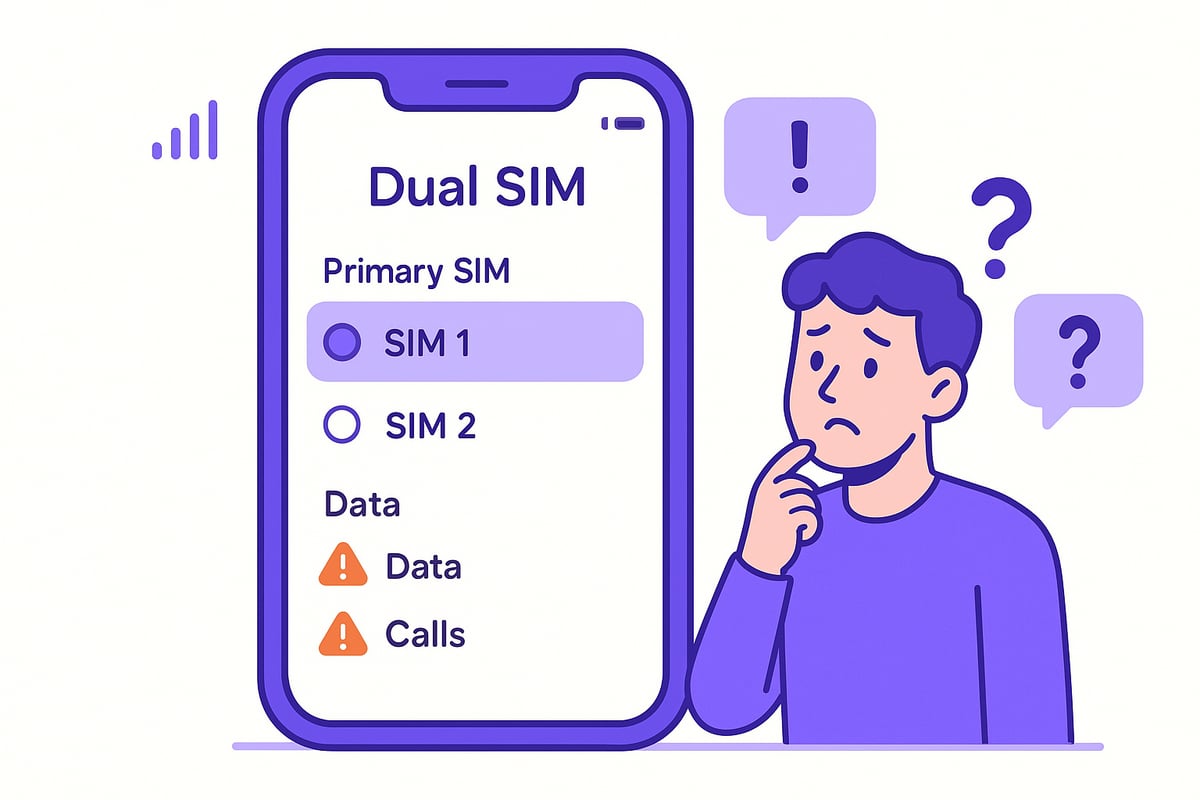
Optimising Data, Calls, and Roaming on Your Primary SIM
Staying in control of your mobile experience starts with making the most of your primary sim. Let’s break down how you can avoid common pitfalls with data, calls, and roaming, so you can enjoy worry-free connectivity wherever you go.
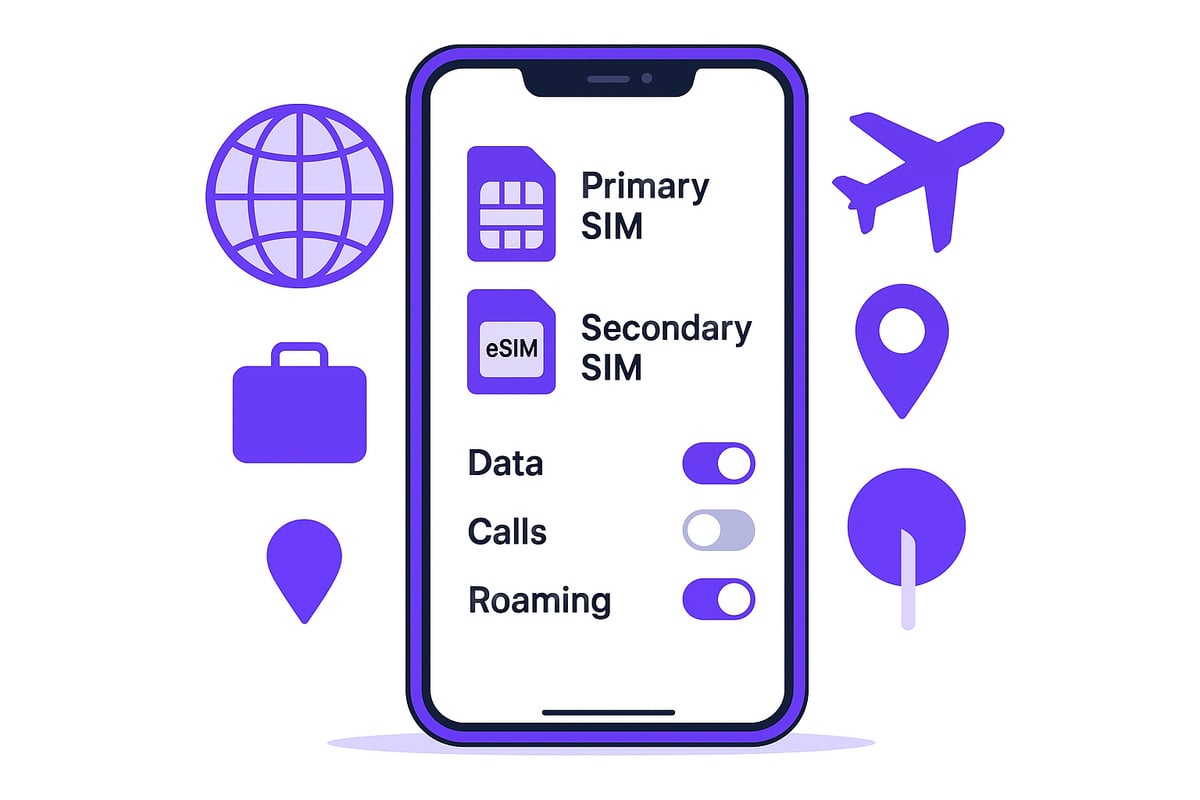
Data Management and Avoiding Unexpected Charges
Managing your data on your primary sim is essential for keeping bills in check. Set data limits in your device settings and regularly monitor usage, especially if you’re juggling more than one sim.
To avoid unexpected charges, make sure your secondary sim is disabled for mobile data when abroad, as accidental use can lead to costly roaming fees.
Quick tips:
Use Wi-Fi whenever possible.
Double-check which sim is active for data before travelling.
Review your data usage in settings weekly.
Issue | % of Users Affected | Solution |
|---|---|---|
Roaming charges | 20% | Set correct primary sim |
Accidental data usage | 15% | Disable data on secondary |
Call and Text Routing: Staying in Control
With dual sim devices, always check your call and text routing settings to ensure your primary sim is used for the right tasks. This is especially important for business users who want work calls on one line and personal texts on another.
Go to your contacts or recent calls and choose the preferred sim for each contact if your phone allows. Device features can prompt you for sim selection every time, reducing mistakes. Many users are surprised to learn 45% aren’t aware of these settings, so reviewing them puts you ahead.
International Roaming and Travel Considerations
Travelling abroad? Your primary sim selection directly affects roaming costs and local rates. Always set your local or travel sim as primary for calls and data to avoid bill shock.
eSIM devices make this even easier for frequent travellers, letting you switch profiles on the go. For more tips on optimising your primary sim when abroad, check out the Best eSIM for Travelling.
Advanced Tips for Power Users and Frequent Travellers
For those of us who rely on our mobiles for work, travel, or just staying connected everywhere, optimising your primary sim setup can make all the difference. Let’s explore advanced strategies that give you flexibility and total control.
Automate Your SIM Switching
Did you know you can automate your primary sim choice based on where you are or what time it is? Tools like Shortcuts for iPhone and Bixby Routines for Samsung let you set your phone to switch SIMs automatically. For example, you can set your device to use your work SIM during office hours, then switch to your personal SIM in the evening. This means less manual toggling and fewer mistakes. If you’re a frequent traveller, these automations help you avoid using the wrong SIM abroad, saving you money and hassle.
Mastering eSIM Profiles and Data Sharing
Managing multiple eSIM profiles is a game changer for anyone who moves between countries or networks. With modern devices, you can store several eSIMs and simply activate the right profile when you land in a new country. This makes it easy to set the local eSIM as your primary sim for data and calls, then switch back when you head home. Some phones even allow sharing data between SIMs or devices, boosting flexibility for digital nomads. For more on how travel is driving eSIM adoption and why this matters for your primary sim setup, check out eSIM adoption driven by travel.
Keep Security and Flexibility in Mind
Choosing the right primary sim also affects your security. Many apps use your SIM for two-factor authentication and verification, so always set your most secure SIM as primary for key accounts. With eSIM adoption expected to reach 60% of new devices by 2026, staying up to date with trends is vital. To learn more about what’s next for eSIM and primary sim management, see eSIM adoption trends in 2026.
By combining smart automation, robust eSIM management, and a focus on security, you can enjoy seamless connectivity wherever life takes you.
The Future of SIM Technology: Trends to Watch in 2026
The world of mobile connectivity is changing fast, and so is how we use our primary sim. Looking ahead to 2026, several big trends are set to shape how we manage our mobile numbers and stay connected wherever we go.
eSIM and iSIM technology are leading the way, making it easier to switch carriers or add new profiles without swapping physical cards. Carrier-independent SIM solutions are growing, making global roaming simpler and cheaper. Device makers are also building in smarter controls, giving users more say in which line acts as their primary sim.
Operating systems like iOS and Android are rolling out smarter algorithms that learn your habits and help you avoid costly mistakes. For example, updates can now recommend the best SIM for calls or data based on your location or recent usage. According to recent reports on eSIM market growth by 2030, eSIM adoption is predicted to skyrocket, making flexible SIM management a must for everyone.
Security and privacy are also getting a boost, with two-factor authentication and app verification increasingly tied to your chosen primary sim. Looking forward, AI and machine learning could soon automate SIM selection, giving you the best balance of cost and coverage with hardly any effort.
Keeping up with these changes means you can make the most of your primary sim, avoid pitfalls, and enjoy seamless, secure mobile connectivity in the years ahead.
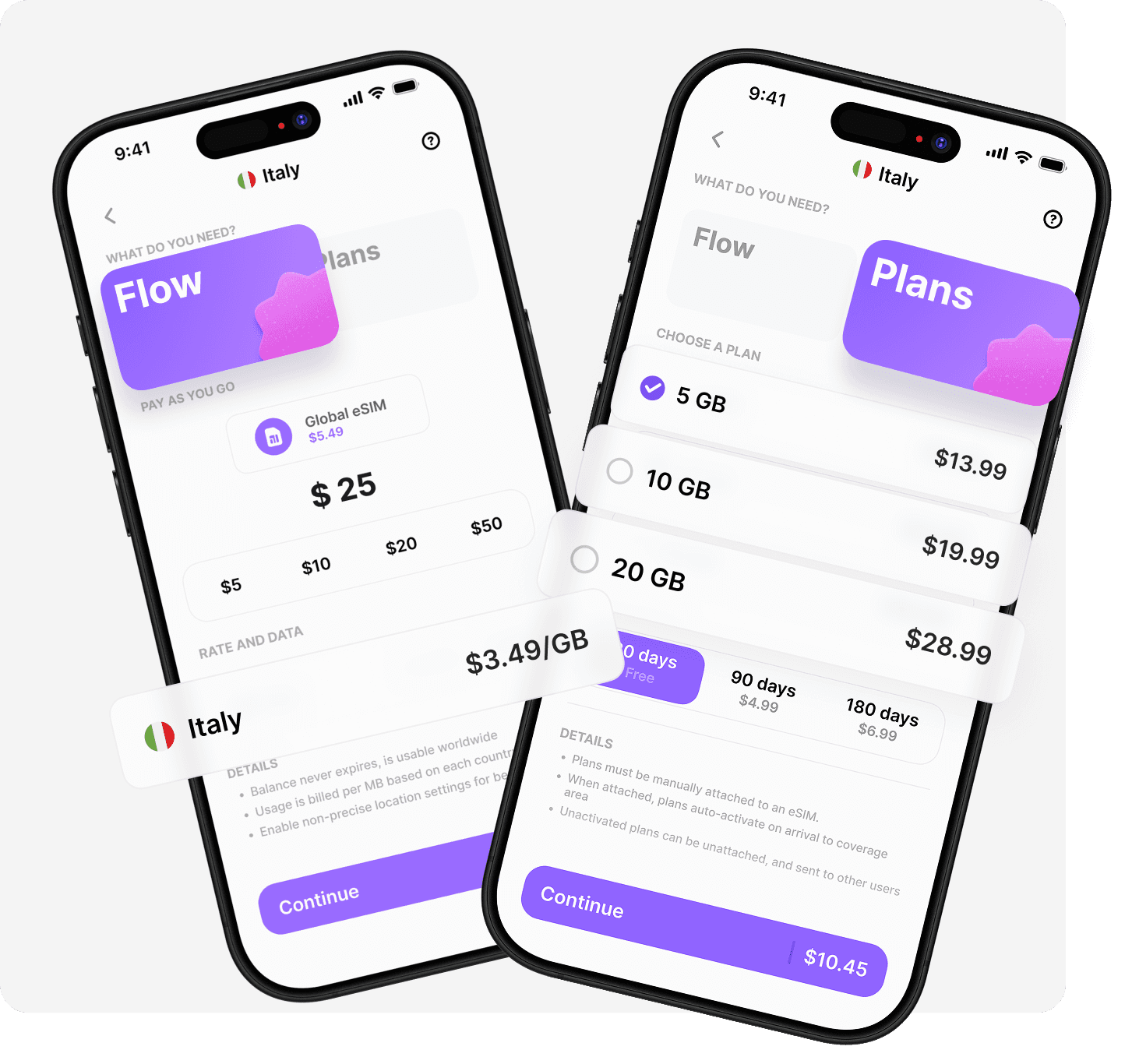
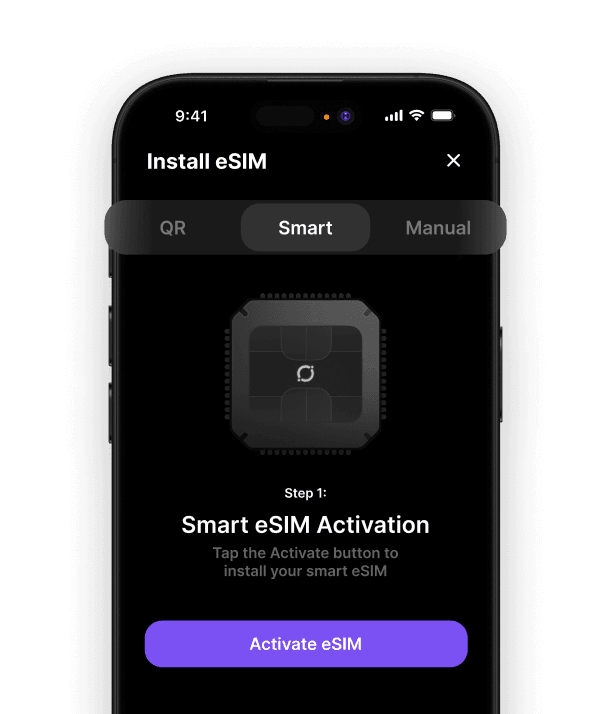
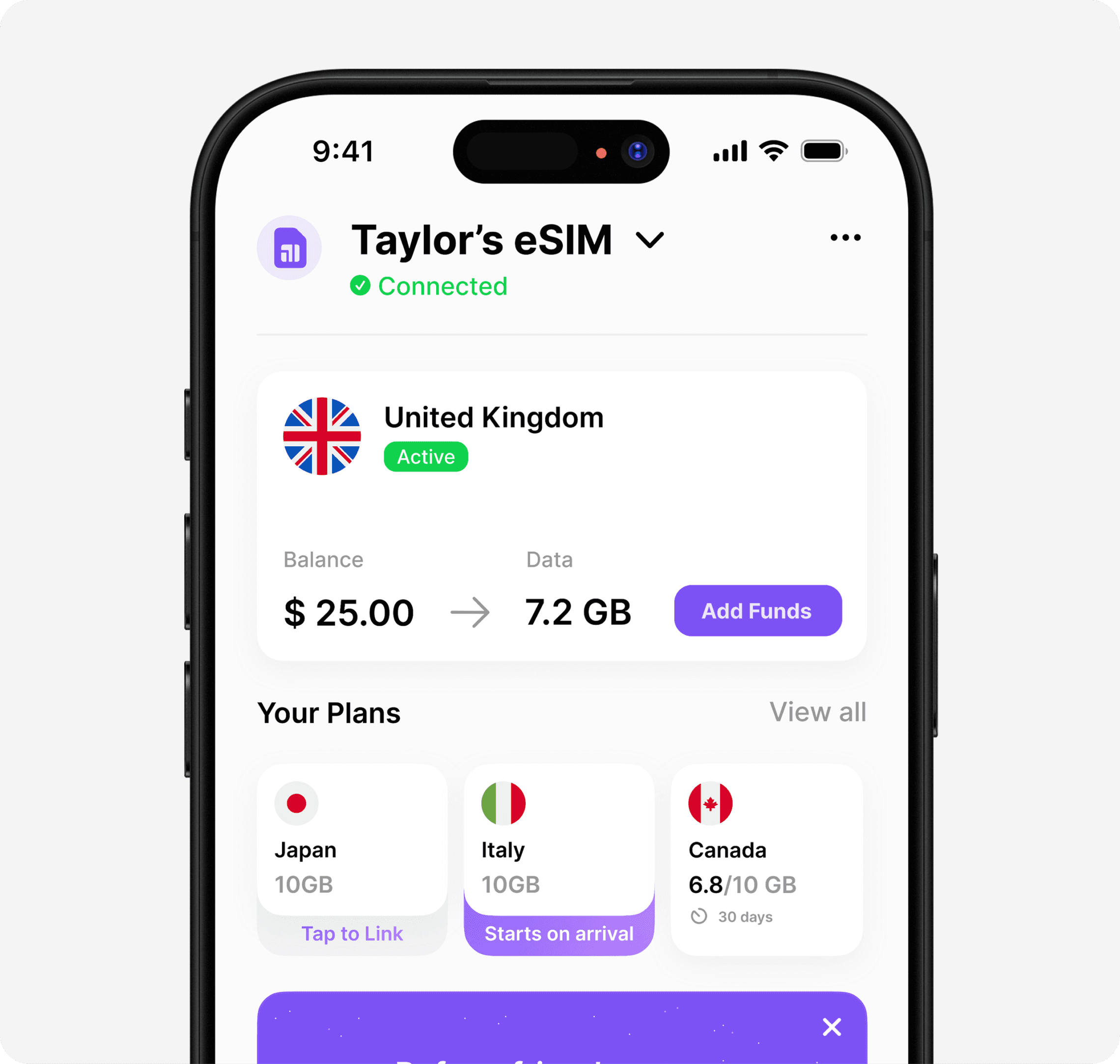
We’ve covered a lot about making your primary SIM work smarter for you in 2026, from avoiding surprise charges to enjoying seamless global connectivity. If you’re excited about the idea of one eSIM that travels everywhere with you—no more juggling SIMs or worrying about roaming—Umi eSIM could be just what you need. With one app and a single eSIM, you get flexibility and control whether you’re at home or halfway across the world. If you’d like to see how easy staying connected can really be, Learn more about Umi eSIM.












" height="15.96587083656648px" id="gUt8q3MIs" width="13.557999603271485px"/></svg>)