Samsung eSIM: The Ultimate Guide to Global Connectivity
Written By:
Umi
Samsung Galaxy devices have revolutionised how we stay connected whilst travelling, and eSIM technology sits at the heart of this transformation. If you're wondering whether your Samsung phone supports eSIM or how to set it up for your next adventure, you've landed in the right spot. We'll walk you through everything you need to know about e sim samsung compatibility, activation, and how to make the most of this brilliant technology for seamless global connectivity.
Understanding E SIM Samsung Compatibility
Not every Samsung device supports eSIM technology, so it's essential to check whether your phone makes the cut. The good news? Samsung has been steadily expanding eSIM support across its flagship and mid-range lineup since 2019.
Which Samsung Phones Support eSIM?
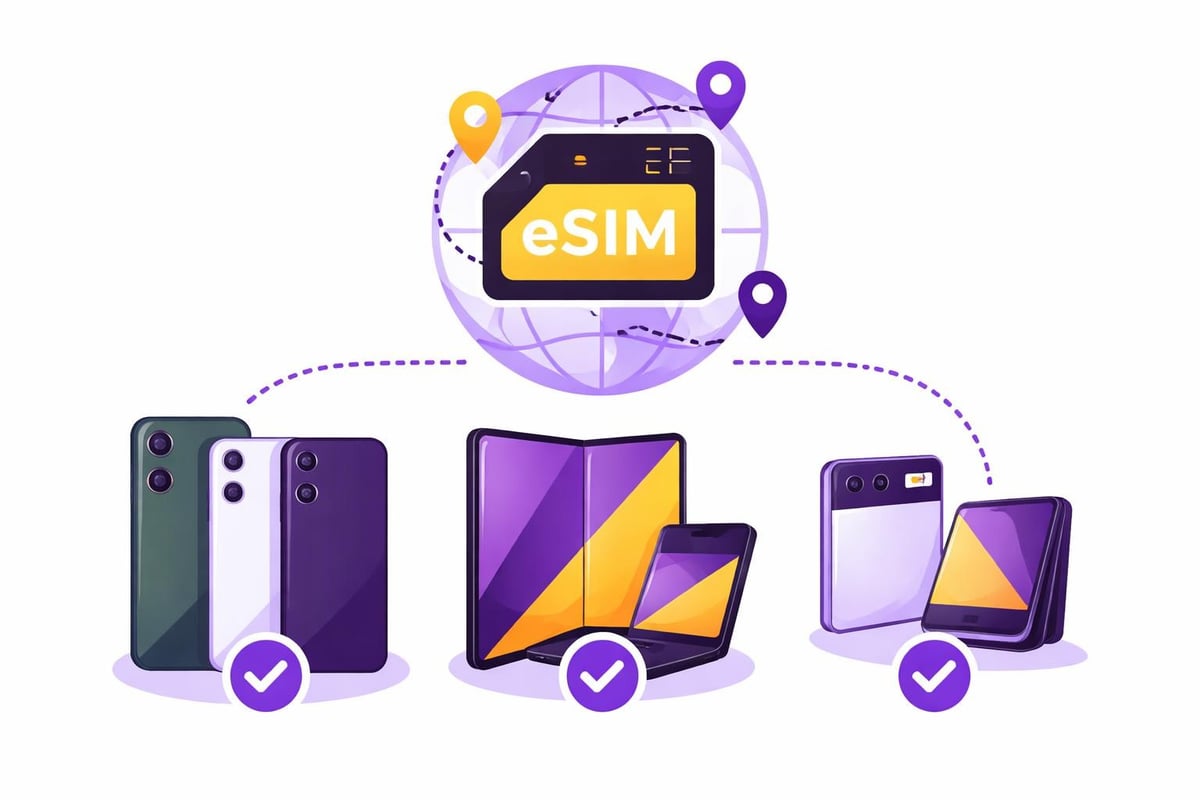
The Samsung Galaxy S series has led the charge with eSIM capabilities. Models from the Galaxy S20 onwards generally support eSIM, though availability initially varied by region. The Samsung Galaxy S21 Ultra gained eSIM support in the U.S. with software updates, demonstrating Samsung's commitment to bringing this feature to existing devices.
Here's a quick breakdown of popular e sim samsung compatible devices:
Galaxy S Series: S20, S21, S22, S23, S24, and their Plus/Ultra variants
Galaxy Z Series: Z Fold 2, Z Fold 3, Z Fold 4, Z Fold 5, Z Flip, Z Flip 3, Z Flip 4, Z Flip 5
Galaxy A Series: Select models including A54 5G (region-dependent)
Galaxy Note Series: Note 20 and Note 20 Ultra
Regional variations mean that some models sold in certain countries may not have eSIM enabled, even if the hardware supports it. Always verify with your carrier or Samsung directly.
How to Set Up E SIM Samsung Devices
Getting your e sim samsung device configured is straightforward once you understand the process. The experience varies slightly depending on whether you're adding a travel eSIM or converting your primary line.
Activating Your First eSIM
Samsung has made setting up eSIM on Android devices remarkably simple through the Settings menu. Navigate to Connections > SIM card manager > Add mobile plan to begin the process.
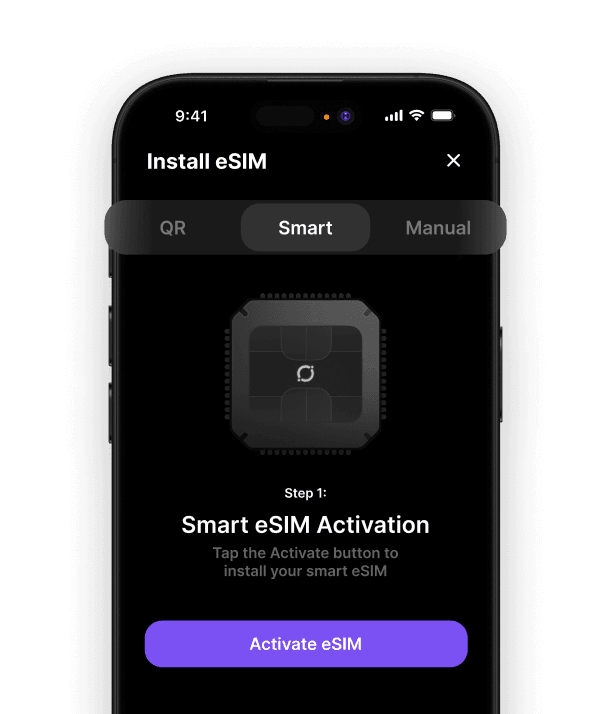
You'll typically receive a QR code from your eSIM provider. Simply scan this code using your phone's camera, and your device handles the rest. Some providers, including cutting-edge options for travellers, allow direct installation through their dedicated apps without needing QR codes at all.
Step-by-step activation:
Open Settings and tap Connections
Select SIM card manager
Tap Add mobile plan or Add eSIM
Scan the QR code provided by your carrier
Follow the on-screen prompts to complete activation
Label your eSIM (e.g., "Travel" or "Work") for easy identification
Samsung's Transfer and Conversion Features
Samsung introduced powerful eSIM transfer and conversion capabilities in One UI 5.1, making it easier to move your digital SIM between Galaxy devices or convert your physical SIM card to an eSIM.
This feature is particularly brilliant when upgrading to a new Samsung phone. Rather than contacting your carrier, you can transfer your eSIM directly through the Settings menu, saving time and hassle.
Feature | Benefit | Availability |
|---|---|---|
eSIM Transfer | Move eSIMs between Galaxy devices without carrier contact | One UI 5.1+ |
SIM to eSIM Conversion | Convert physical SIM to eSIM on the same device | One UI 5.1+ |
Multi-eSIM Support | Store multiple eSIM profiles simultaneously | Most compatible models |
Choosing the Right eSIM for Your Samsung Device
With your e sim samsung device ready to go, selecting the appropriate eSIM provider becomes crucial, especially if you're a frequent traveller. Traditional carriers have expanded their eSIM offerings, with services like Google Fi now supporting multiple Galaxy devices including the S23 series and foldable phones.
Travel eSIMs vs Traditional Carrier eSIMs
For international travel, dedicated travel eSIM providers offer distinct advantages over traditional roaming. Understanding which eSIM suits your needs best helps you avoid surprise charges and connectivity issues abroad.
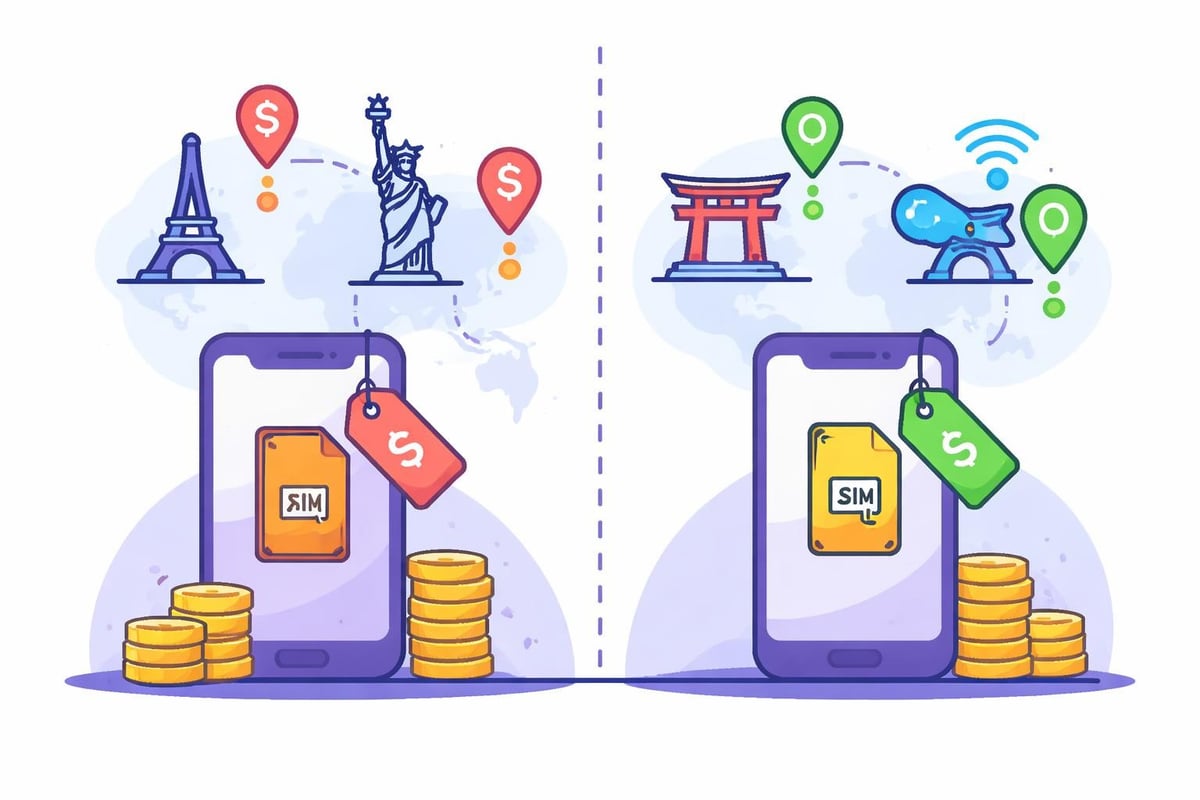
Traditional carrier eSIMs work brilliantly for your home country but often come with expensive roaming fees when travelling. Travel eSIMs, by contrast, provide local rates in multiple countries without the complexity of purchasing separate SIMs for each destination.
Key considerations when selecting an eSIM:
Coverage area: Does it work in your destination countries?
Data validity: How long does your purchased data last?
Flexibility: Can you top up or change plans easily?
Dual SIM functionality: Can you keep your primary number active simultaneously?
Samsung Dual SIM Capabilities
One of the most powerful features of e sim samsung technology is the ability to run dual SIM configurations. You can keep your primary physical SIM card active whilst adding an eSIM for travel, maintaining your home number for calls and texts whilst using local data rates abroad.
Most Samsung eSIM-compatible devices support one physical SIM and one eSIM active simultaneously, though some newer models can store multiple eSIM profiles and switch between them as needed.
Security and Reliability of Samsung eSIMs
Samsung takes eSIM security seriously, implementing robust encryption and authentication measures to protect your mobile identity. The technology complies with GSMA standards, ensuring your digital SIM is as secure as a physical one.
However, it's worth noting that security vulnerabilities can emerge in any technology. Recent reports have highlighted potential security flaws in eSIM systems affecting billions of devices, though manufacturers and carriers quickly addressed these concerns with updates.
Practical Tips for Samsung eSIM Users
Managing multiple eSIM profiles effectively:
Label each eSIM clearly to avoid confusion
Set data usage limits per SIM to control spending
Disable eSIMs you're not actively using to preserve battery
Keep QR codes or activation details backed up securely
If you frequently switch between devices, Samsung's development of tools to simplify eSIM transfers from iPhones to Galaxy devices demonstrates the brand's commitment to making the ecosystem more accessible.
Making the Most of E SIM Samsung for Global Travel
Your e sim samsung device opens up incredible possibilities for staying connected whilst exploring the world. Rather than hunting for local SIM cards at airports or paying extortionate roaming fees, you can activate connectivity before you even board your flight.
For those seeking the ultimate flexibility, modern travel eSIM solutions like global eSIM providers eliminate the need to purchase separate eSIMs for each country. This approach particularly suits digital nomads and frequent travellers who visit multiple destinations throughout the year.
The ability to maintain your home number for important calls whilst using cost-effective data through a travel eSIM creates the perfect balance. You're never unreachable, yet you avoid the shock of a massive phone bill when you return home.
Whether you're heading to popular destinations in the USA or embarking on international adventures, your Samsung device's eSIM capabilities ensure you stay connected without the traditional hassles of international mobile connectivity.
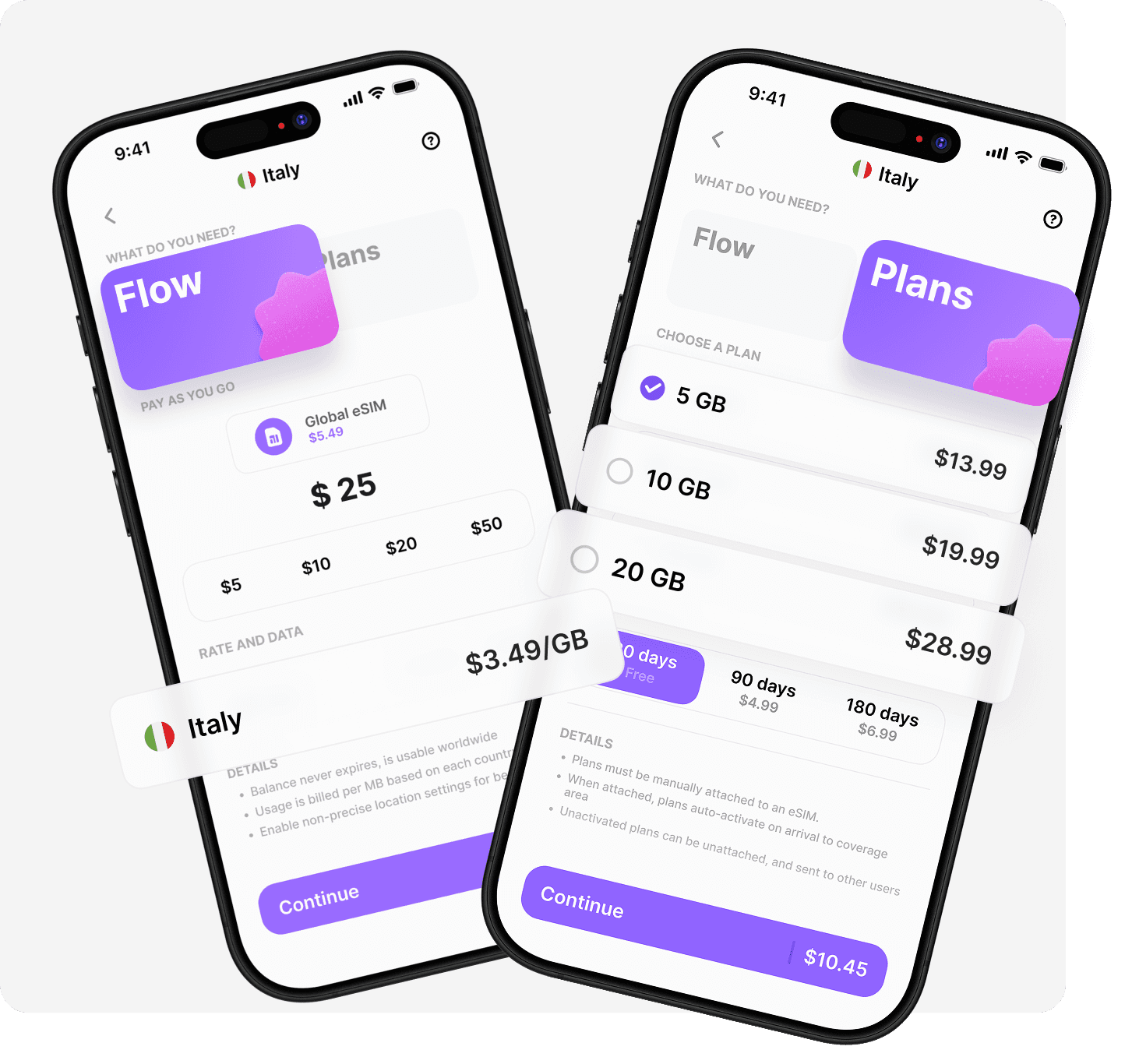
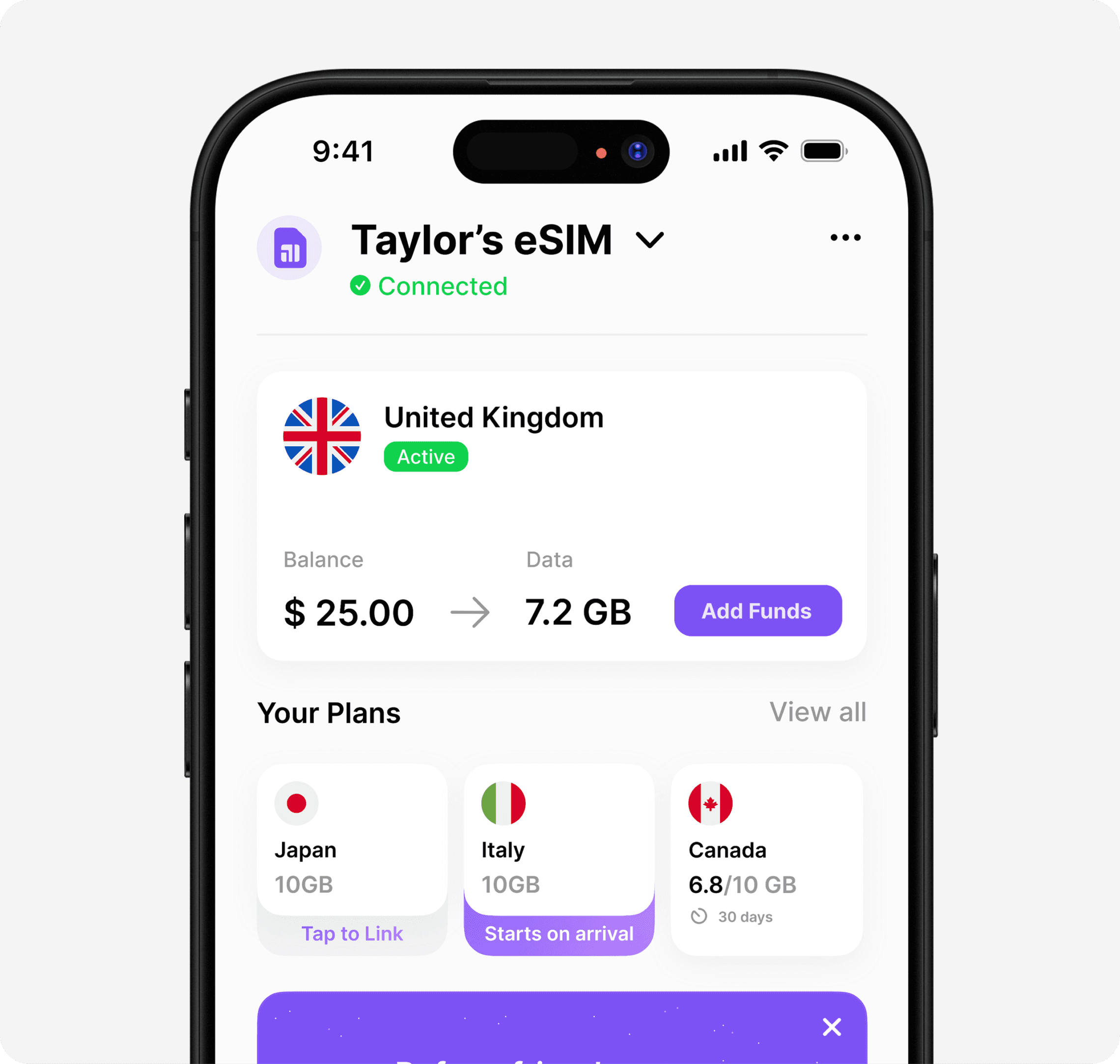
Your Samsung device's eSIM technology represents a significant leap forward in mobile connectivity, particularly for travellers who value convenience and flexibility. Rather than juggling multiple physical SIM cards or settling for expensive roaming, eSIMs put you in control. If you're ready to experience truly seamless global connectivity, Umi offers a revolutionary approach with one eSIM that works in 200+ destinations, eliminating the need to buy new travel eSIMs for every trip whilst giving you complete control through Flow's pay-as-you-go balance or flexible prepaid plans.












" height="15.96587083656648px" id="gUt8q3MIs" width="13.557999603271485px"/></svg>)