eSIM for iPhone 11: Setup and Travel Guide (2026)
Written By:
Umi
TL;DR: How eSIM Elevates iPhone 11 Travel Connectivity
The iPhone 11's support for eSIM technology offers global travelers seamless connectivity by eliminating the need to swap physical SIMs, making Umi an optimal choice with coverage in 200+ destinations.
Understand regional differences; devices from China have dual SIM slots instead of eSIM support.
Activate eSIM via QR code, manual entry, carrier apps, or iPhone transfers for smooth setup before travel.
Leverage dual SIM features to separate travel and home data plans for cost-efficiency.
Choose flexible eSIM plans for expansive, cost-effective worldwide coverage and take advantage of higher security with remote deactivation.
The iPhone 11 brought eSIM technology to millions of users worldwide, opening up exciting possibilities for travellers and digital nomads. If you're wondering whether your iPhone 11 supports eSIM and how to make the most of this feature whilst travelling, you're in the right place. This technology eliminates the hassle of swapping physical SIM cards when you cross borders, making international connectivity smoother than ever before.
Understanding eSIM Compatibility on iPhone 11
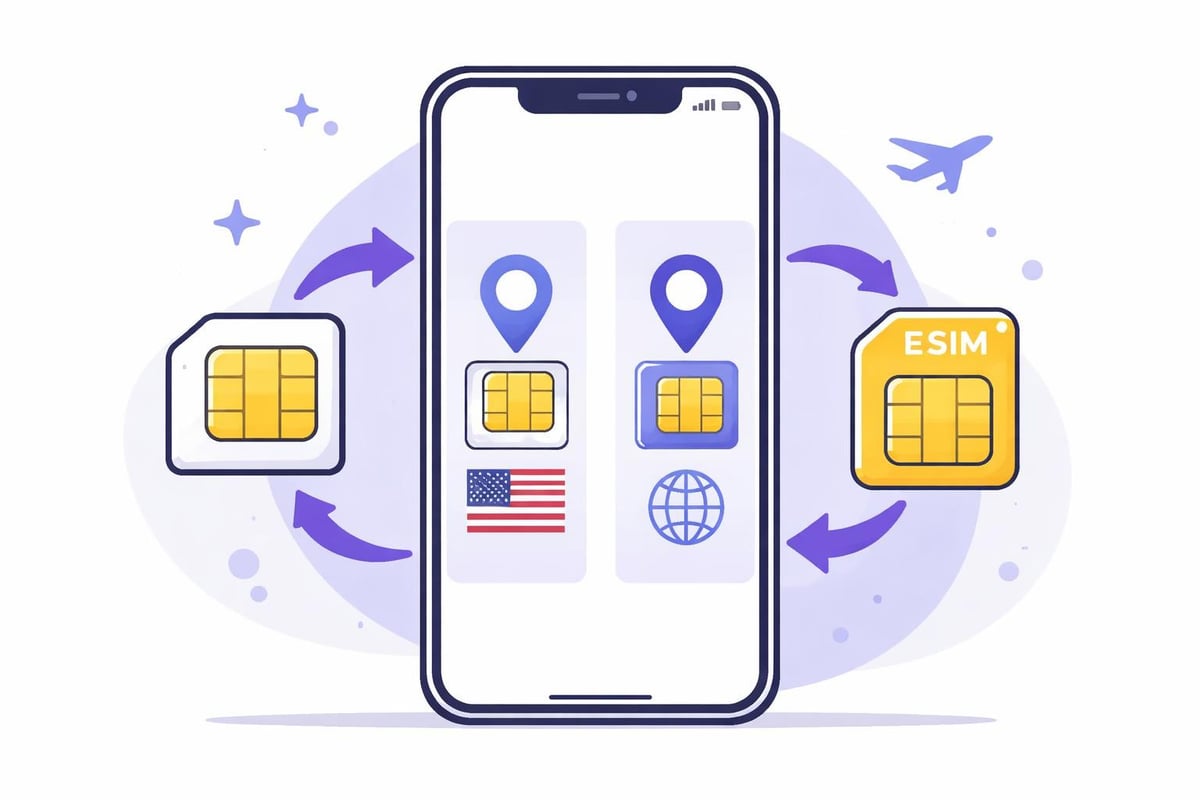
Apple introduced eSIM support across the iPhone 11 range, including the iPhone 11, iPhone 11 Pro, and iPhone 11 Pro Max. All models sold globally support eSIM technology, though there's an important distinction to understand. Your iPhone 11 can use one physical nano-SIM card alongside one eSIM, giving you dual SIM capability. However, unlike newer iPhone models, the iPhone 11 cannot use two eSIMs simultaneously.
This configuration works brilliantly for travellers. You can keep your home number on the physical SIM whilst adding an eSIM for data when you're abroad.
Regional Variations and Model Differences
Not all iPhone 11 devices are created equal when it comes to SIM capabilities. Phones sold in mainland China, Hong Kong, and Macao feature dual physical SIM card slots instead of the eSIM option. Different iPhone 11 models have varying eSIM capabilities depending on where they were originally purchased, so it's worth checking your device specifications if you bought your phone internationally.
Setting Up eSIM for iPhone 11
Getting your esim for iphone 11 up and running is straightforward once you understand the process. Before you begin, ensure your device is running the latest iOS version and that you're connected to Wi-Fi.
Activation Methods
There are several ways to add an eSIM to your iPhone 11:
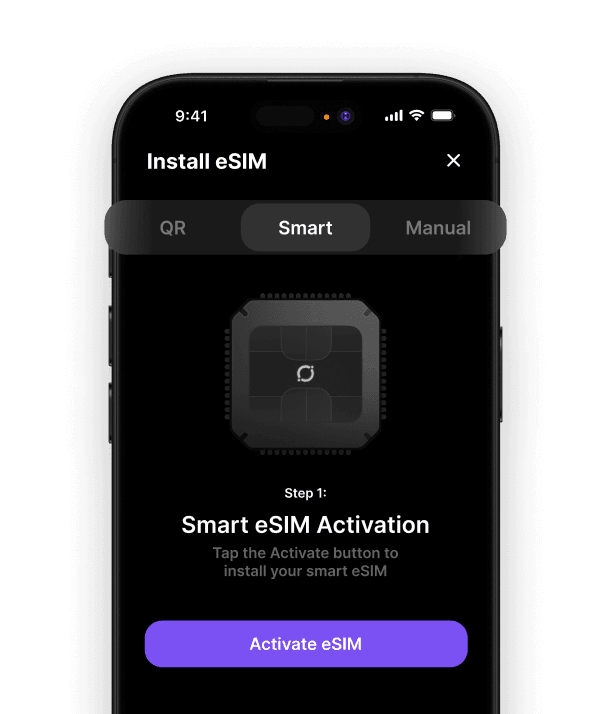
QR Code Scanning: The most common method where you scan a QR code provided by your eSIM provider
Manual Entry: Input carrier details directly if a QR code isn't available
Carrier App: Some providers offer in-app eSIM installation
Transfer from Another iPhone: Available for certain carriers
Apple's official deployment guide provides detailed technical information about eSIM preparation and security benefits for Apple devices.
Step-by-Step Installation Process
Open Settings and tap Mobile Data (or Cellular)
Select Add Data Plan or Add eSIM
Scan your eSIM QR code using your iPhone's camera
Label your eSIM plan (e.g., "Travel Data" or "Work")
Choose which line to use for mobile data and calls
Complete the activation process
If you're experiencing difficulties adding an eSIM, ensure your carrier supports eSIM activation and that your account is properly configured.
Maximising Dual SIM Features for Travel
The esim for iphone 11 functionality shines brightest when you're travelling internationally. Here's how to optimise your setup for seamless global connectivity.
Primary and Secondary Line Configuration
Your iPhone 11 allows you to designate different lines for specific purposes:
Function | Recommended Setup | Benefit |
|---|---|---|
Mobile Data | Travel eSIM | Avoid roaming charges |
Default Voice Line | Home SIM | Keep your regular number |
iMessage/FaceTime | Both lines | Stay reachable everywhere |
Calls While Roaming | Travel eSIM | Local rates apply |
Data switching happens automatically when you select which line to use for mobile data. You can toggle between lines in Settings whenever needed, giving you complete control over your connectivity.
Choosing the Right eSIM Provider for International Travel
Not all eSIM providers offer the same value proposition. Traditional travel eSIMs require you to purchase a new plan for each country or region you visit, which becomes tedious and expensive for frequent travellers.
Modern eSIM Solutions
When selecting a global eSIM provider, consider these factors:
Coverage area: Does it work in all your destinations?
Pricing structure: Pay-as-you-go versus fixed plans
Data validity: Do unused data expire?
Installation process: One-time setup or repeated installations?
Customer support: Available when you're travelling?
The best eSIM for international travel offers flexibility without forcing you to manage multiple profiles across different trips.
Troubleshooting Common iPhone 11 eSIM Issues
Even with straightforward technology, you might encounter occasional hiccups. Here are solutions to frequent problems:
eSIM Options Not Appearing
If your iPhone 11 doesn't display eSIM options, several factors could be responsible:
Your device may be carrier-locked
The model might be from a region without eSIM support
iOS needs updating to the latest version
Carrier settings require an update
Network Connectivity Problems
Network issues with eSIM usage particularly affecting LTE connectivity can often be resolved by toggling Aeroplane Mode on and off or resetting network settings. Remember that some carrier-specific features might not work identically on eSIM compared to physical SIM.
Data Plan Management
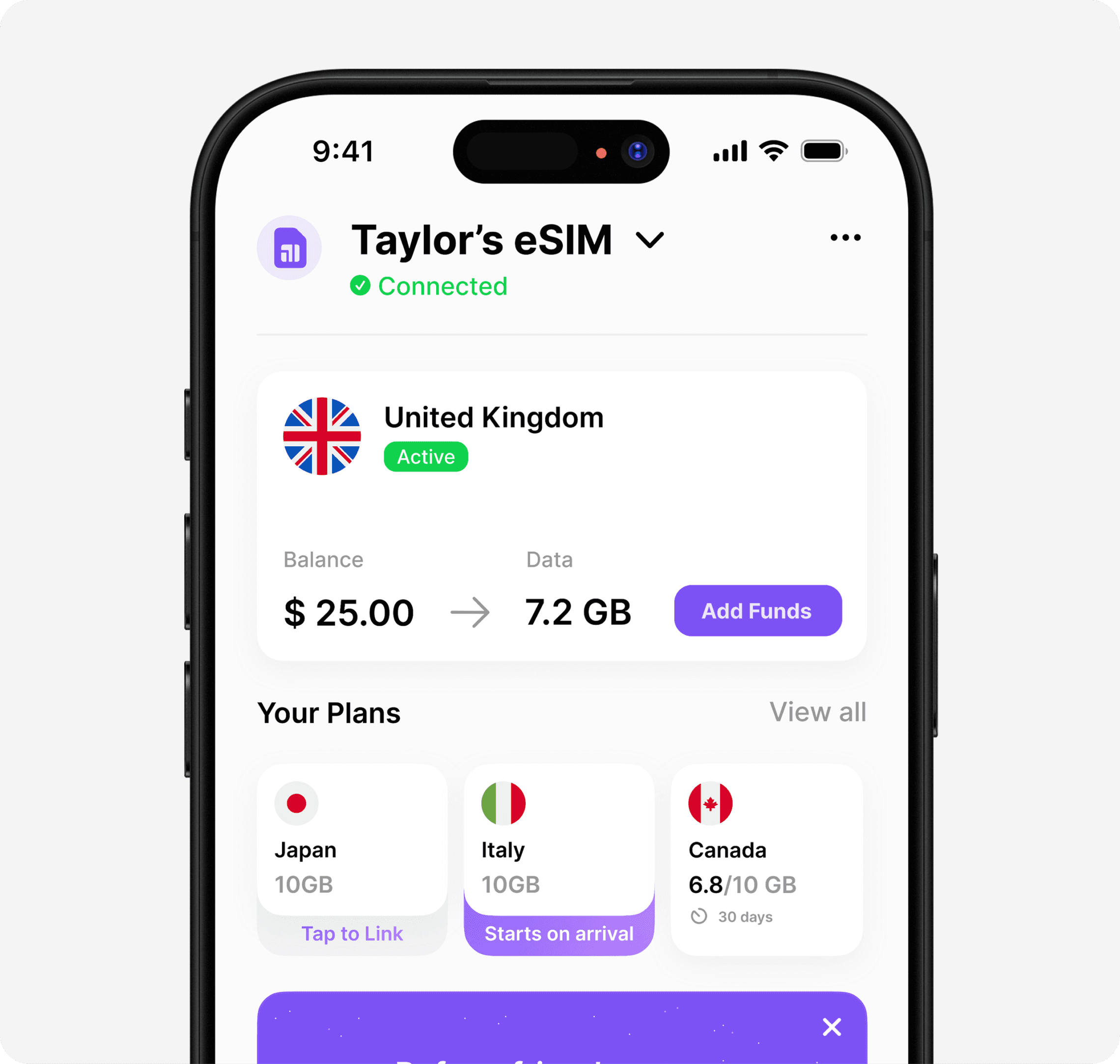
Managing multiple eSIM profiles becomes simpler when you use a solution that stays permanently installed. Rather than deleting and reinstalling eSIMs for each journey, look for providers that support multiple destinations on a single eSIM.
Practical Tips for eSIM Users
Activate before you fly: Download your eSIM profile whilst you're still connected to Wi-Fi at home. This prevents any activation issues when you land.
Monitor data usage: Your iPhone 11 tracks data consumption per line. Check Settings > Mobile Data to see which line is using data and how much.
Keep your physical SIM: Don't discard your original SIM card. You'll need it if you switch phones or encounter technical issues.
Best Practices for Travellers
Create a systematic approach to using your esim for iphone 11:
Install your eSIM profile before departure
Label your lines clearly (Home, Travel, Work, etc.)
Set data preferences for each line
Enable data roaming only on your travel eSIM
Test connectivity before leaving Wi-Fi coverage
These simple steps ensure you're never caught without connectivity in a foreign country.
Cost Comparison and Value Considerations
Traditional roaming charges can shock you when you return home from a trip. A typical week-long European holiday might cost £50-100 in roaming fees with your regular carrier. Purpose-built travel eSIMs eliminate these surprise charges.
Option | Cost Range | Convenience | Flexibility |
|---|---|---|---|
Carrier Roaming | £5-15/day | Easy but expensive | Limited |
Local Physical SIM | £10-30 per country | Time-consuming | Single destination |
Regional eSIM | £15-50 per trip | Moderate | Region-locked |
Global eSIM | Variable | High | Multi-country |
Finding the best eSIM means balancing cost with convenience and coverage.
Security and Privacy Considerations
eSIM technology actually enhances security compared to physical SIM cards. There's no physical card to lose, steal, or damage. Your eSIM profile is encrypted and stored securely within your iPhone 11's hardware.
Remote deactivation becomes possible if your phone is lost or stolen. You can contact your provider to disable the eSIM remotely, preventing unauthorised usage. This level of control wasn't easily achievable with traditional SIM cards.
Always download eSIM profiles from trusted providers and avoid sharing QR codes or activation details with others.
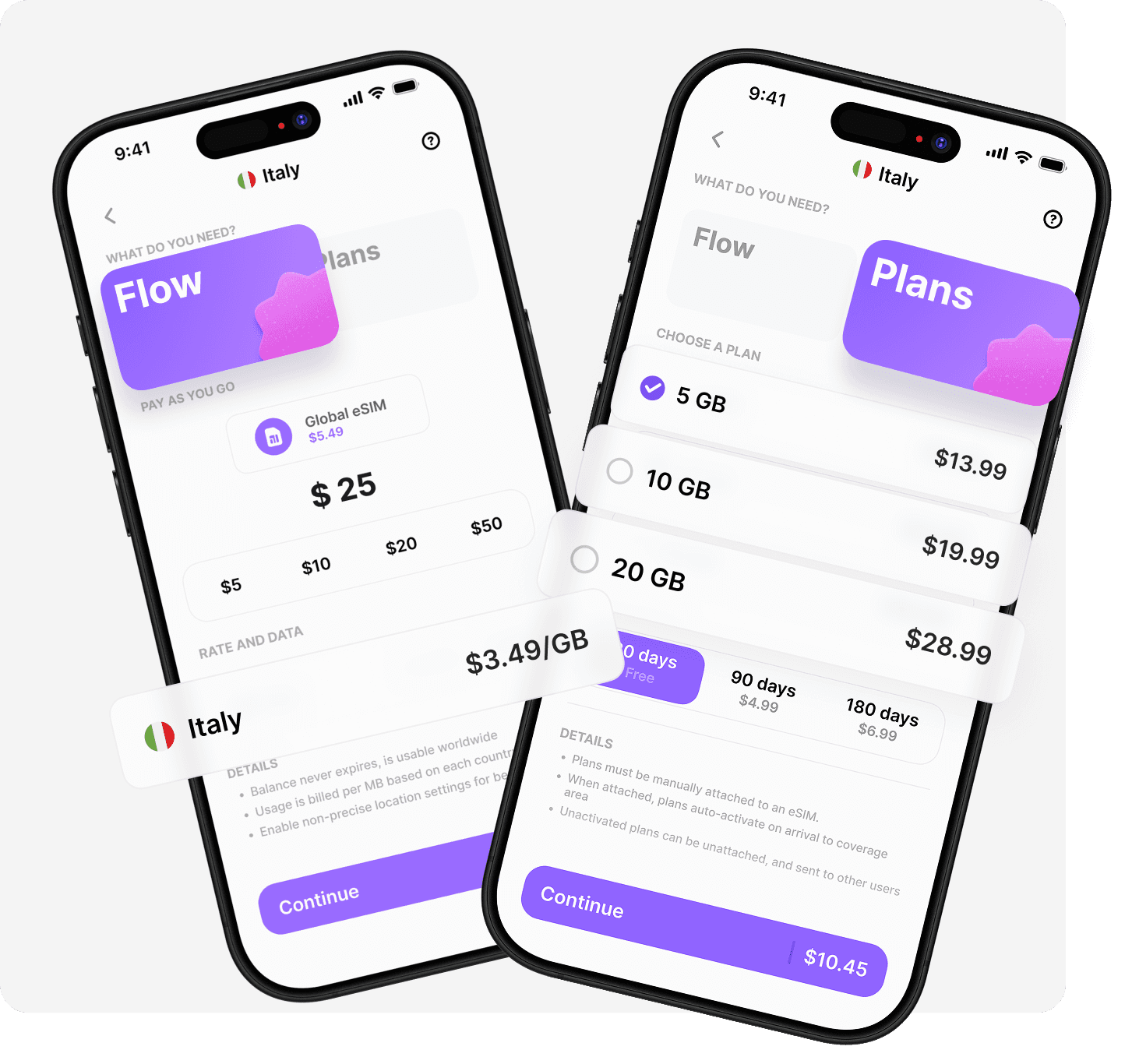
The esim for iphone 11 transforms how we stay connected whilst exploring the world, offering flexibility and cost savings that traditional SIM cards simply can't match. Rather than juggling multiple eSIM profiles or buying new plans for every destination, Umi offers a smarter approach: install once and use everywhere across 200+ destinations. With Flow's pay-as-you-go balance that never expires and prepaid Plans for heavier usage, you'll enjoy seamless global connectivity without the hassle of constant eSIM switching.












" height="15.96587083656648px" id="gUt8q3MIs" width="13.557999603271485px"/></svg>)