How to Use eSIM on iPhone: Your Complete 2026 Guide
Written By:
Umi
TL;DR: Why iPhone eSIM is Essential for Travelers
eSIM technology on modern iPhones offers instant activation without the need for physical SIM cards, supporting multiple carrier profiles and seamless network switching, making it ideal for international travelers.
eSIM activation can be done via QR code or manual entry, allowing users to maintain their home number while adding travel plans effortlessly.
iPhones since the XS model support eSIM, with newer models like iPhone 14 and 15 in the US using eSIM exclusively.
Managing multiple eSIM profiles enables convenient toggling between personal, work, and travel numbers, avoiding high roaming costs and providing flexibility.
Choosing the right eSIM service can provide global coverage over 200+ destinations, eliminating the need for separate SIMs when traveling.
Setting up esim on iphone has revolutionised how we stay connected whilst travelling. Gone are the days of fumbling with tiny SIM cards at airports or paying extortionate roaming charges. If you're curious about how this technology works and why it's become essential for modern travellers in 2026, you're in exactly the right place. Let's explore everything you need to know about making the most of your iPhone's eSIM capabilities.
What Makes eSIM on iPhone Special
The embedded SIM technology built into modern iPhones represents a significant leap forward in mobile connectivity. Unlike traditional SIM cards that you physically insert into your device, an eSIM is a digital profile downloaded directly to your phone's hardware.
Key advantages of using eSIM include:
Instant activation without visiting a shop
Support for multiple carrier profiles simultaneously
No physical card to lose or damage
Seamless switching between networks
Perfect for international travellers
Your iPhone can store multiple eSIM profiles, though you can typically use only one or two at a time depending on your model. This flexibility means you can maintain your home number whilst adding a travel data plan without any hassle.
Which iPhones Support eSIM Technology
Not every iPhone works with eSIM, so it's worth checking your model before getting started. The technology first appeared with the iPhone XS, XS Max, and XR back in 2018, and has been standard ever since.
iPhone Model | eSIM Support | Dual SIM Capability |
|---|---|---|
iPhone 15 series | Yes | Dual eSIM |
iPhone 14 series | Yes (US: eSIM only) | Dual eSIM |
iPhone 13 series | Yes | Physical + eSIM |
iPhone 12 series | Yes | Physical + eSIM |
iPhone 11 series | Yes | Physical + eSIM |
iPhone XS/XR | Yes | Physical + eSIM |
The iPhone 14 and 15 models sold in the United States have completely removed the physical SIM tray, relying exclusively on eSIM. If you're travelling internationally with one of these devices, understanding how to manage your esim on iphone becomes absolutely essential.
You can verify whether your specific device supports eSIM by checking Apple's deployment guide, which provides comprehensive compatibility information.
How to Set Up Your eSIM on iPhone
Getting your esim on iphone activated is straightforward once you understand the process. Most providers, including Umi, offer simple installation methods that take just minutes.
QR Code Method
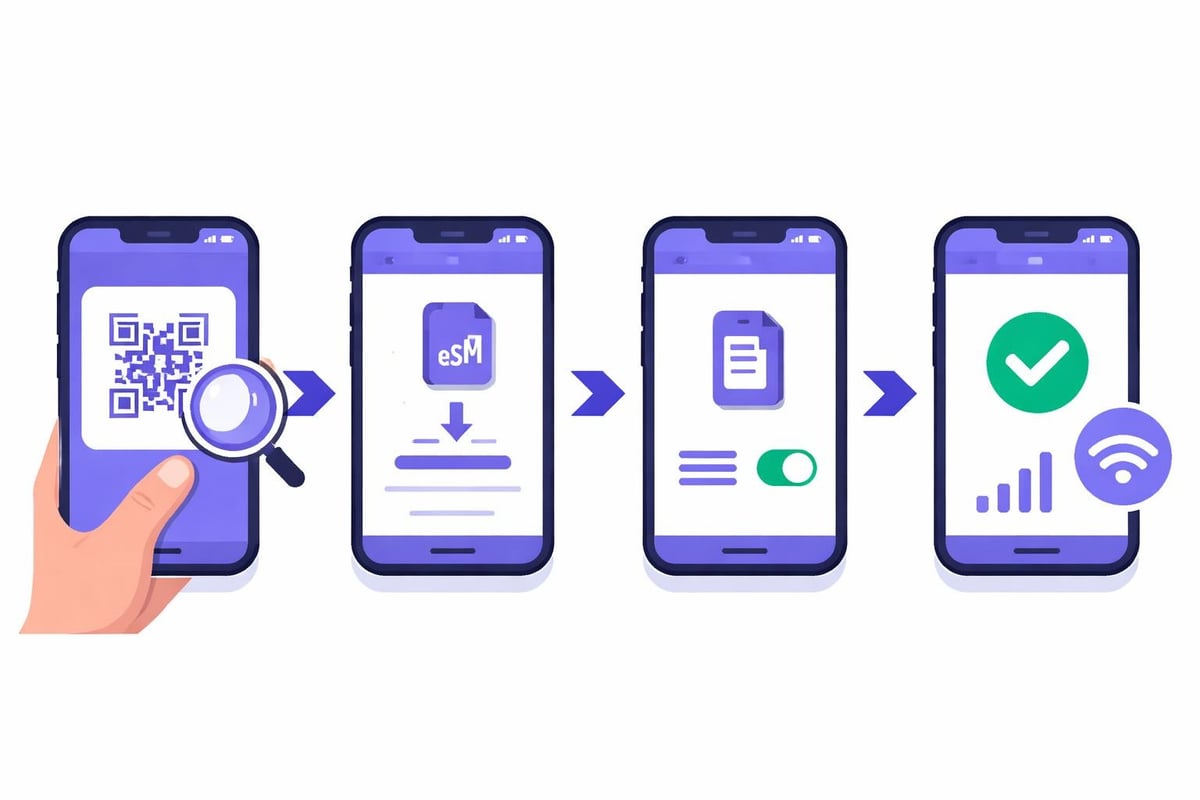
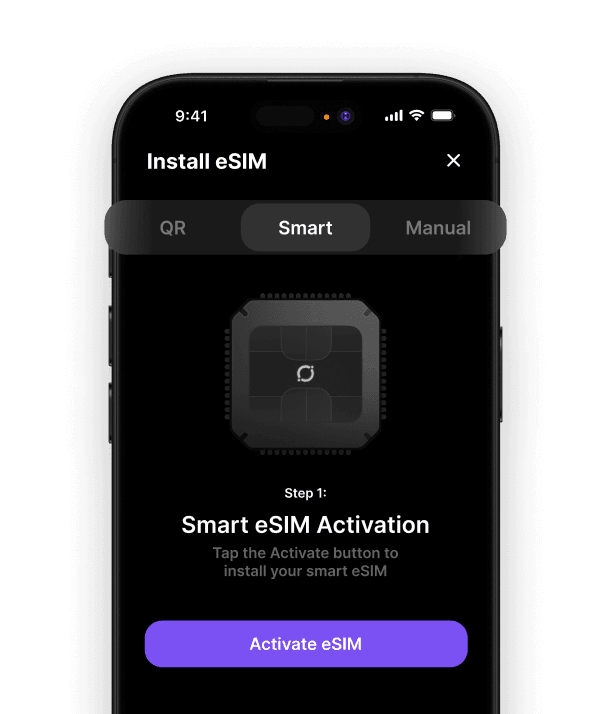
This is the most common activation approach. Your eSIM provider sends you a QR code via email, and you simply scan it through your iPhone's settings:
Open Settings and tap Cellular or Mobile Data
Select Add Cellular Plan
Use your camera to scan the QR code
Follow the on-screen prompts to label and activate your plan
Choose whether to use this line for data, calls, or both
Manual Entry Option
If you don't have access to a QR code, you can enter details manually. You'll need your provider's SM-DP+ address and activation code, which they'll supply. This method works brilliantly when you're already travelling and need to add a plan remotely.
Some providers now support Apple Universal Link activation, which lets you install an eSIM profile directly from an email or website link. It's incredibly convenient and reduces the chance of scanning errors.
Managing Multiple eSIM Profiles Effectively
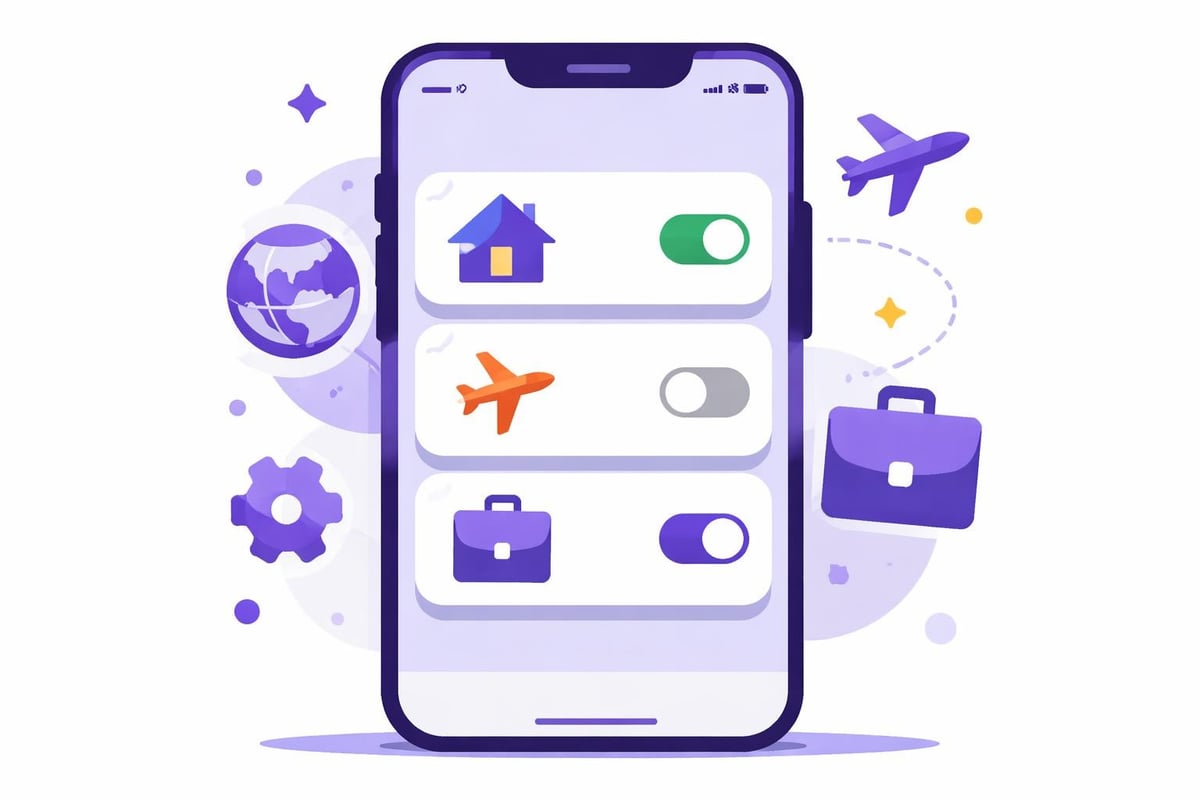
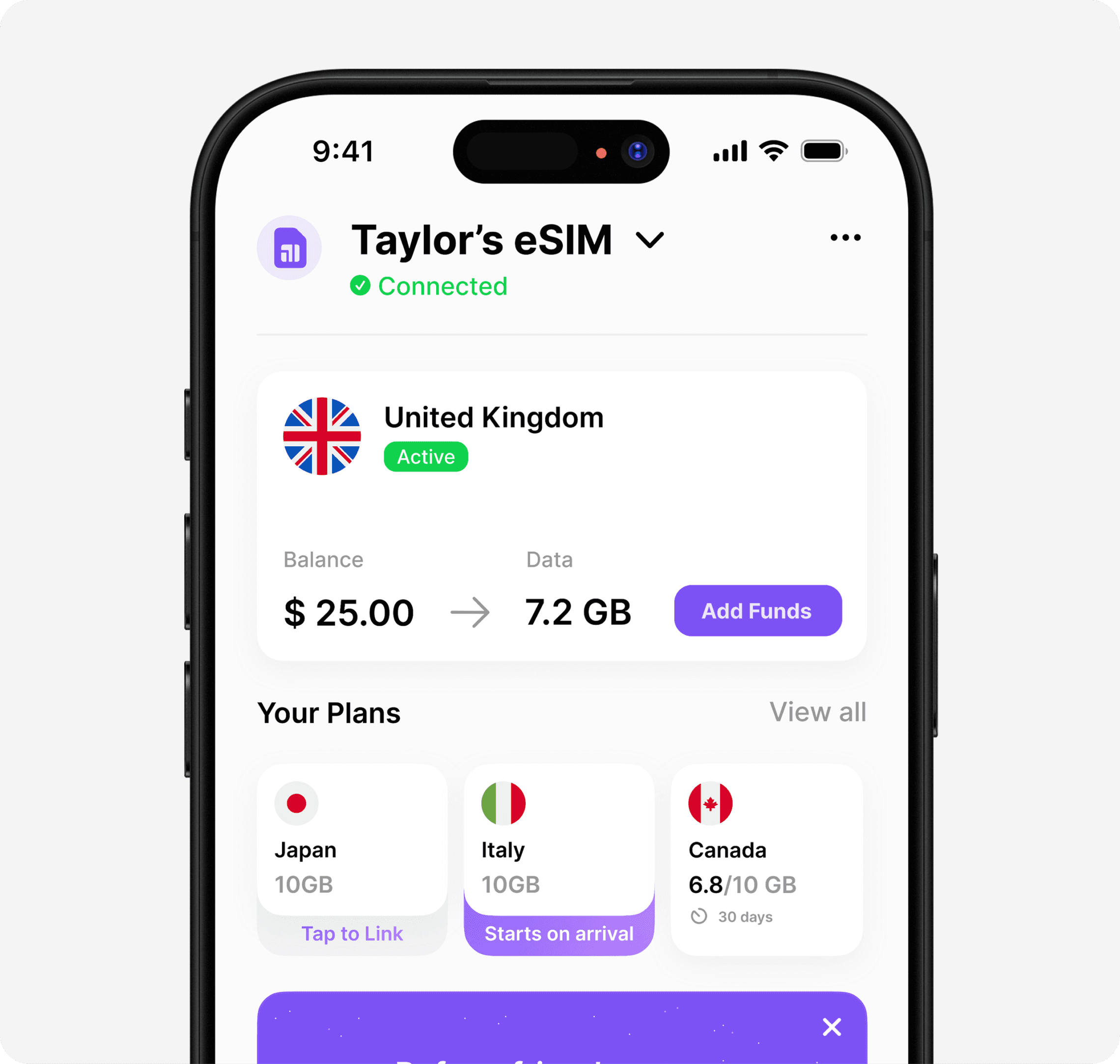
One of the brilliant features of esim on iphone is the ability to maintain several profiles simultaneously. This proves invaluable for travellers who visit multiple countries or those juggling personal and work numbers.
Practical ways to organise your eSIMs:
Label each profile clearly (Home, Work, Travel, etc.)
Set a default line for cellular data
Assign specific contacts to particular numbers
Enable automatic switching for iMessage and FaceTime
Turn off profiles you're not actively using to save battery
Your iPhone remembers up to eight eSIM profiles, though you can only have one or two active at once. This limitation rarely causes issues since you can toggle between profiles in seconds through your settings.
When choosing between traditional one-destination plans and more flexible options, consider how frequently you travel. Solutions like best eSIM for international travel eliminate the need to constantly add and remove profiles for different countries.
Troubleshooting Common eSIM Issues
Even with the best technology, occasional hiccups occur. Most problems with esim on iphone stem from simple configuration issues rather than genuine technical failures.
Connection Problems
If your eSIM isn't connecting to a network after installation, try these steps:
Toggle Airplane Mode on and off
Restart your iPhone completely
Check that the correct line is selected for cellular data
Verify you're in an area with network coverage
Ensure your plan hasn't expired or run out of data
Installation Errors
Sometimes QR codes won't scan properly or activation fails partway through. Before panicking, confirm you're connected to Wi-Fi and that your iPhone's software is updated to the latest iOS version.
For persistent issues, our guide on eSIM not working provides detailed troubleshooting steps for various scenarios. Most problems resolve quickly once you identify the root cause.
Why eSIM Transforms Travel Connectivity
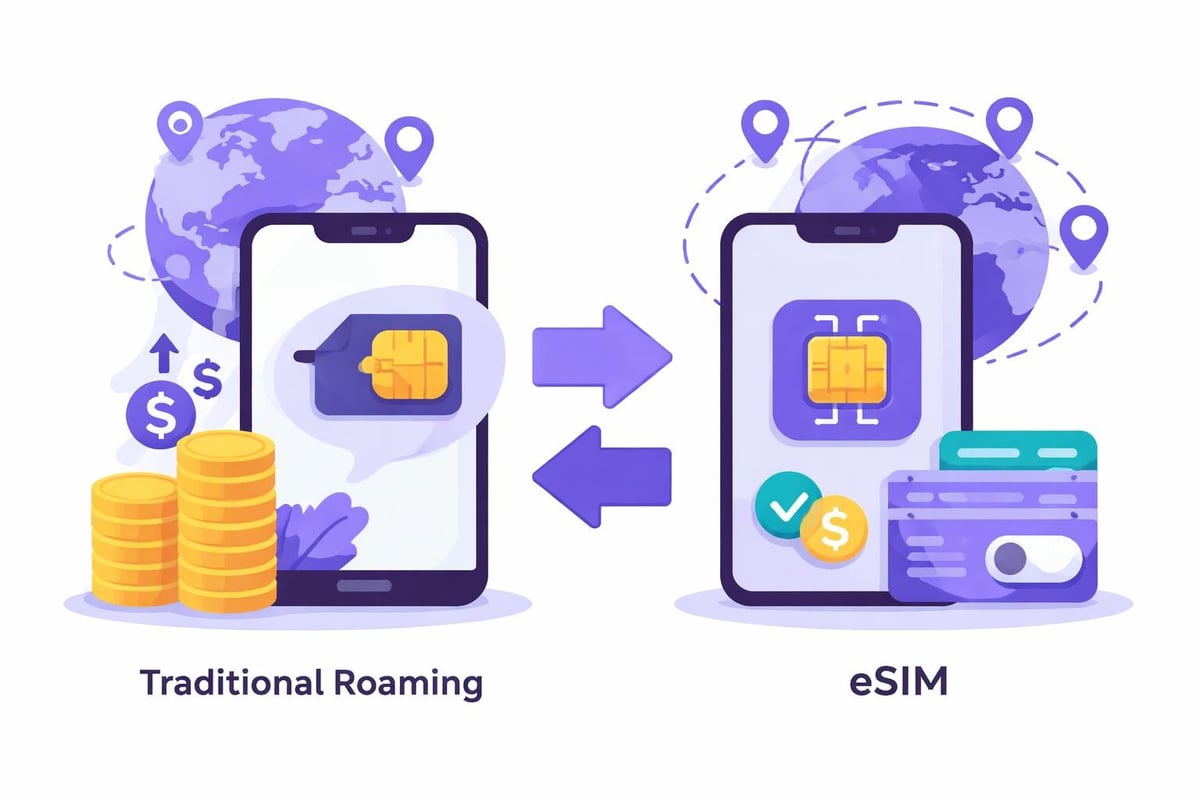
The real magic of esim on iphone reveals itself when you're abroad. Traditional roaming fees can be eye-watering, whilst hunting for local SIM cards wastes precious holiday time. With eSIM, you're connected the moment you land.
Feature | Traditional SIM | eSIM Solution |
|---|---|---|
Activation time | 30-60 minutes | Instant |
Cost | Variable, often high | Predictable, competitive |
Setup difficulty | Medium | Simple |
Coverage flexibility | Single country/region | Global options available |
Physical card needed | Yes | No |
Modern travellers benefit enormously from global data eSIM services that work across multiple destinations. Rather than purchasing separate plans for France, then Spain, then Italy during a European trip, a single eSIM profile keeps you connected throughout.
The convenience extends beyond holidays. Business travellers appreciate maintaining their home number for important calls whilst using a separate eSIM for data abroad. This dual-line approach, explained comprehensively here, prevents bill shock without sacrificing connectivity.
Choosing the Right eSIM Provider
Not all eSIM services offer equal value. When evaluating providers for your esim on iphone needs, consider coverage areas, data allowances, pricing transparency, and customer support quality.
Essential questions to ask:
Does the plan cover all my travel destinations?
Are there hidden fees or roaming charges?
Can I top up easily if needed?
What happens to unused data?
Is hotspot/tethering supported?
Traditional providers often lock you into purchasing new plans for each country. This approach becomes expensive and tedious if you're a frequent traveller visiting various regions throughout the year.
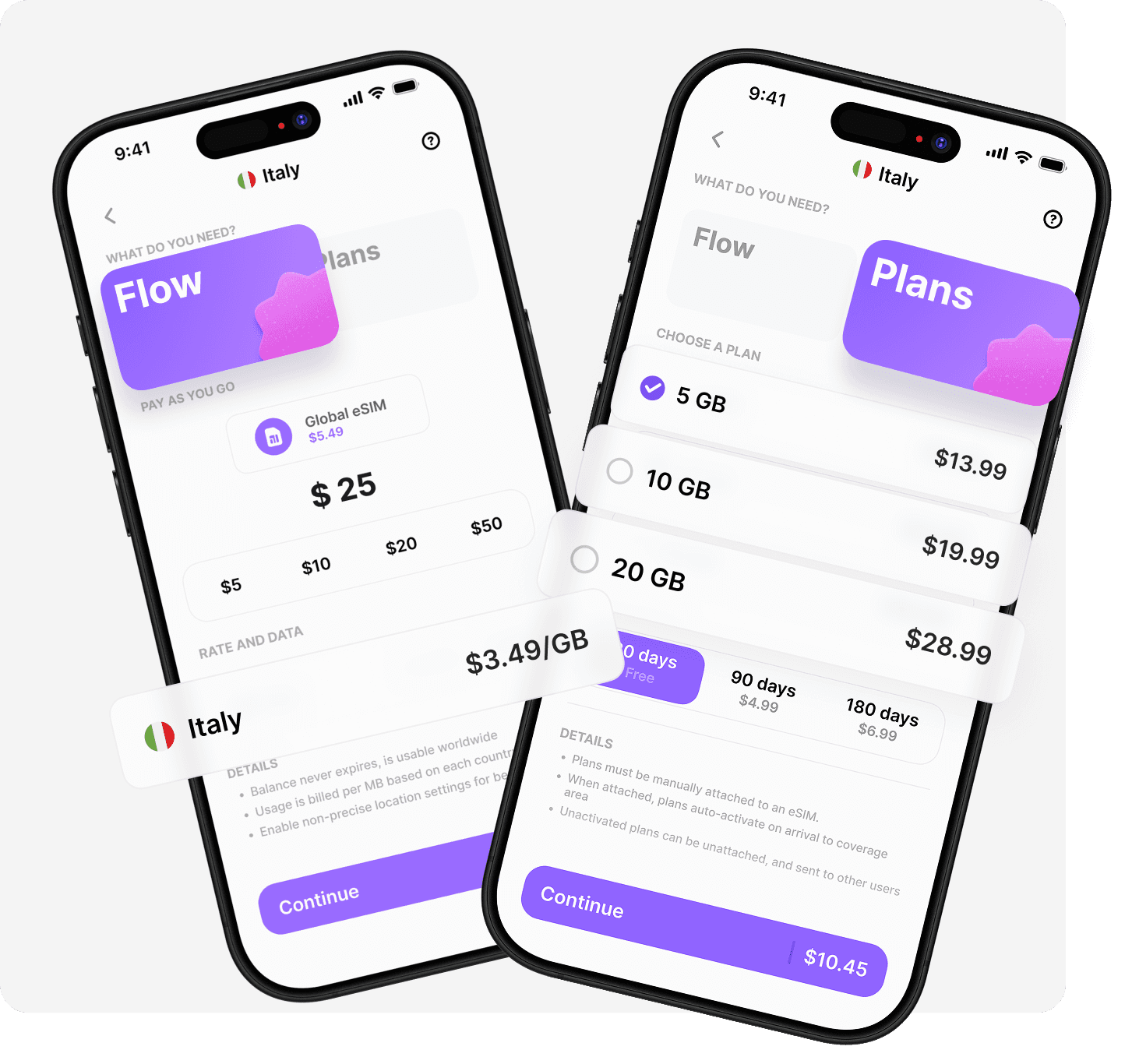
The landscape shifted in 2026 with solutions offering truly global coverage on a single eSIM profile. Rather than managing multiple travel eSIMs, you install once and access connectivity in 200+ destinations without switching plans. Understanding these instant eSIM options helps you make smarter choices about your mobile connectivity strategy.
Getting esim on iphone working properly opens up a world of seamless connectivity that transforms how you travel. Whether you're a digital nomad, frequent business traveller, or occasional holidaymaker, understanding this technology puts you in control of your mobile experience. If you're ready to simplify your travel connectivity with one eSIM that works everywhere, explore how Umi delivers global coverage across 200+ destinations without the hassle of buying new eSIMs for every trip. Install once, travel anywhere, and stay connected effortlessly.












" height="15.96587083656648px" id="gUt8q3MIs" width="13.557999603271485px"/></svg>)