Google Pixel 7 eSIM: Setup, Features & Travel Benefits
Written By:
Umi
The Google Pixel 7 brings powerful eSIM capabilities that transform how we stay connected, especially when travelling internationally. If you're a Pixel 7 owner looking to make the most of this technology, understanding how eSIM works on your device opens up a world of flexible, affordable connectivity options. Whether you're a frequent traveller or simply want to manage multiple mobile numbers without the hassle of physical SIM cards, the google pixel 7 esim functionality gives you unprecedented control over your mobile experience.
What Makes Google Pixel 7 eSIM Special
The google Pixel 7 eSIM technology represents a significant leap forward from traditional SIM cards. Instead of swapping tiny physical chips, you can download and activate mobile plans digitally, directly to your device.
Key advantages include:
Instant activation without waiting for physical SIM delivery
Multiple profiles stored on a single device
Seamless switching between carriers and plans
Enhanced security with no removable component
Perfect for international travel with quick plan changes
Google designed the Pixel 7 with robust eSIM support that works across most global carriers. The comprehensive guide on activating eSIM on Google Pixel devices shows just how straightforward the process has become in 2026.
Dual eSIM Capabilities
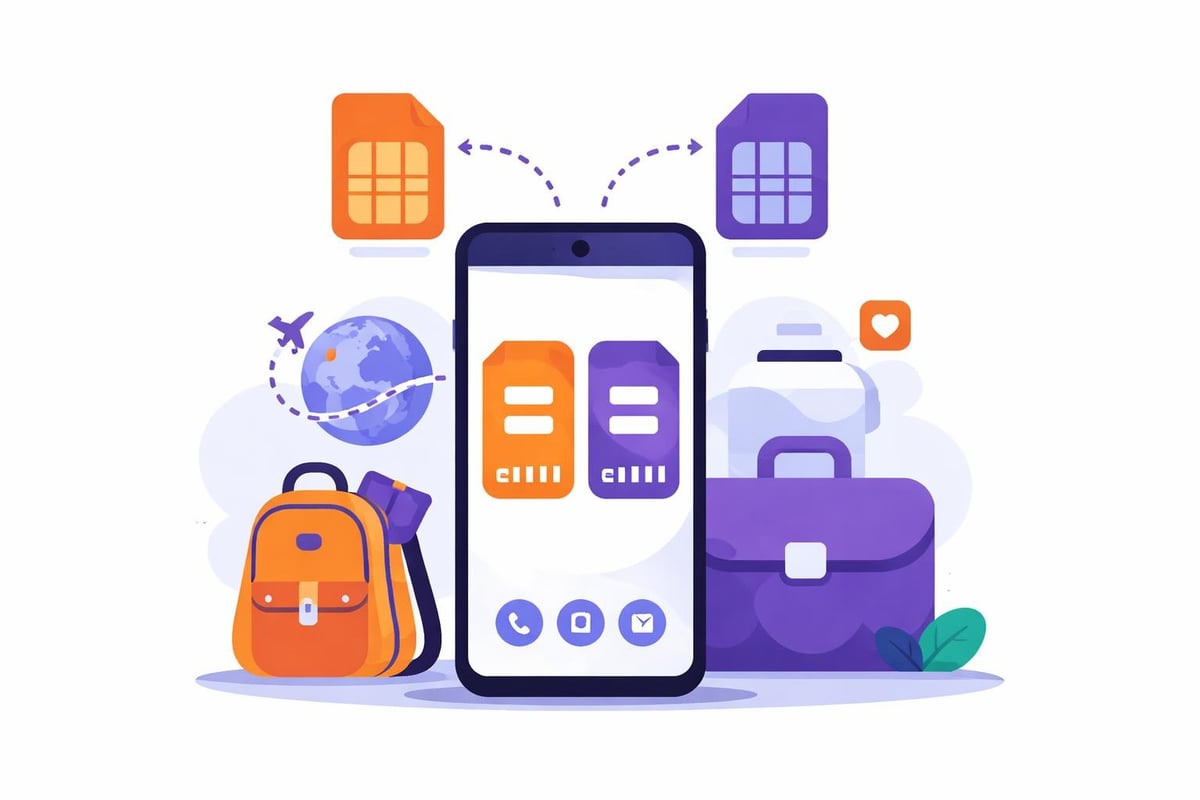
One of the most impressive features is the Pixel 7's dual eSIM support. Following the Android 13 QPR2 Beta 2 update, Google Pixel 7 gained dual eSIM functionality, allowing users to maintain two active eSIM profiles simultaneously.
This means you can:
Keep your home number active whilst using a travel eSIM
Separate work and personal numbers on one device
Compare carrier services without commitment
Maintain connectivity across different networks
Setting Up Your Google Pixel 7 eSIM
Getting started with google Pixel 7 eSIM setup is remarkably simple. The process typically takes just a few minutes, and you'll wonder why you didn't make the switch sooner.
Step-by-Step Activation Process
Step | Action | Details |
|---|---|---|
1 | Open Settings | Navigate to Network & Internet |
2 | Select SIMs | Tap the plus (+) icon |
3 | Download eSIM | Scan QR code or enter details manually |
4 | Activate Profile | Follow on-screen prompts |
5 | Configure Settings | Set as primary or secondary line |
The detailed setup process for eSIM on Android devices covers additional customisation options and troubleshooting steps.
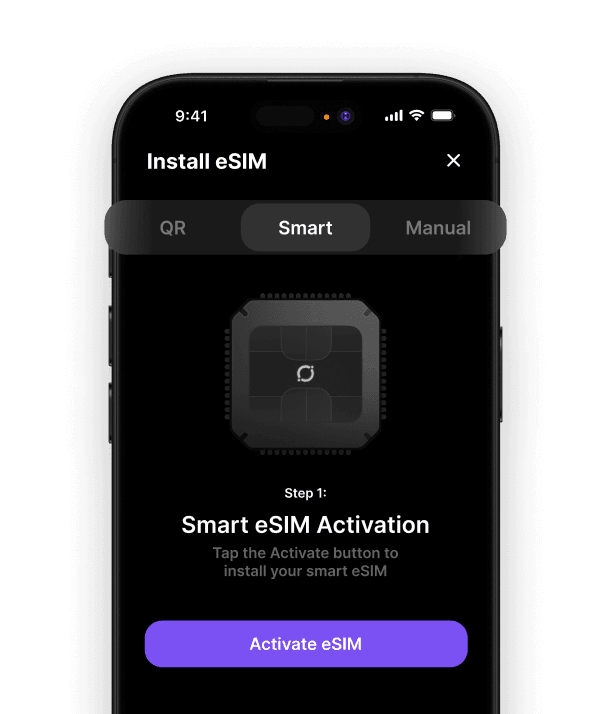
Most modern eSIM providers, including those specialising in travel connectivity, offer QR codes that make installation instantaneous. You simply scan, download, and you're connected.
Why Google Pixel 7 eSIM Matters for Travellers
For anyone who travels internationally, the google Pixel 7 eSIM feature becomes absolutely invaluable. Traditional roaming charges can devastate your budget, whilst hunting for local SIM cards in foreign airports wastes precious holiday time.
Travel benefits at a glance:
Activate connectivity before you even board your flight
No more airport kiosks or language barriers
Keep your home number active for important calls
Switch between regional plans as you travel
Compare coverage and pricing instantly
When exploring options for the best eSIM for international travel, consider providers that offer flexible, multi-destination solutions rather than single-country plans.
Managing Multiple Destinations
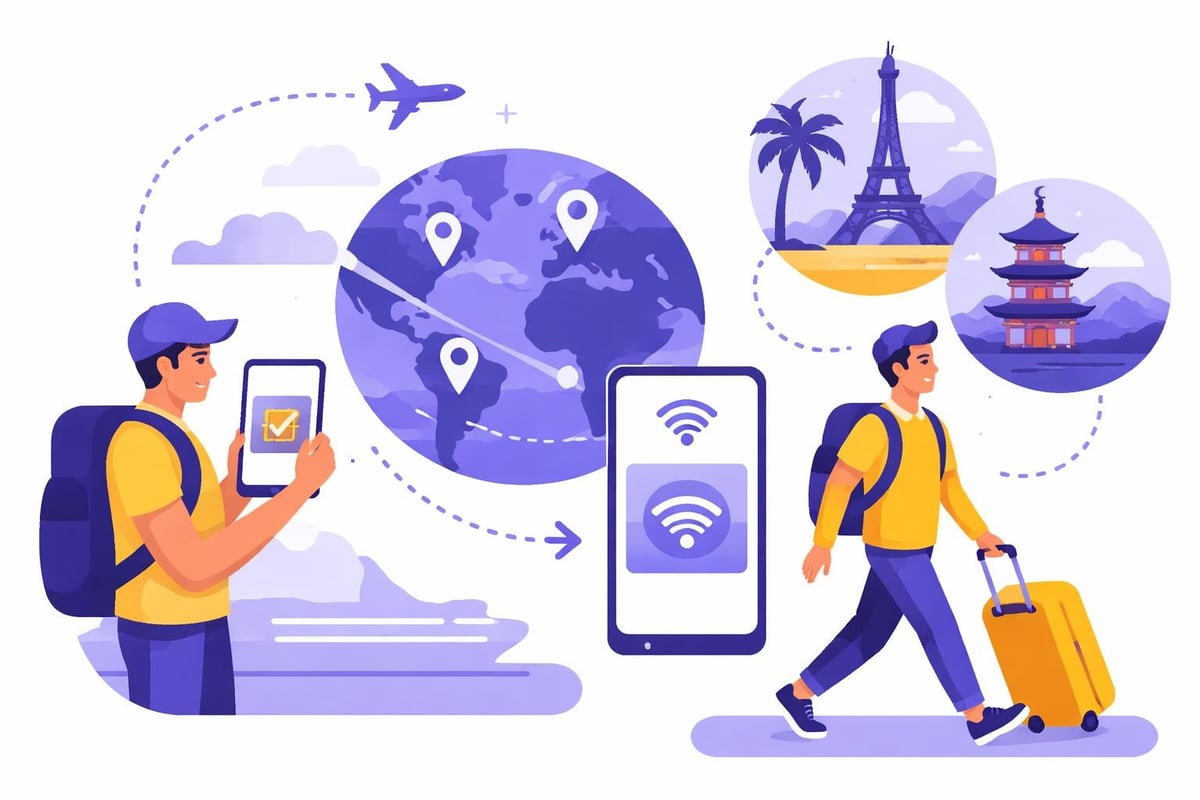
The beauty of google Pixel 7 eSIM technology shines when you're visiting multiple countries. Instead of purchasing separate plans for each destination, you can manage everything from your device settings.
Traditional approach versus eSIM approach:
Traditional SIM | Google Pixel 7 eSIM |
|---|---|
Buy new SIM in each country | One eSIM works everywhere |
Physical swapping required | Digital switching only |
Risk of losing tiny cards | No physical components |
Limited to one active number | Dual eSIM support |
Often no tethering | Hotspot capabilities included |
Advanced Features and Compatibility
Beyond basic connectivity, the Pixel 7 offers sophisticated eSIM management. The device supports eSIM Multiple Enabled Profiles (MEP), giving you granular control over which profile handles calls, texts, and data.
You can configure:
Default line for mobile data
Preferred number for calls
Specific contacts assigned to different numbers
Automatic switching based on location
Data usage limits per profile
Future-Proofing Your Device
Google's commitment to eSIM technology continues evolving. The industry trend towards eSIM-only models demonstrates where mobile connectivity is headed. Your Pixel 7 is already prepared for this future.
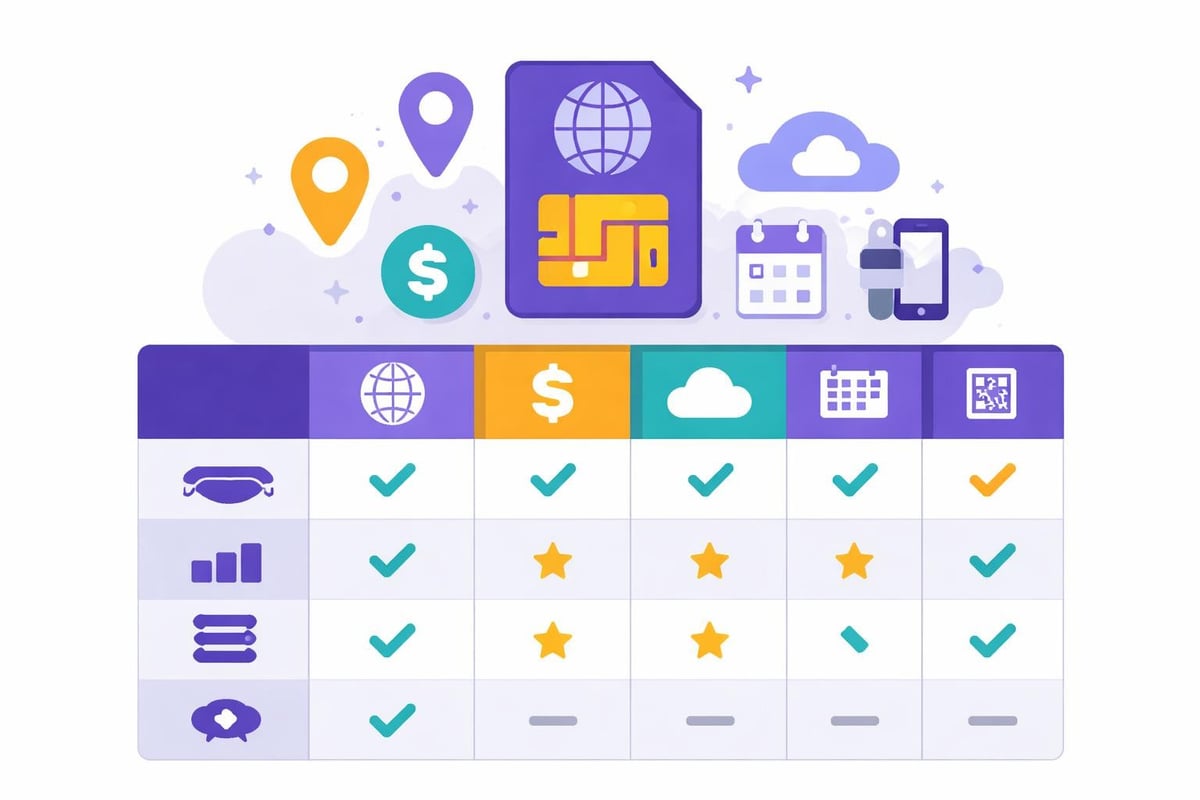
Choosing the Right eSIM Provider
Not all eSIM providers offer the same experience. When evaluating options for your google Pixel 7 eSIM, consider these factors:
Essential criteria:
Coverage in your frequent destinations
Pricing transparency and flexibility
Data plan duration and expiry terms
Customer support availability
Activation speed and reliability
Finding the best eSIM solution depends on your specific travel patterns and usage needs. Some providers excel at European coverage, whilst others offer better value for Asia-Pacific regions.
Pay-As-You-Go Versus Fixed Plans
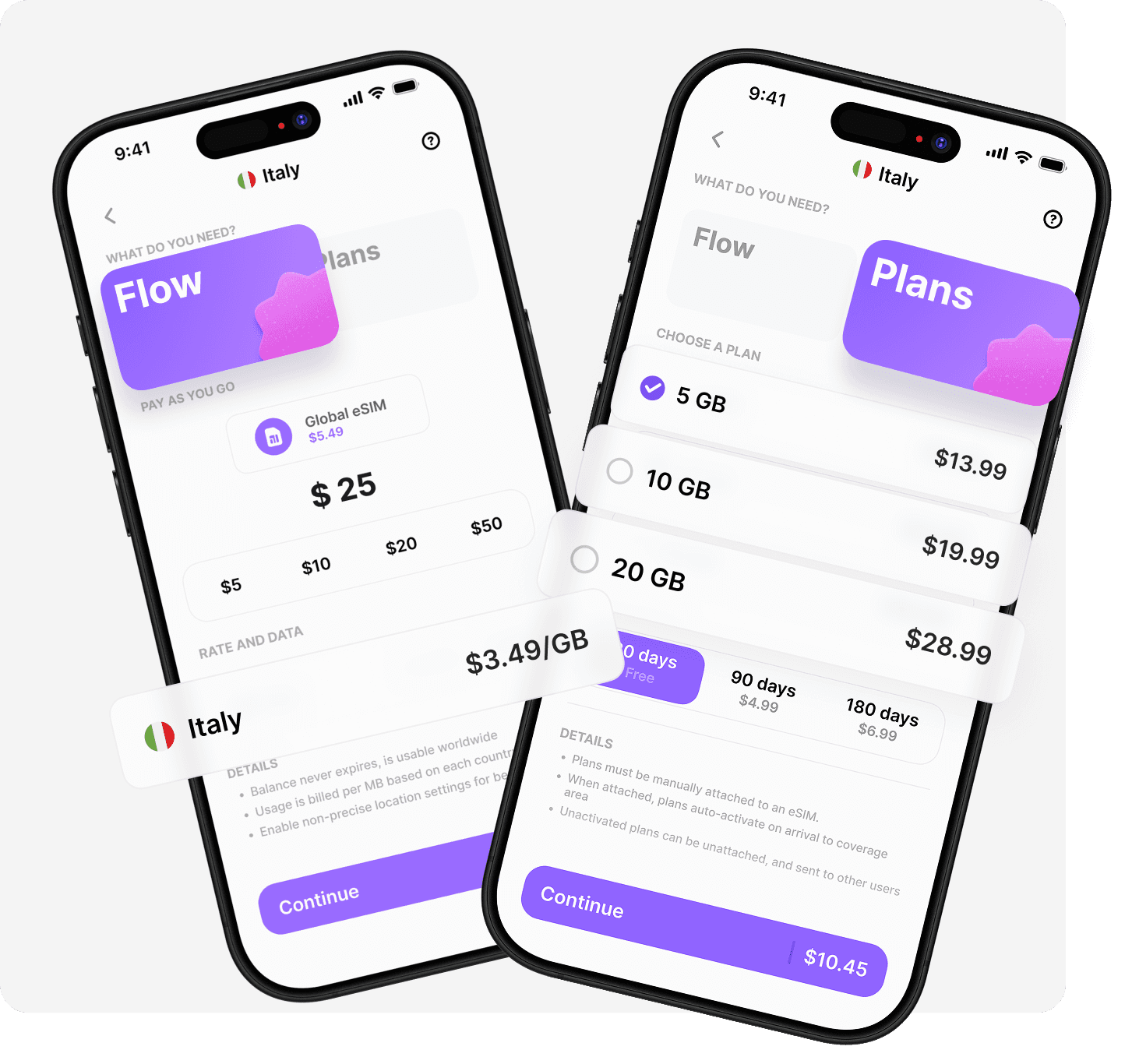
The google Pixel 7 eSIM supports both flexible pay-as-you-go options and traditional fixed-data plans. Each approach has distinct advantages depending on your travel style.
Pay-as-you-go benefits include no expiry dates, consistent rates across destinations, and predictable costs. Fixed plans often provide better value for data-intensive users but require careful planning around validity periods.
Troubleshooting Common Issues
Occasionally, you might encounter challenges with your google Pixel 7 eSIM setup. Most issues resolve quickly with simple solutions.
Common problems and fixes:
QR code won't scan - Enter activation code manually instead
Profile won't download - Check Wi-Fi connection and retry
No network after activation - Restart device and toggle airplane mode
Multiple profiles conflicting - Review default settings for each function
Weak signal - Verify you're within provider's coverage area
Always ensure your Pixel 7 runs the latest software updates, as Google regularly improves eSIM functionality through system patches.
Maximising Your Connectivity Experience
Getting the most from google Pixel 7 eSIM technology means understanding how to optimise settings for your needs. Battery life, data usage, and network performance all respond to thoughtful configuration.
Enable data usage warnings to avoid unexpected charges. Set up separate profiles for different purposes. Take advantage of Wi-Fi calling when available to preserve mobile data for essential tasks.
The flexibility of eSIM technology paired with the Pixel 7's capabilities creates opportunities for smarter, more economical mobile connectivity whether you're at home or exploring distant destinations.
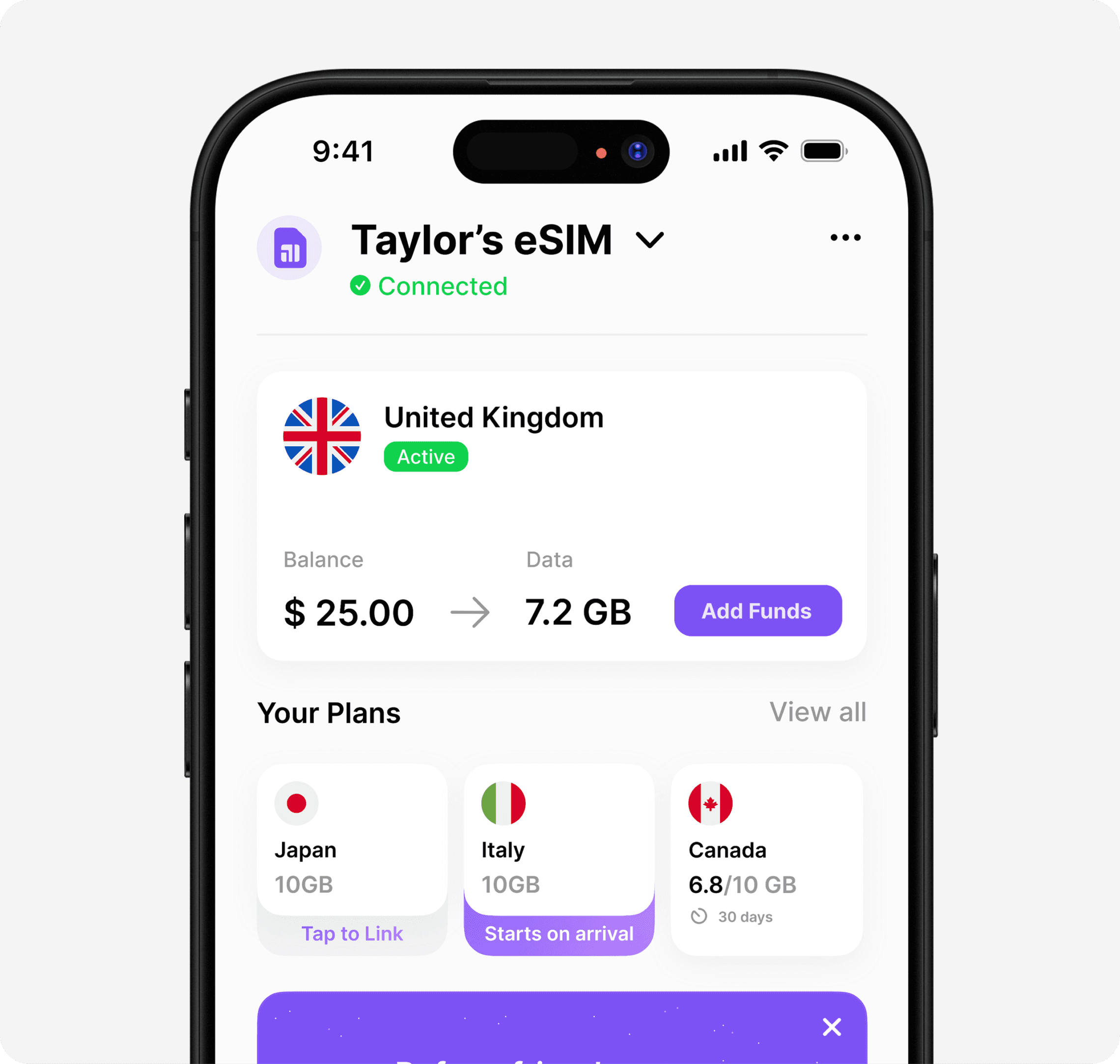
The Google Pixel 7 eSIM functionality provides unmatched flexibility for modern mobile users, especially those who travel internationally. Instead of juggling multiple physical SIM cards or paying excessive roaming fees, you can manage everything digitally with confidence. When you're ready to experience truly seamless global connectivity, Umi offers a solution designed specifically for travellers like you-one eSIM that works in over 200 destinations, with pay-as-you-go Flow balance that never expires and prepaid Plans that activate on arrival. Install once, travel everywhere, and stay connected effortlessly.












" height="15.96587083656648px" id="gUt8q3MIs" width="13.557999603271485px"/></svg>)