Maximize Connectivity: Using Umi eSIM on Your iPhone for Global Travel
Written By:
Umi
TL;DR: Experience Seamless Global Connectivity with Umi eSIM
Umi's global eSIM enables effortless international travel by allowing iPhone users to switch between networks without changing physical SIM cards.
Key benefits include coverage in over 200 destinations, convenience with instant plan activation, and enhanced security since eSIMs cannot be removed.
Compatible with iPhone models from XS/XR onwards; users can manage multiple profiles for business and personal needs.
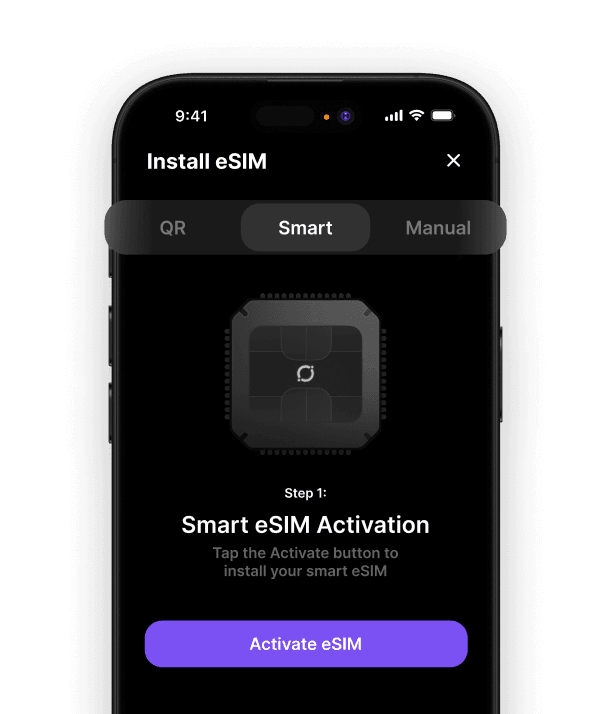
Umi offers flexible activation methods such as QR code scanning, app-based setup, and manual entry, ensuring seamless connectivity and reduced roaming fees.
The way we stay connected whilst travelling has transformed dramatically since Apple introduced eSIM technology to the iPhone lineup. If you've been wondering how to make the most of your e sim iphone capabilities, you're in the right place. This digital SIM technology eliminates the hassle of swapping physical cards, making international travel smoother than ever. Whether you're a frequent flyer or planning your first overseas adventure, understanding how eSIM works on your iPhone opens up a world of convenient connectivity options.
What Makes eSIM Different on Your iPhone
An e sim iphone functions quite differently from traditional physical SIM cards. The 'e' stands for embedded, meaning the SIM chip is permanently built into your device. Rather than inserting a plastic card, you download a digital profile from your carrier or travel eSIM provider.
This technology offers remarkable flexibility. You can store multiple eSIM profiles on your iPhone and switch between them without physically changing anything. For travellers, this means activating local data plans before you even board your plane.
The benefits extend beyond convenience:
Instant activation without visiting a shop or waiting for delivery
Multiple profiles stored simultaneously on one device
Quick switching between work and personal numbers
Environmental benefits from reducing plastic SIM waste
Enhanced security as eSIMs cannot be physically removed
Compatible iPhone Models That Support eSIM
Not every iPhone supports eSIM technology, so it's essential to check your model. Apple introduced this feature with the iPhone XS, XS Max, and XR in 2018. Since then, every new model has included eSIM capability.
Here's a comprehensive breakdown of compatible iPhone models:
iPhone Model | eSIM Support | Dual eSIM | Physical SIM |
|---|---|---|---|
iPhone XS/XR onwards | Yes | Limited | Yes |
iPhone 13 series | Yes | Yes | Yes |
iPhone 14 (US models) | Yes | Yes | No |
iPhone 15 series | Yes | Yes | Varies by region |
The iPhone 14 marked a significant shift for US models, which eliminated the physical SIM tray entirely. These devices rely exclusively on eSIM technology. Meanwhile, international versions maintain the hybrid approach.
Understanding how to use two eSIMs on iPhone becomes particularly valuable when managing both personal and travel data needs. You can have one eSIM for your home carrier and another for international travel, both active simultaneously.
Setting Up Your First eSIM Profile
Getting started with your e sim iphone is straightforward once you know the steps. Apple has designed the process to be user-friendly, though the exact method varies depending on your carrier or eSIM provider.
Activation Methods
Most eSIM providers offer several ways to activate:
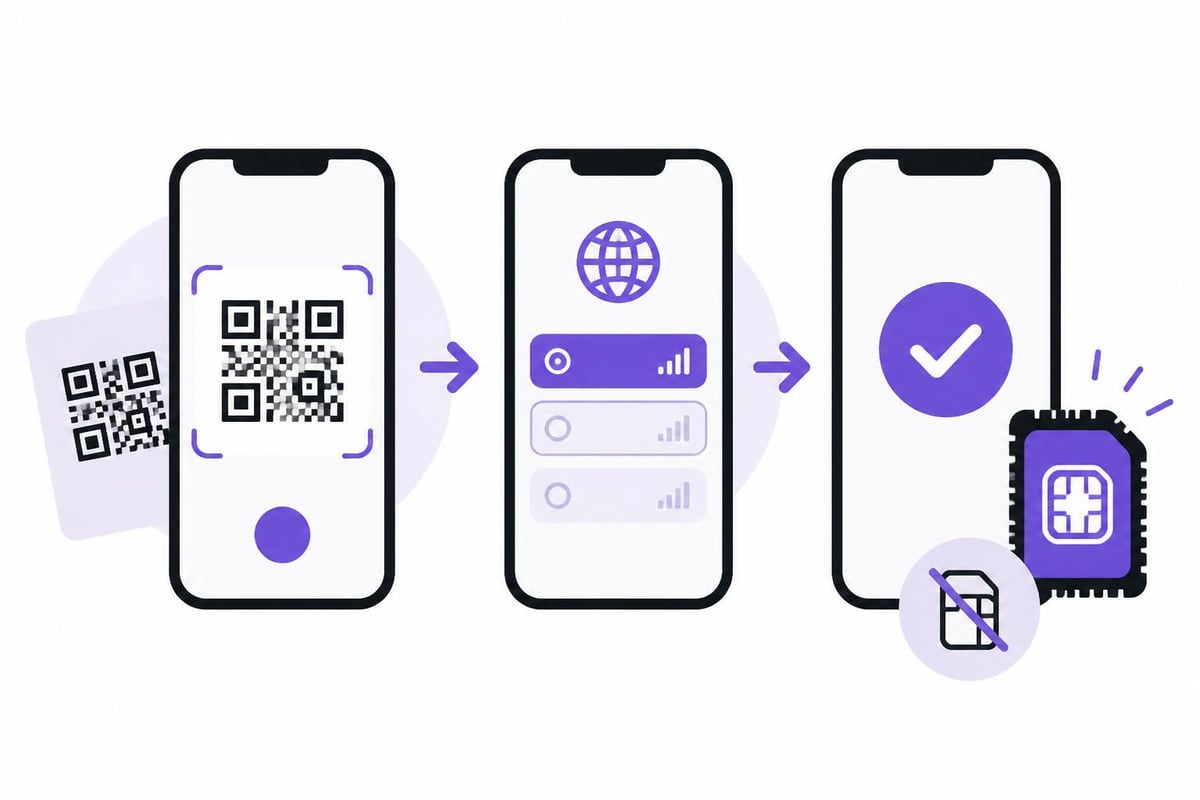
QR Code Scanning: The most common method where you scan a code provided by your carrier
Carrier App: Some providers let you activate directly through their application
Manual Entry: Input activation details provided by your carrier
Quick Transfer: Convert your existing physical SIM to eSIM on supported devices
To activate via QR code, navigate to Settings > Mobile Data > Add Data Plan. Your camera will activate, ready to scan the QR code. After scanning, follow the on-screen prompts to label your plan and set preferences.
The official Apple guide on setting up eSIM provides detailed walkthroughs for each method. This becomes especially helpful when troubleshooting activation issues.
For businesses managing multiple devices, organizational eSIM deployment offers streamlined approaches for fleet management.
Travel Benefits and Global Connectivity
The real magic of e sim iphone technology shines when you're crossing borders. Traditional roaming charges can shock you when you return home, but eSIM solutions offer cost-effective alternatives.
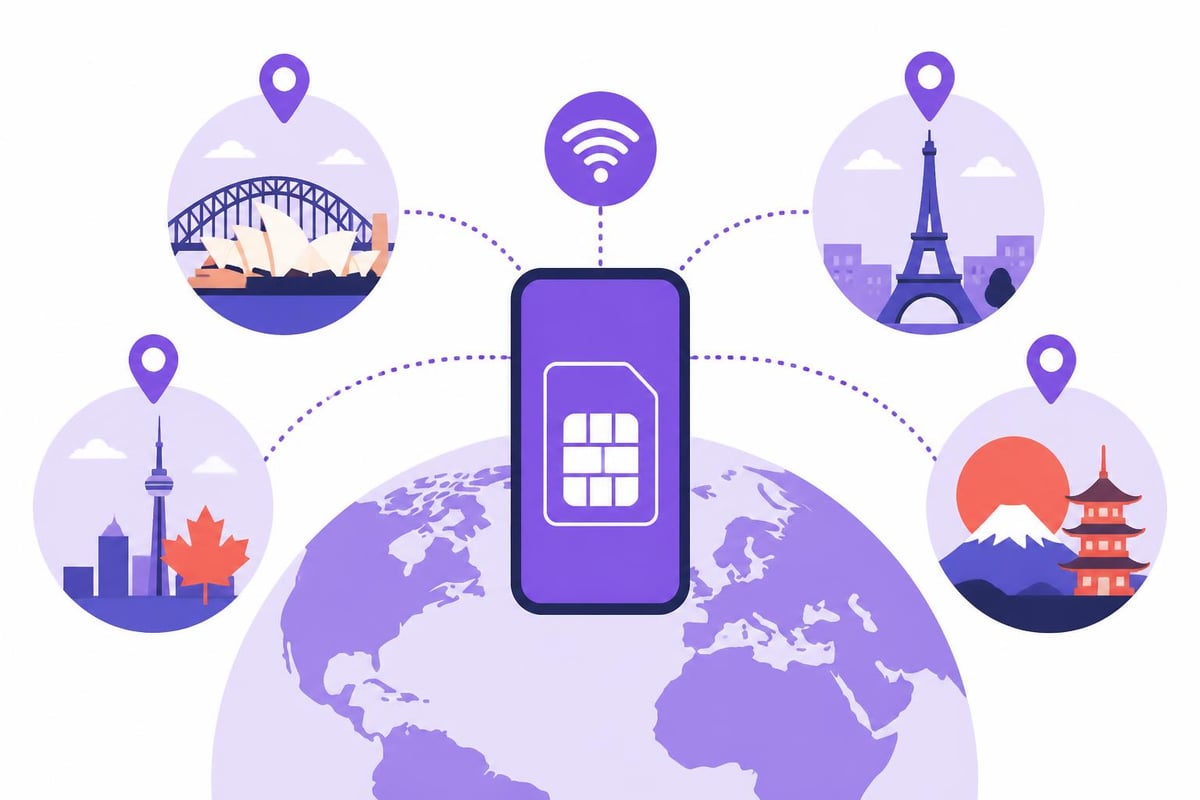
When you land in a new country, your eSIM can automatically connect to local networks, giving you immediate access to data, calls, and messages. This eliminates the frantic search for airport SIM card vendors or relying on expensive hotel WiFi.
Consider these travel scenarios where eSIM excels:
Multi-country trips: Switch between regional plans as you move through Europe or Asia
Business travel: Maintain your primary number whilst adding local data
Emergency connectivity: Keep a backup eSIM profile for unexpected situations
Language barriers: Activate services before arrival, even if you're not fluent
Modern global eSIM solutions have evolved to eliminate the need for buying separate eSIMs for each destination. If you're exploring options for coverage in specific regions, checking which phones support eSIM helps ensure compatibility.
Whether you're heading to Australia, Canada, or planning a European adventure through Belgium and Austria, eSIM technology adapts to your journey.
Managing Multiple eSIM Profiles
One of the most powerful features of your e sim iphone is the ability to juggle multiple profiles. This proves invaluable for various use cases beyond simple travel.
Common Multi-eSIM Scenarios
Personal and Business Separation: Keep work communications on one eSIM whilst maintaining your personal number on another. This creates clear boundaries without carrying two devices.
Travel Flexibility: Store eSIM profiles for frequently visited countries. When you land in France for the third time this year, simply reactivate your existing French eSIM rather than setting up a new one.
Backup Connectivity: Maintain a secondary eSIM as insurance against network outages or coverage gaps in remote areas.
The iPhone allows you to set default lines for different functions:
Function | Configuration Options |
|---|---|
Cellular Data | Choose which eSIM handles internet |
Voice Calls | Set primary calling line |
iMessage/FaceTime | Associate with specific eSIM |
Contacts | Assign preferred number per contact |
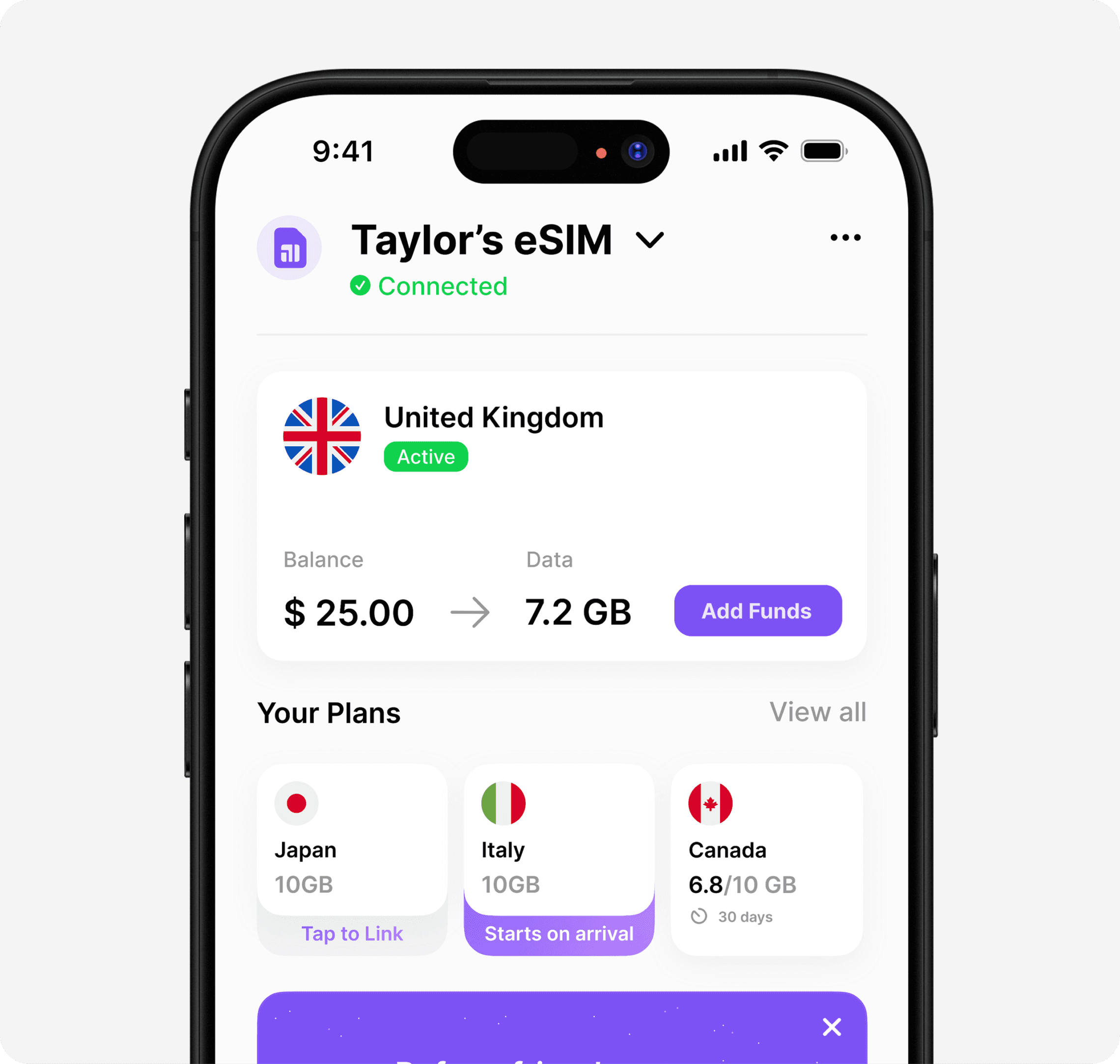
To manage your eSIMs, visit Settings > Mobile Data where you'll see all installed profiles. You can rename them for easy identification, turn them on or off, or remove ones you no longer need.
For international travellers needing guidance on finding the best eSIM app, the key features to look for include easy profile management, transparent pricing, and wide country coverage.
Troubleshooting Common eSIM Issues
Even with Apple's refined technology, you might encounter occasional hiccups with your e sim iphone. Most issues have simple solutions.
Activation Failures: If your QR code won't scan, ensure your camera lens is clean and you're in good lighting. Alternatively, choose manual entry and input the activation details provided by your carrier.
No Service After Activation: Check that mobile data is enabled for your new eSIM profile. Sometimes the iPhone defaults to your primary SIM. Navigate to Settings > Mobile Data and toggle on the newly installed eSIM.
Cannot Add eSIM: Your device might be carrier-locked. Contact your carrier to verify your iPhone is unlocked for eSIM use. Understanding what eSIM is and carrier support helps clarify compatibility questions.
Quick Fixes Checklist
Restart your iPhone after installing a new eSIM profile
Verify you're in an area with network coverage
Check that your eSIM hasn't expired (common with travel plans)
Ensure your iOS is updated to the latest version
Try removing and reinstalling the problematic profile
For persistent issues, most eSIM providers offer customer support through their apps or websites. Don't hesitate to reach out, as they can often resolve problems remotely or provide replacement QR codes if needed.
Even when planning special events requiring reliable connectivity, whether you're coordinating transport services like luxury limo hire across Northwest England or organizing international business meetings that might benefit from professional language training, having a working eSIM ensures you stay connected seamlessly.
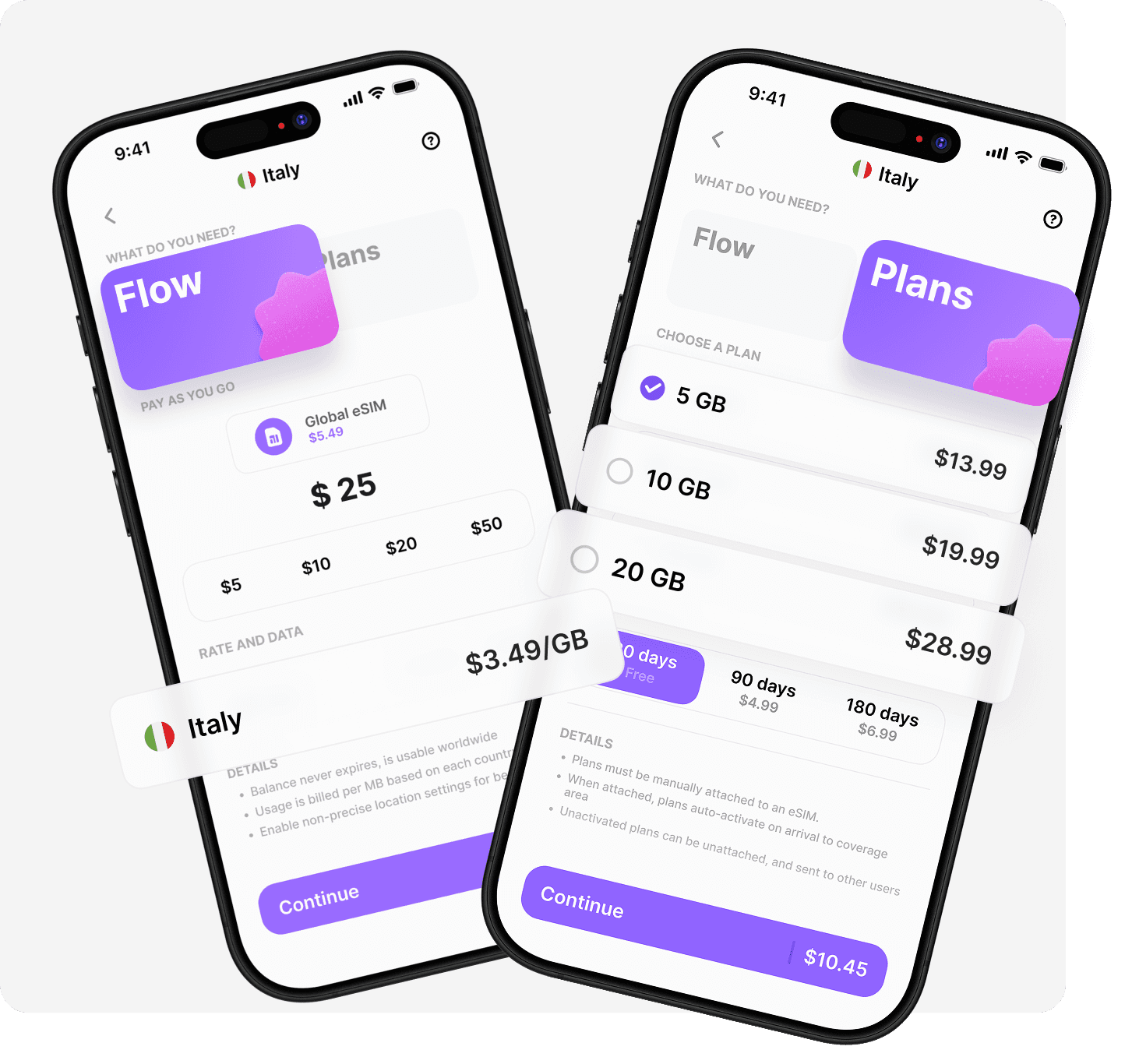
Your e sim iphone represents more than just a technological upgrade-it's a gateway to smarter, more flexible global connectivity. By understanding how to activate, manage, and troubleshoot eSIM profiles, you're equipped to travel confidently without connectivity concerns. If you're ready to experience truly seamless international data access, Umi offers a unique solution where you install once and use everywhere across 200+ destinations, with flexible Flow pay-as-you-go credit or prepaid plans that activate automatically when you arrive.












" height="15.96587083656648px" id="gUt8q3MIs" width="13.557999603271485px"/></svg>)