iPhone 14 eSIM: A Traveler's Comprehensive Guide
Written By:
Umi
TL;DR: Embrace iPhone 14's eSIM for Seamless Global Connectivity
• The iPhone 14 leverages eSIM technology, eliminating the need for physical SIM cards and simplifying switching between networks, which is particularly beneficial for international travelers.
• Key benefits include dual eSIM capacity, the ability to store multiple profiles, quick activation, and seamless switching through the device's settings.
• Using eSIMs can lead to significant cost savings on roaming charges, and with services like Umi, they provide connectivity in 200+ countries with flexible payment options.
• This technological shift is expected to reduce operational costs and promote a more eco-friendly approach, as physical SIM cards become obsolete.
The iPhone 14 marked a significant shift in mobile connectivity when Apple introduced models that rely entirely on eSIM technology, particularly in the United States. This digital SIM technology transforms how we stay connected whilst travelling, eliminating the need to swap physical cards between countries. If you're planning international trips or simply want to understand how your iPhone 14 handles mobile data, this guide will walk you through everything you need to know about eSIM functionality and how it makes global connectivity simpler than ever.
What Makes iPhone 14 eSIM Different
Apple's iPhone 14 lineup represents a bold step forward in mobile technology. Unlike previous models that offered eSIM as an optional feature alongside a physical SIM slot, certain iPhone 14 models are eSIM-only devices, particularly those sold in the United States.
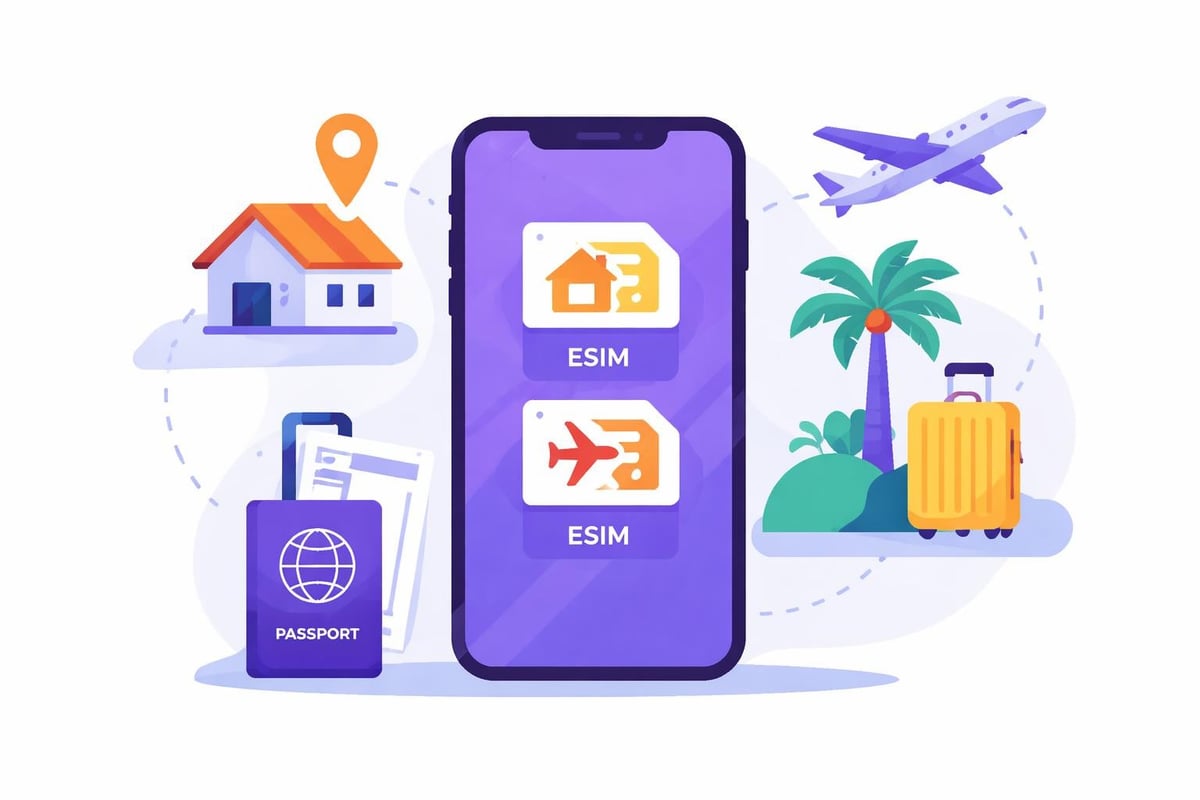
This shift means there's no physical SIM tray to open, no tiny cards to lose, and no need to visit a shop to get connected. Instead, your iPhone 14 can store multiple eSIM profiles digitally, allowing you to switch between carriers or plans without touching any hardware.
Key Capabilities
The iPhone 14 e sim technology supports several impressive features:
Dual eSIM functionality: Run two active eSIMs simultaneously for separate numbers or data plans
Multiple stored profiles: Keep up to eight eSIM profiles installed, though only two can be active at once
Instant activation: Download and activate new eSIMs within minutes
Seamless switching: Change between profiles directly from your settings menu
Setting Up Your iPhone 14 eSIM
Getting started with eSIM on your iPhone 14 is remarkably straightforward. Apple provides several activation methods to suit different situations and preferences.
The most common approach involves scanning a QR code provided by your eSIM provider. Here's how it works:
Navigate to Settings > Cellular > Add Cellular Plan
Position your camera to scan the QR code from your provider
Follow the on-screen prompts to label and configure your plan
Choose which line to use for calls, messages, and data
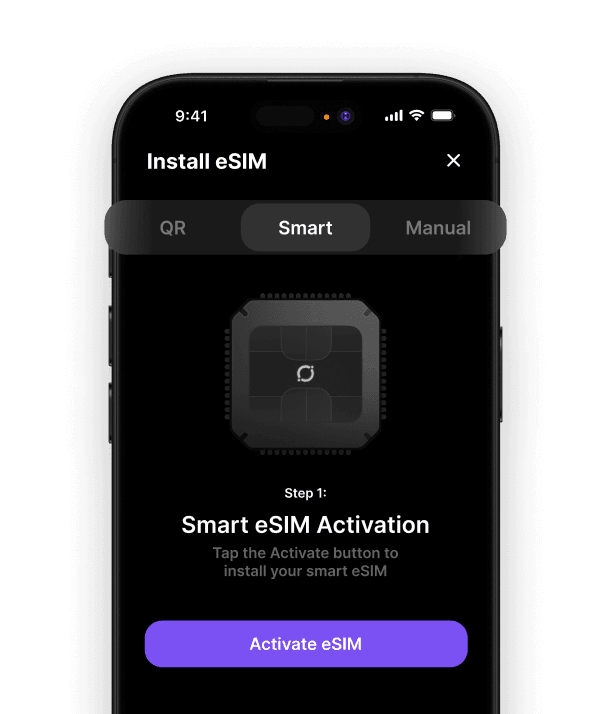
Some providers, including modern global eSIM solutions, offer app-based activation that's even simpler. You download the provider's app, create an account, and the eSIM installs automatically without scanning anything.
Activation Method | Speed | Best For |
|---|---|---|
QR Code Scan | 2-5 minutes | Traditional carriers |
App Installation | 1-3 minutes | Travel eSIM providers |
Manual Entry | 5-10 minutes | Troubleshooting |
Carrier Transfer | Instant | Upgrading devices |
Benefits for International Travellers
The iPhone 14 e sim feature revolutionises international travel connectivity. Gone are the days of hunting for SIM card shops at airports or dealing with inflated roaming charges from your home carrier.
Instant connectivity means you can purchase and activate an eSIM before you even board your flight. The moment you land, you're connected to local networks at local rates. No queues, no language barriers, no precious holiday time wasted.
Modern travel eSIM solutions work across multiple countries. Rather than buying separate eSIMs for France, Spain, and Italy on a European tour, you can use a single eSIM that works everywhere, activating automatically as you cross borders.
Cost Comparison
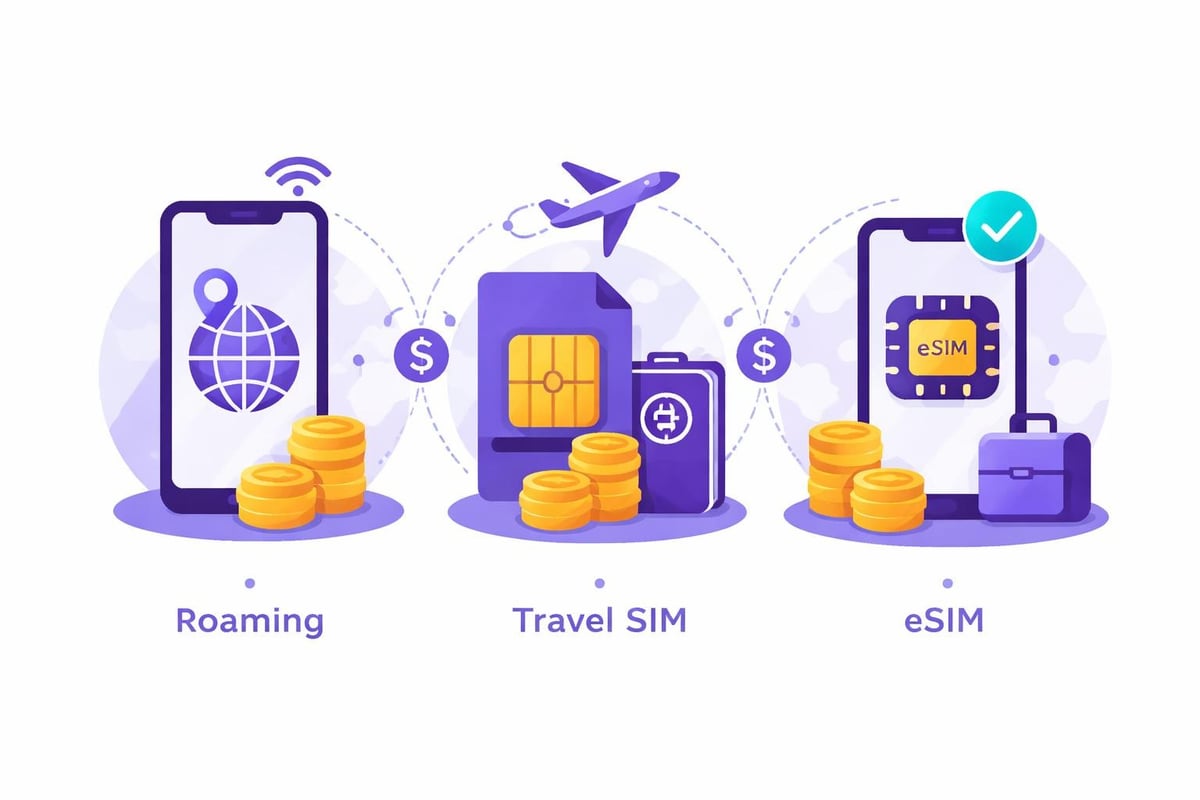
Traditional roaming charges can shock you when the bill arrives. Many home carriers charge £5-15 per day for international roaming, which adds up quickly on a two-week holiday.
Travel eSIMs typically cost a fraction of that amount. You pay only for the data you need, often with flexible options ranging from daily passes to monthly plans. Some providers even offer pay-as-you-go balances that never expire, perfect for occasional travellers.
Managing Multiple eSIMs on iPhone 14
Your iPhone 14's ability to store multiple eSIM profiles creates powerful flexibility. You might maintain your home carrier eSIM for calls and texts whilst using a travel eSIM for data. Understanding how to set up cellular service properly ensures you're always using the most cost-effective option.
The settings menu lets you designate which eSIM handles different tasks:
Primary line: Your default number for calls and messages
Cellular data: Which plan provides your internet connection
iMessage and FaceTime: Which number appears to contacts
This granular control means you can receive calls on your home number whilst browsing the internet through an affordable local data plan. Your contacts never know you're travelling, but you're not paying premium roaming rates.
Practical Tips for Using iPhone 14 eSIM Abroad
Label your plans clearly when you add them. Instead of "Personal" and "Business", use descriptive names like "UK Vodafone" and "Europe Travel Data". When you're rushing through an airport, clarity matters.
Download eSIMs before departure whenever possible. Whilst many providers work perfectly over Wi-Fi abroad, having everything configured at home eliminates potential stress. You can even test the connection before leaving.
Check data settings for apps you don't want consuming your travel data. Background app refresh, automatic downloads, and cloud photo uploads can devour your allowance quickly. Navigate to Settings > Cellular to review which apps can use cellular data.
Keep your home eSIM active even if you're using a travel eSIM for data. This ensures you receive important calls and verification codes without additional charges. Most plans don't charge for incoming calls when abroad, though it's worth verifying with your carrier.
Common Troubleshooting
If your iPhone 14 e sim isn't connecting:
Restart your device to refresh network connections
Verify the eSIM is set as your data line in Cellular Settings
Check with your provider that the eSIM is activated on their end
Ensure you have the latest iOS update installed
Sometimes network selection needs manual intervention. Go to Settings > Cellular > Network Selection and turn off automatic selection. Choose a network manually from the list that appears.
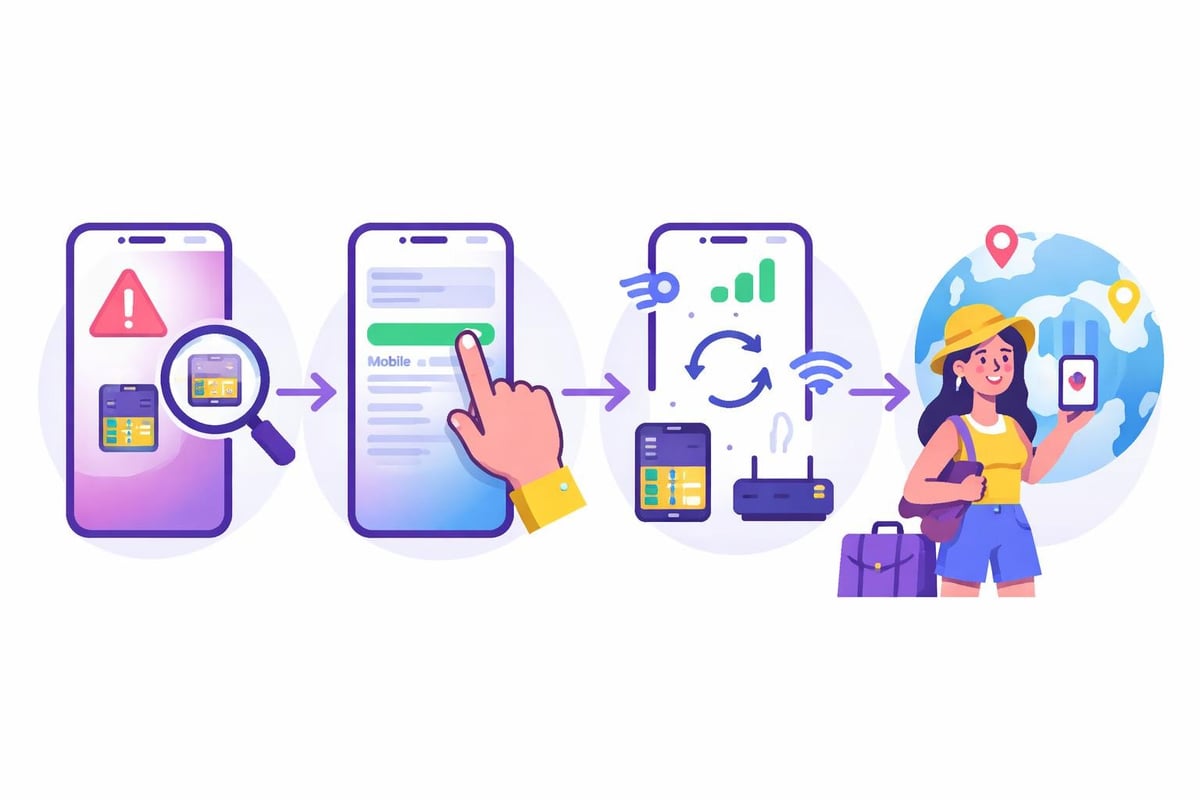
Why Traditional SIM Cards Are Becoming Obsolete
Physical SIM cards have served us well for decades, but they're increasingly impractical in our connected world. They're small enough to lose, require tools to access, and lock you into single carriers until you physically swap them out.
The iPhone 14 e sim approach eliminates these frustrations entirely. You can switch carriers in minutes rather than days, maintain multiple numbers without carrying a second phone, and never worry about damaging or misplacing that tiny card.
For travellers, the advantages multiply. Compared to buying local SIMs in every country, eSIMs save time, reduce hassle, and often cost less. You're not hunting for SIM card shops, trying to communicate your needs in unfamiliar languages, or hoping the shopkeeper doesn't overcharge tourists.
Environmental benefits matter too. Millions of plastic SIM cards end up in landfills every year. Digital eSIMs eliminate this waste entirely, representing a small but meaningful step towards sustainable technology.
Future of eSIM Technology
The iPhone 14's embrace of eSIM-only design signals where the industry is heading. More manufacturers are following Apple's lead, and carriers worldwide are expanding eSIM support. By 2026, eSIM-first devices are becoming the standard rather than the exception.
This shift benefits everyone. Carriers reduce distribution costs, manufacturers can create slimmer devices, and users gain unprecedented flexibility. The best eSIM apps are becoming sophisticated platforms that let you manage global connectivity from a single interface, comparing rates across providers and purchasing exactly the data you need.
Expect to see more innovative features as eSIM adoption grows. Some providers are already offering pooled family data plans, automatic network switching for optimal coverage, and integration with travel booking platforms. The possibilities expand as physical SIM cards fade into history.
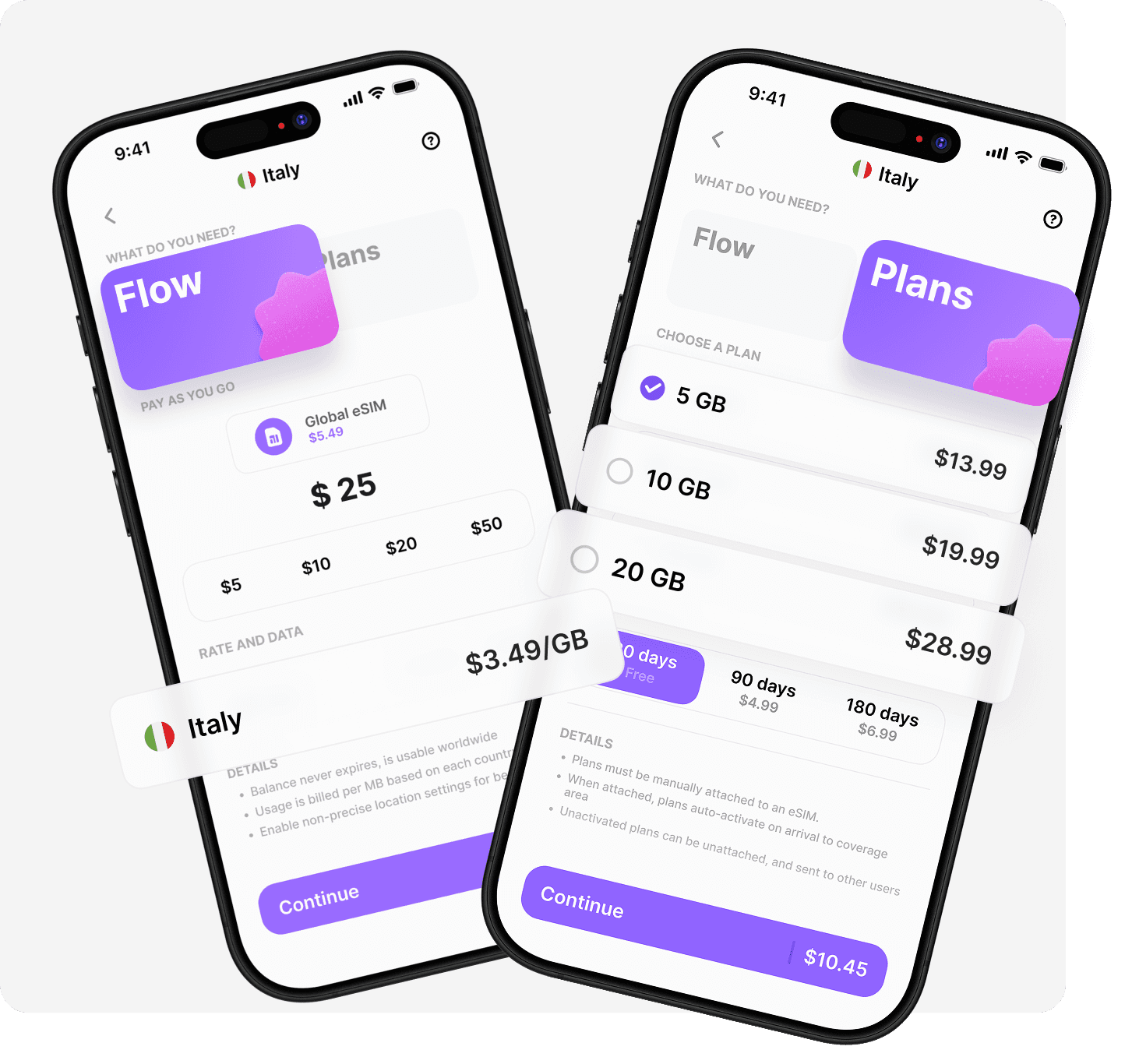
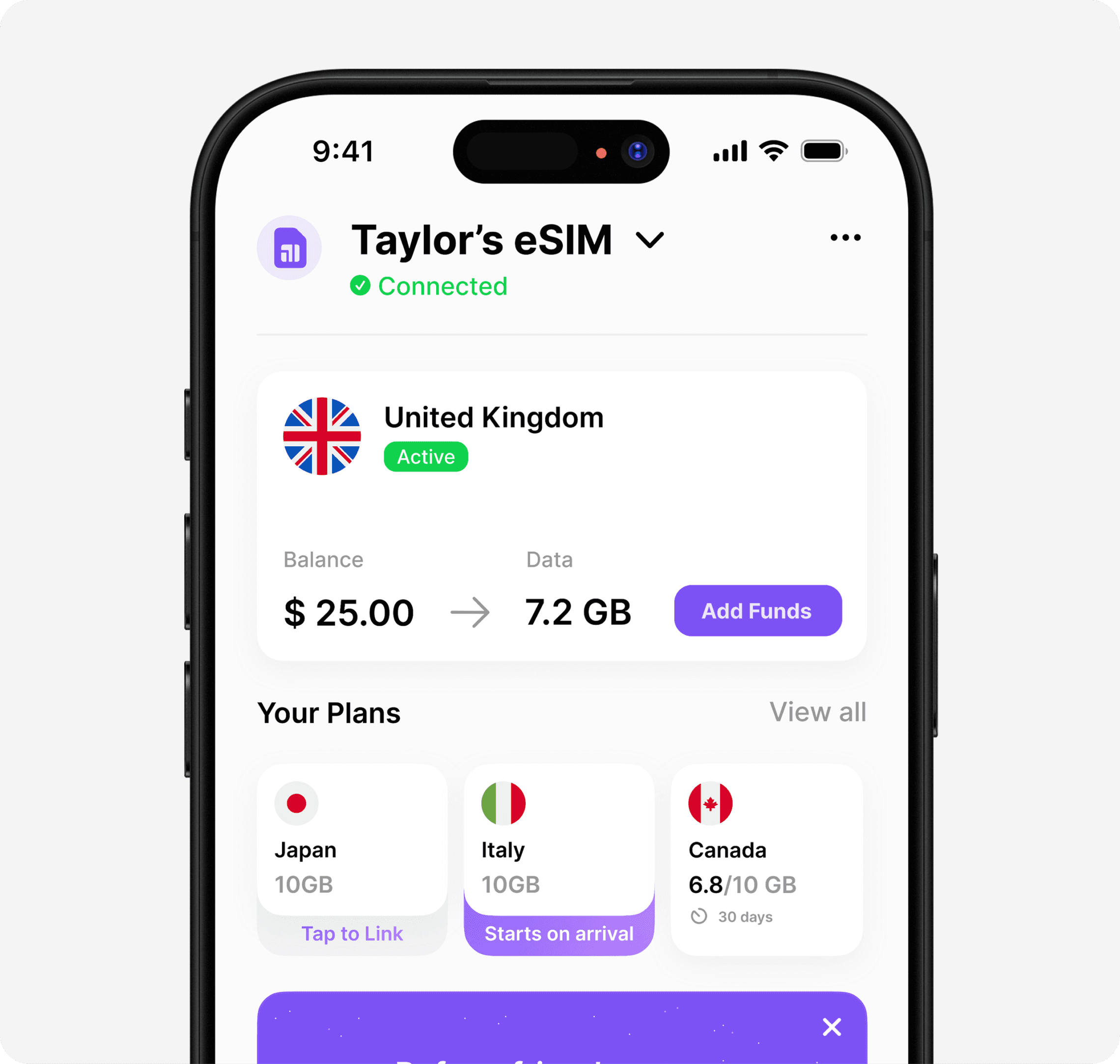
The iPhone 14 eSIM technology represents freedom for global travellers, offering flexibility that physical SIM cards simply cannot match. Whether you're a frequent flyer or planning your annual holiday, understanding how to leverage eSIM capabilities ensures you stay connected affordably and effortlessly. Ready to experience truly seamless global connectivity? Umi offers a revolutionary approach where you install once and connect everywhere across 200+ destinations, with flexible pay-as-you-go Flow balance or fixed prepaid plans that work exactly how you need them to.












" height="15.96587083656648px" id="gUt8q3MIs" width="13.557999603271485px"/></svg>)