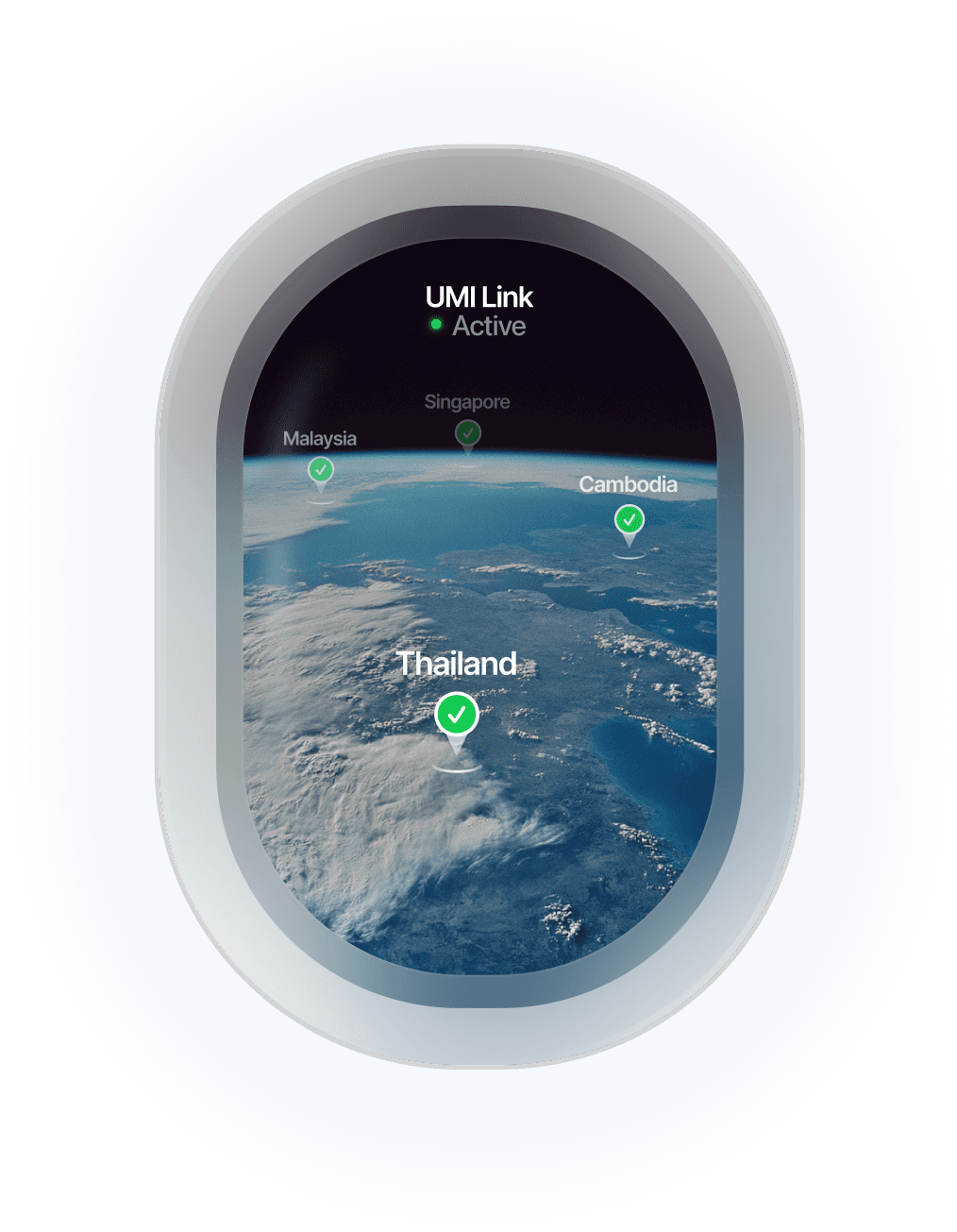
Harnessing Umi: The Smart Global eSIM Solution for Travelers
Written By:
Umi
TL;DR: Why Choose Umi eSIM for Your Pixel Device
Google's Pixel smartphones integrated with Umi's eSIM service offer effortless global connectivity across 200+ countries without the hassle of physical SIM cards.
Enjoy simplicity by avoiding local SIM purchases and save on roaming charges.
Easily switch between multiple profiles for business or personal use.
Set up Umi quickly with a QR code or carrier app, and manage profiles seamlessly via your Pixel device.
Umi ensures flexibility and coverage with a pay-as-you-go model, ideal for both frequent and occasional travelers.
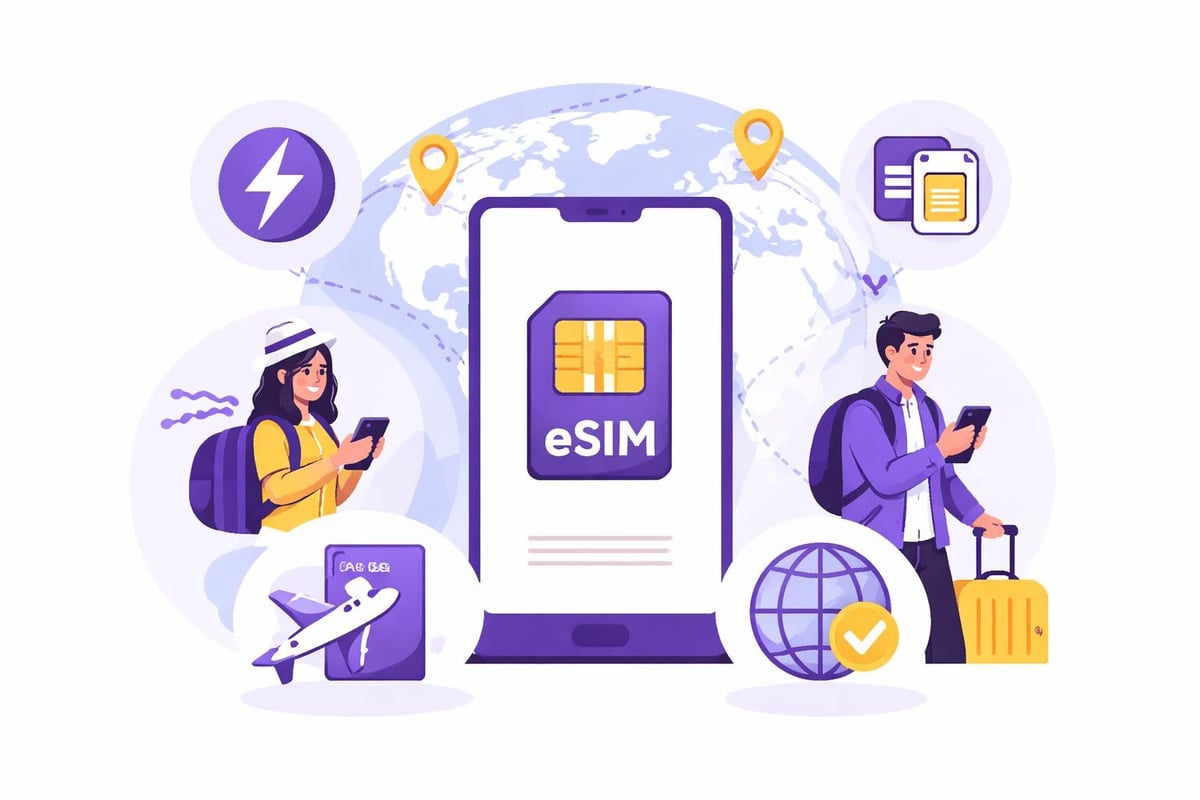
Google's Pixel smartphones have become synonymous with cutting-edge technology, and their embrace of eSIM functionality represents a significant shift in how we stay connected globally. If you're a Pixel owner or considering joining the ecosystem, understanding how pixel esim works can transform your travel experience and daily connectivity. This technology eliminates the fiddly process of swapping physical SIM cards, offering a seamless solution that's particularly brilliant for frequent travellers.
What Makes Pixel eSIM Special
The pixel esim implementation on Google devices stands out because of its simplicity and forward-thinking design. Unlike traditional SIM cards that require physical installation, eSIM technology on Pixel phones operates through a programmable chip embedded directly in your device.
Recent models like the Google Pixel 10 series have embraced eSIM-only design in the U.S., marking a bold step toward a truly wireless future. This transition means your device becomes sleeker, more water-resistant, and completely freed from the limitations of physical SIM trays.
Key Benefits for Pixel Users
Dual eSIM capability is where Pixel devices truly shine. You can store multiple carrier profiles simultaneously, switching between them with just a few taps. This feature proves invaluable when:
Travelling internationally and needing local connectivity
Separating work and personal numbers on one device
Testing different carriers without commitment
Maintaining backup connectivity options
The flexibility extends beyond simple dual-SIM functionality. Modern Pixel phones can store numerous eSIM profiles, though only two can be active simultaneously on most models.
Setting Up Your Pixel eSIM
Getting started with pixel esim is refreshingly straightforward. The activation process varies slightly depending on whether you purchased your device from a carrier or bought it unlocked, but both paths are user-friendly.
Activation Methods
Method | Best For | Time Required |
|---|---|---|
QR Code Scanning | First-time setup | 2-3 minutes |
Carrier App | Existing customers | 1-2 minutes |
Manual Entry | Complex setups | 5-10 minutes |
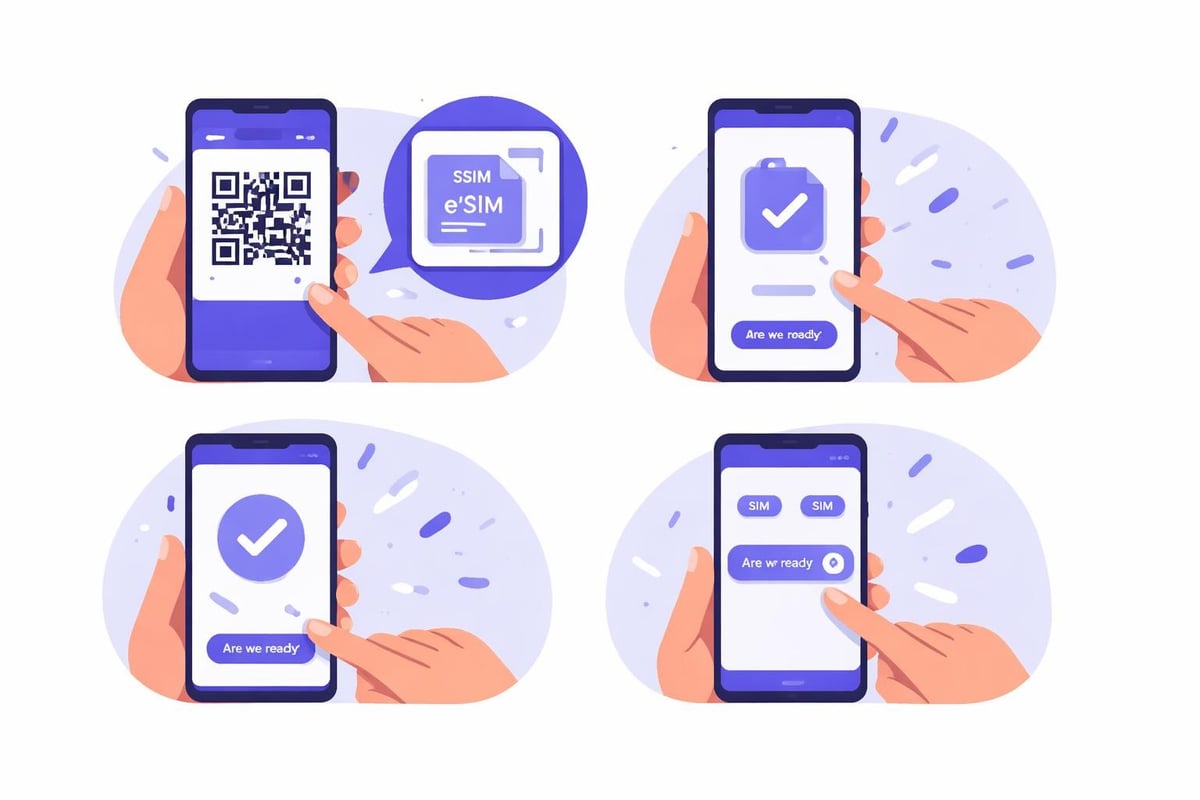
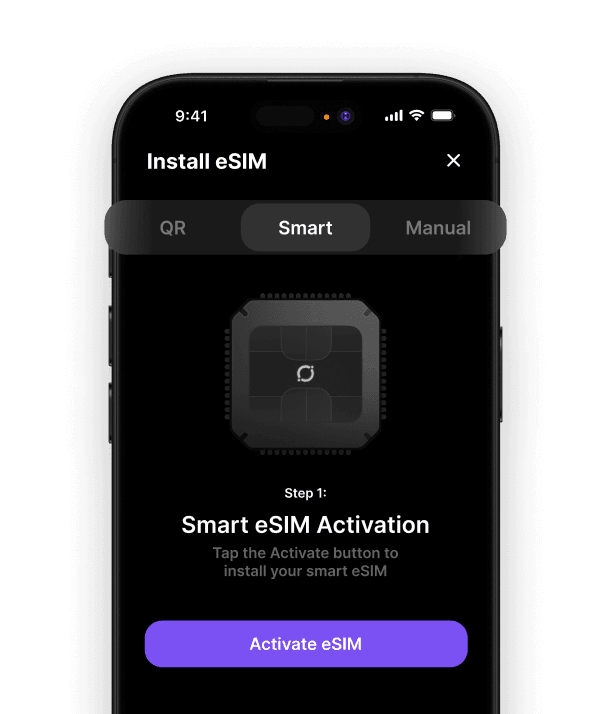
Most eSIM providers will send you a QR code via email. Simply open your Pixel's settings, navigate to Network & Internet, tap the plus icon next to SIMs, and select "Download a SIM instead." Your camera activates, you scan the code, and within moments, you're connected.
Google has also developed an innovative built-in eSIM conversion tool that allows you to transfer your existing physical SIM to an eSIM profile without visiting a carrier store. This feature eliminates one of the last barriers to full eSIM adoption.
Pixel eSIM for International Travel
Travellers particularly benefit from pixel esim technology. Gone are the days of hunting for local SIM cards at airports or paying extortionate roaming fees. With eSIM, you can research and purchase travel data plans before departure, arriving at your destination with connectivity already sorted.
The process is delightfully simple:
Download your chosen travel eSIM provider's app
Select your destination and preferred data package
Install the eSIM profile to your Pixel
Activate it when you land
Managing Multiple Profiles
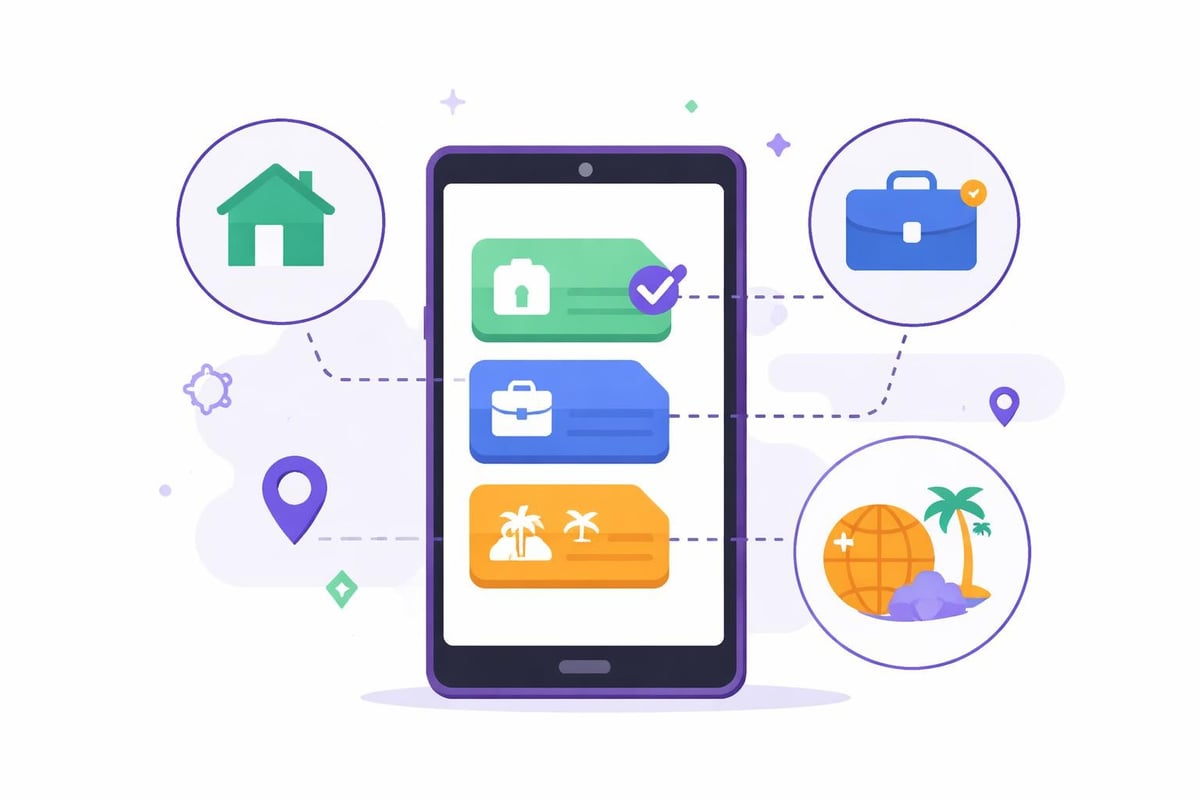
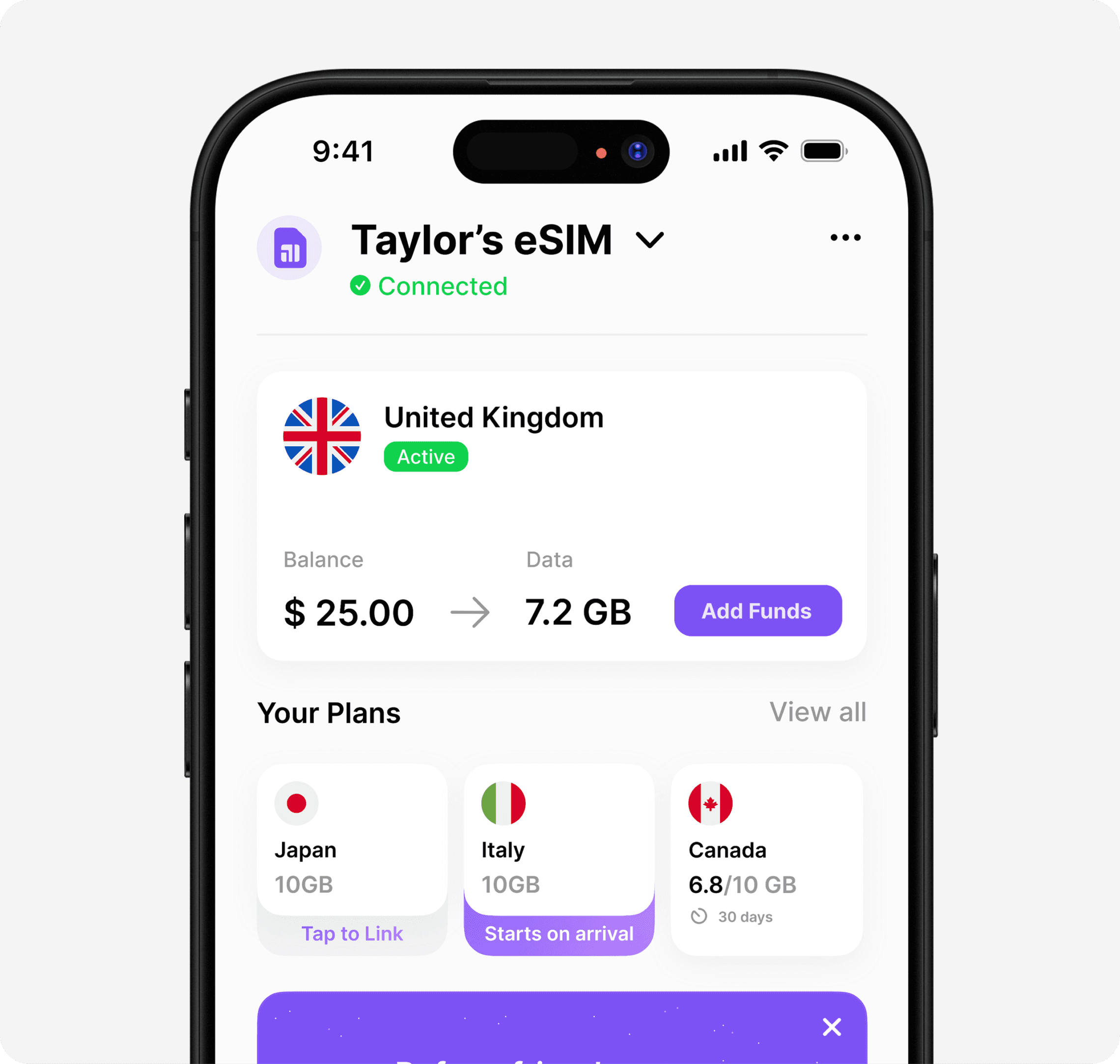
Your Pixel allows you to keep several eSIM profiles installed simultaneously. This means you can maintain your home carrier profile whilst adding temporary travel profiles as needed. When you return home, simply switch back to your primary eSIM without deleting anything.
Profile management best practices:
Label each eSIM clearly (Home, Work, Travel, etc.)
Set your preferred profile for mobile data
Configure which eSIM handles calls and texts
Disable unused profiles to preserve battery life
For those wondering about eSIM-supported phones, the Pixel family has offered eSIM capability since the Pixel 3, with each generation improving the experience.
Choosing the Right eSIM Provider
Not all eSIM providers are created equal, especially for travel purposes. When evaluating options for your pixel esim setup, consider several crucial factors that directly impact your experience abroad.
Coverage breadth matters enormously. The best eSIM apps offer connectivity across 100+ countries without requiring you to purchase separate plans for each destination. This approach eliminates the hassle of managing multiple profiles and remembering which eSIM works where.
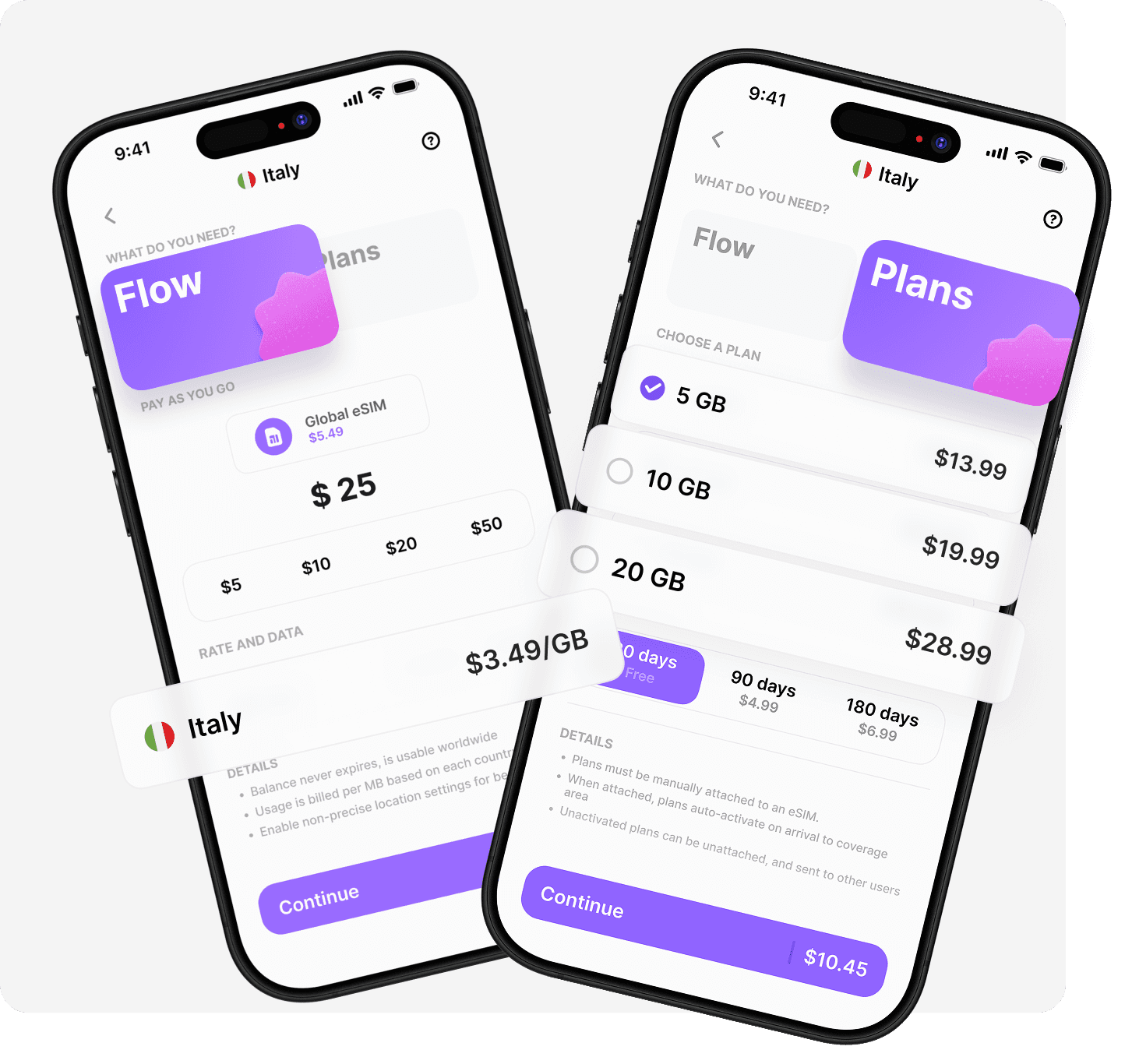
Pricing structure varies significantly between providers. Some charge per country with plans that expire after 7-30 days. Others offer more flexible pay-as-you-go models where you top up a balance that doesn't expire, giving you better value if you travel irregularly.
Comparing eSIM Options
Feature | Traditional Approach | Modern Solution |
|---|---|---|
Profile Installation | New eSIM per trip | One permanent eSIM |
Balance Expiry | 7-30 days typical | No expiry |
Plan Switching | Manual for each country | Automatic activation |
Hotspot Support | Often restricted | Fully supported |
Many travellers also appreciate having both prepaid plans and flexible options available through a single provider. This combination lets you choose fixed data packages when you need certainty, whilst maintaining pay-as-you-go balance for unexpected trips.
Troubleshooting Common Pixel eSIM Issues
Even with Google's refined implementation, you might occasionally encounter hiccups with your pixel esim setup. Understanding common issues helps you resolve them quickly, often without contacting support.
Connection problems after installing a new eSIM profile usually stem from incorrect APN settings or the profile not being set as your active data source. Navigate to Settings > Network & Internet > SIMs, then ensure your desired eSIM is selected for mobile data.
If your eSIM won't install, verify that:
Your device is compatible with eSIM technology
You're connected to stable Wi-Fi during installation
Your carrier or provider supports eSIM activation
The QR code hasn't expired (some are time-limited)
Battery drain sometimes increases when multiple eSIM profiles remain active simultaneously. If you notice this, disable profiles you're not currently using rather than deleting them entirely. This preserves the profile for future use whilst reducing background network scanning.
Regional Considerations
It's worth noting that Pixel 10 models differ by region. U.S. versions are eSIM-only, whilst international variants may still include a physical SIM slot alongside eSIM support. This distinction matters if you split time between regions or purchase devices whilst travelling.
For those specifically interested in connectivity within North America, exploring options for the best eSIM for USA travel can help you find providers with strong coverage across all carriers and competitive pricing for data-heavy usage.
Advanced Pixel eSIM Features
Beyond basic connectivity, your pixel esim unlocks several advanced capabilities that enhance your mobile experience. Carrier switching becomes instantaneous when you maintain multiple profiles, letting you take advantage of network-specific promotions or superior coverage in particular areas without any downtime.
The upcoming eSIM conversion tool from Google will further streamline the transition from physical SIMs. This feature allows direct conversion through your device settings, making it accessible even for less tech-savvy users who might feel intimidated by QR codes and manual configuration.
Business travellers particularly benefit from keeping separate eSIM profiles for different purposes. Maintaining one profile for corporate connectivity and another for personal use, with the option to add travel profiles as needed, provides unprecedented flexibility without carrying multiple devices.
Your Pixel's eSIM functionality also supports features like Wi-Fi calling and VoLTE on compatible networks, ensuring you maintain high-quality voice services regardless of which profile you're using. These features work seamlessly across your installed eSIMs, switching automatically based on your active profile.
Understanding pixel esim technology opens up a world of connectivity possibilities, particularly for travellers who value convenience and flexibility. Whether you're exploring multiple countries or simply want better control over your mobile service, eSIM transforms how you stay connected. Ready to experience truly seamless global connectivity? Umi offers one eSIM that works across 200+ destinations with no expiry on your pay-as-you-go balance, plus flexible prepaid plans when you need them. Install once, travel everywhere.












" height="15.96587083656648px" id="gUt8q3MIs" width="13.557999603271485px"/></svg>)