Boost Your Productivity with Umi: The 2026 Mobile Work Revolution
Written By:
Umi
TL;DR: Embrace Mobile Work Revolution in 2026
• By 2026, mobile technology advancements, including enhanced 5G, 6G networks, and the Umi eSIM, enable a seamless global work experience with unparalleled flexibility.
• Essential productivity tools like Slack, Zoom, Asana, and Trello, with AI enhancements for communication and task management, transform smartphones into efficient work tools.
• Ensuring security through biometric logins and encrypted communications is crucial, while personalization and hardware pairing maximize phone efficiency.
• The future promises productivity with immersive AR/VR experiences, voice and gesture controls, all connected through IoT and wearable tech for a cohesive ecosystem.
Imagine the freedom of leaving your laptop behind and being able to work with your phone anywhere, anytime. In 2026, this is no longer just a dream, but a daily reality for millions.
This guide is here to help you unlock the full power of your smartphone for work, showing you the latest tools, trends, and best practices. Whether you are working from a café, a park bench, or halfway across the world, your phone can be your productivity command center.
We will explore the essential apps, smart workflows, and AI-powered features that make mobile work seamless. Get ready to optimize your device, discover future trends, and join the mobile-first work revolution. Let’s dive in and make your phone your most valuable work tool.
The Rise of Mobile-First Work in 2026
A growing number of professionals now work with your phone as their main device, signaling a true mobile-first era. According to Statista, over 60% of workers in 2025 relied on their phones for daily tasks, and this number is still rising.
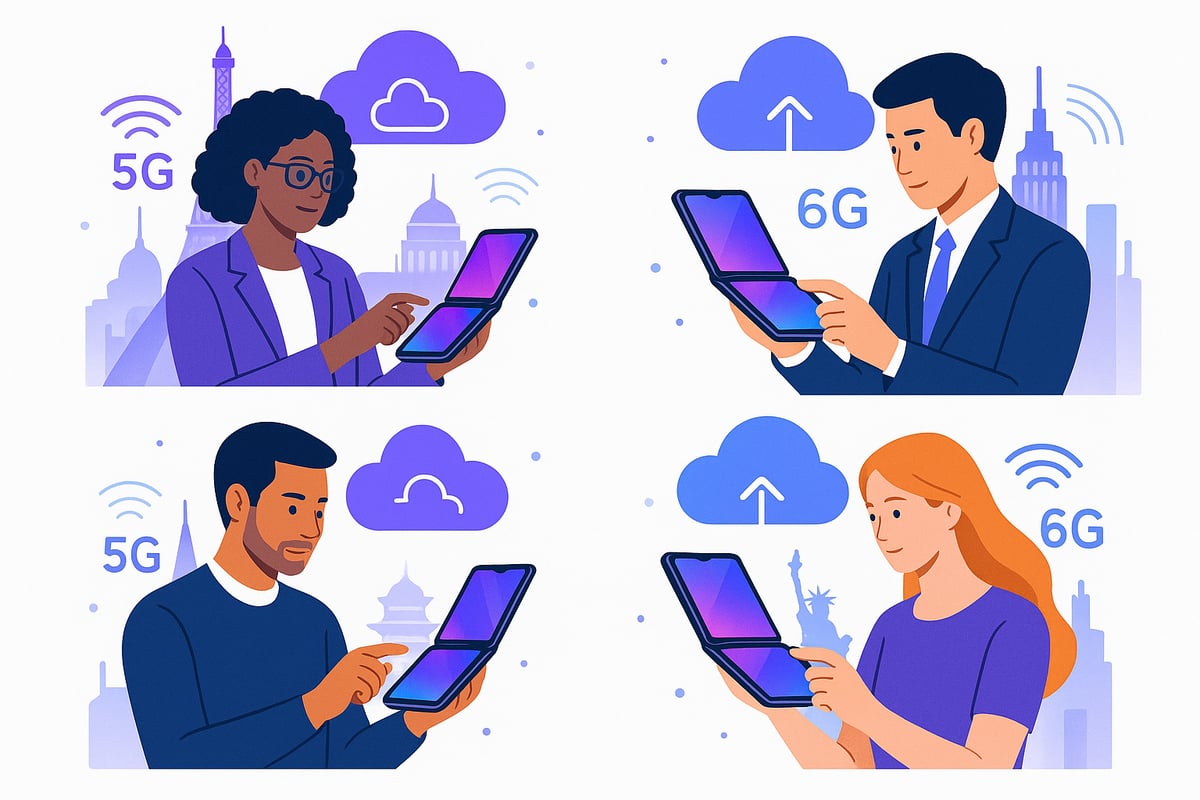
Several tech breakthroughs drive this shift. Lightning-fast 5G and emerging 6G networks, powerful mobile processors, foldable screens, and innovative cloud software are all making it easier to work with your phone. For a deeper dive into these advancements, check out the 8 Smartphone Trends That Will Shape 2026.
Mobile-first work lets people enjoy true flexibility. Digital nomads, field agents, and executives on the go can stay productive anywhere, without lugging around a laptop. These phone-centric setups are bridging the gap between traditional desktops and mobile devices.
Of course, challenges remain. Security, limited screen size, and app compatibility are top concerns. Thankfully, solutions like advanced encryption, smarter app design, and device optimization are helping address these issues.
Looking ahead, Gartner forecasts a 35% growth in mobile productivity app usage by 2026. The future of work is clearly in your hands—literally.
Essential Productivity Apps & Tools for 2026
In 2026, the way we work with your phone has reached new heights. Modern smartphones, packed with advanced hardware and AI, let us collaborate, manage projects, and handle files effortlessly from anywhere. The right set of productivity tools can truly transform how you work with your phone, helping you stay connected and efficient in any environment.
Communication & Collaboration
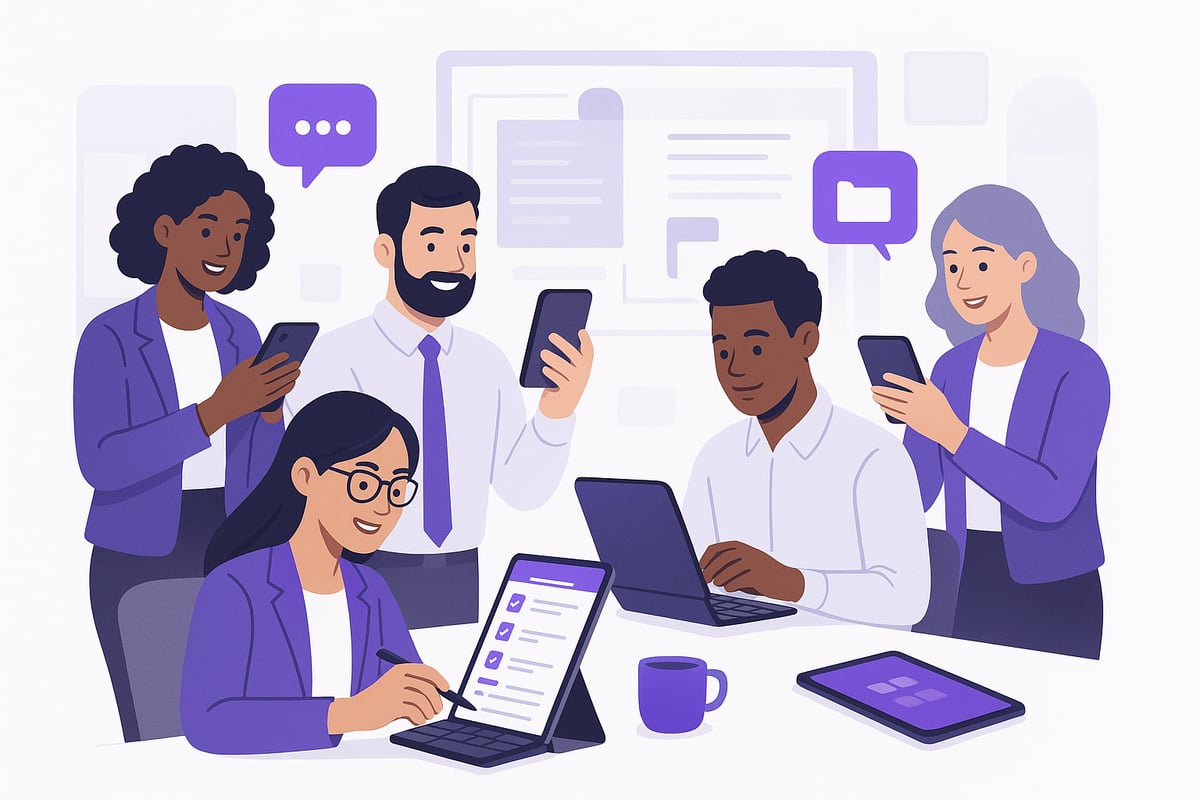
Seamless teamwork is at the heart of productive mobile work. Unified messaging platforms like Slack, Microsoft Teams, and Zoom are optimized for smartphones, making it easy to manage projects, chat, and join video meetings—even on the go.
Thanks to real-time document editing and integrated video calls, you can brainstorm and finalize decisions wherever you are. AI-powered features, such as meeting summaries and instant voice-to-text, save you hours each week. For instance, Teams now auto-translates and summarizes multilingual chats, bridging gaps across global teams. Curious about the future of these tools? Check out the Mobile Device Revolution: Five Trends for 2026 for more on how AI is shaping the way we work with your phone.
Task & Project Management
Staying organized is easier than ever when you work with your phone. Mobile-first boards like Trello, Asana, and ClickUp use gesture-based controls for quick updates. AI-driven prioritization and smart reminders help you focus on what matters most.
Syncing across all your devices ensures your task flow is never interrupted. For example, Asana’s AI can suggest your next steps based on your project’s history, making it feel like you have a personal assistant in your pocket.
Cloud Storage & File Access
Never worry about losing a file or running out of space again. Unlimited, secure cloud storage services such as Google Drive and Dropbox now offer instant offline access and advanced file search. Use AI and voice commands to find any document, even by its content instead of the title.
Sharing files is safer with encrypted links and robust version control. Dropbox’s AI search, for example, helps you locate files by content, keeping your workflow smooth and efficient.
Optimizing Your Phone for Maximum Productivity
Unlocking your ability to work with your phone starts by tailoring it for efficiency and comfort. Small tweaks to your setup can turn your device into a productivity machine, making every tap and swipe count whether you are at home or on the move.
Customizing Your Device
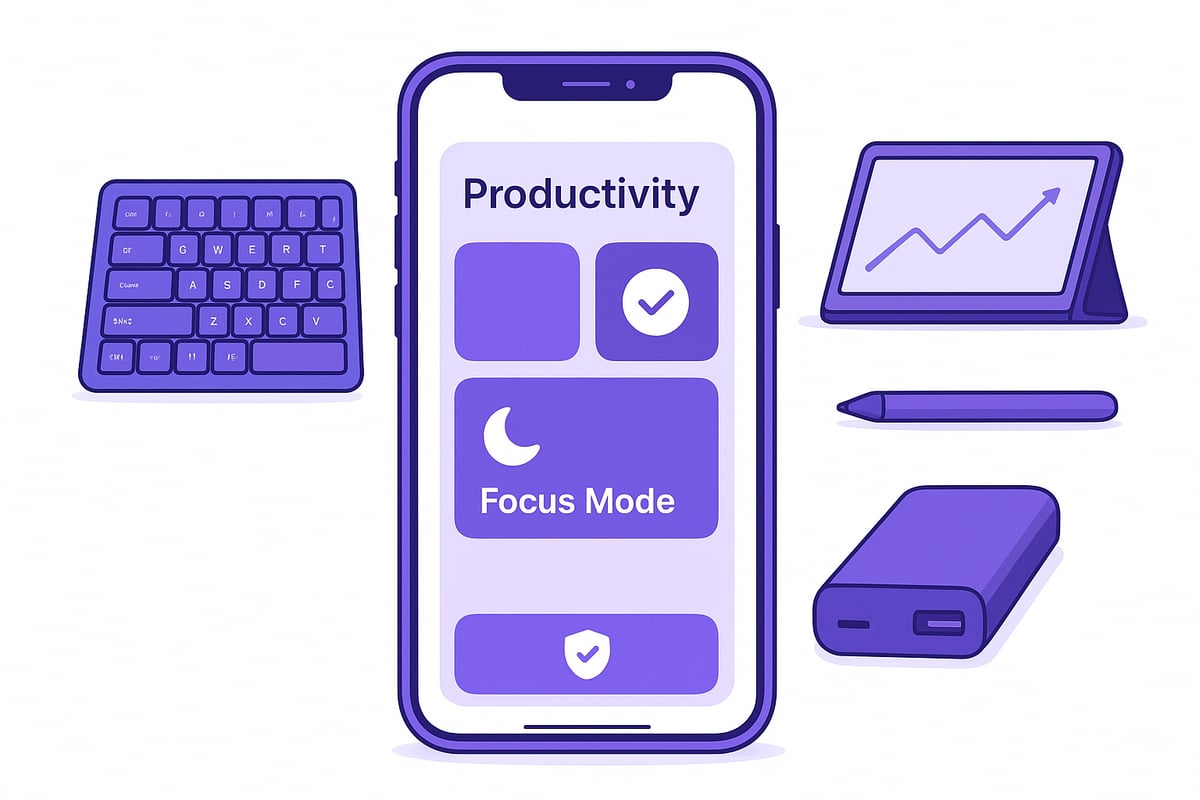
Personalizing your home screen is the first step to efficiently work with your phone. Add widgets for instant access to your calendar, tasks, and notes. Use focus modes and manage notifications to keep distractions at bay. Custom keyboard shortcuts and gesture navigation help you move quickly between apps.
Home screen widgets for top apps
Focus profiles for work or personal time
Custom gestures for faster navigation
For example, iOS and Android now let you create work-only focus profiles, so you stay productive during business hours and relax after.
Hardware & Accessories
The right hardware can help you work with your phone just like you would with a laptop. Foldable and dual-screen phones enable true multitasking. Pair your device with Bluetooth keyboards, styluses, or a portable monitor for a desktop feel anywhere. High-capacity power banks and wireless charging pads keep you powered up through long days.
Foldable phones for split-screen multitasking
Bluetooth keyboards and styluses
Portable monitors for expanded workspace
Travelers can also benefit from using multiple SIMs on one phone, making it easy to stay connected and productive wherever work takes you.
Security & Privacy Best Practices
Protecting your data is essential when you work with your phone. Enable biometric authentication for quick, secure access. Use encrypted messaging apps and a trusted VPN for privacy. Make sure all your apps and system software are up to date to block security threats.
Biometric logins for extra safety
Encrypted messages and VPNs
Regular updates for all apps
Android’s Security Hub is a great way to monitor and manage your phone’s protection, so your workflow stays safe and smooth.
Harnessing AI & Automation on Your Phone
Imagine if you could work with your phone and have a personal assistant in your pocket, ready to handle your most repetitive tasks. In 2026, AI and automation make this a reality, letting us achieve more with less effort, wherever we are.
AI Features That Supercharge Your Day
AI assistants like Google Assistant, Siri, and Bixby help you schedule meetings, set reminders, and find information in seconds. With automated workflows, your phone can trigger actions based on your location or time, such as sending a status update when you arrive at a client site.
Here are some ways you can work with your phone smarter using AI:
Smart email triage: AI sorts your inbox, highlights urgent messages, and can even suggest auto-replies.
Real-time translation: Instantly translate chats or documents, breaking language barriers as you collaborate globally.
Content generation: Draft emails, reports, or even presentations on the go using features like Gmail’s “Help Me Write.”
Voice-to-text and summaries: Turn spoken notes into text and get meeting highlights, saving you precious time.
AI Adoption and Future Potential
According to IDC, a whopping 72% of mobile users now rely on AI-powered features for daily work tasks. This shift means that to truly work with your phone efficiently, embracing these tools is a must.
Curious about how AI is evolving on other platforms? Check out Windows 11's New AI Productivity Features in 2026 for a glimpse into the future of digital productivity.
Staying Connected Anywhere: The Power of Global Mobile Data
Staying productive when you work with your phone depends on reliable global mobile data. As more of us rely on mobile devices for work, uninterrupted connectivity becomes essential, especially for digital nomads and frequent travelers. Traditional roaming, SIM swaps, and juggling local data plans often cause frustrating delays and extra costs.
For a deeper dive into how global eSIMs empower mobile-first professionals to work with your phone anywhere, check out the Global eSIM provider guide.
Reliable Connectivity for Remote Productivity
Uninterrupted data access is the backbone of mobile productivity. When you work with your phone in new countries, the challenges of roaming fees, SIM card swaps, or tracking down local data plans can disrupt your workflow.
Professionals need a solution that is seamless, affordable, and flexible, making it easier to stay productive wherever work takes them.
Umi: Smart Global eSIM for Effortless Connectivity
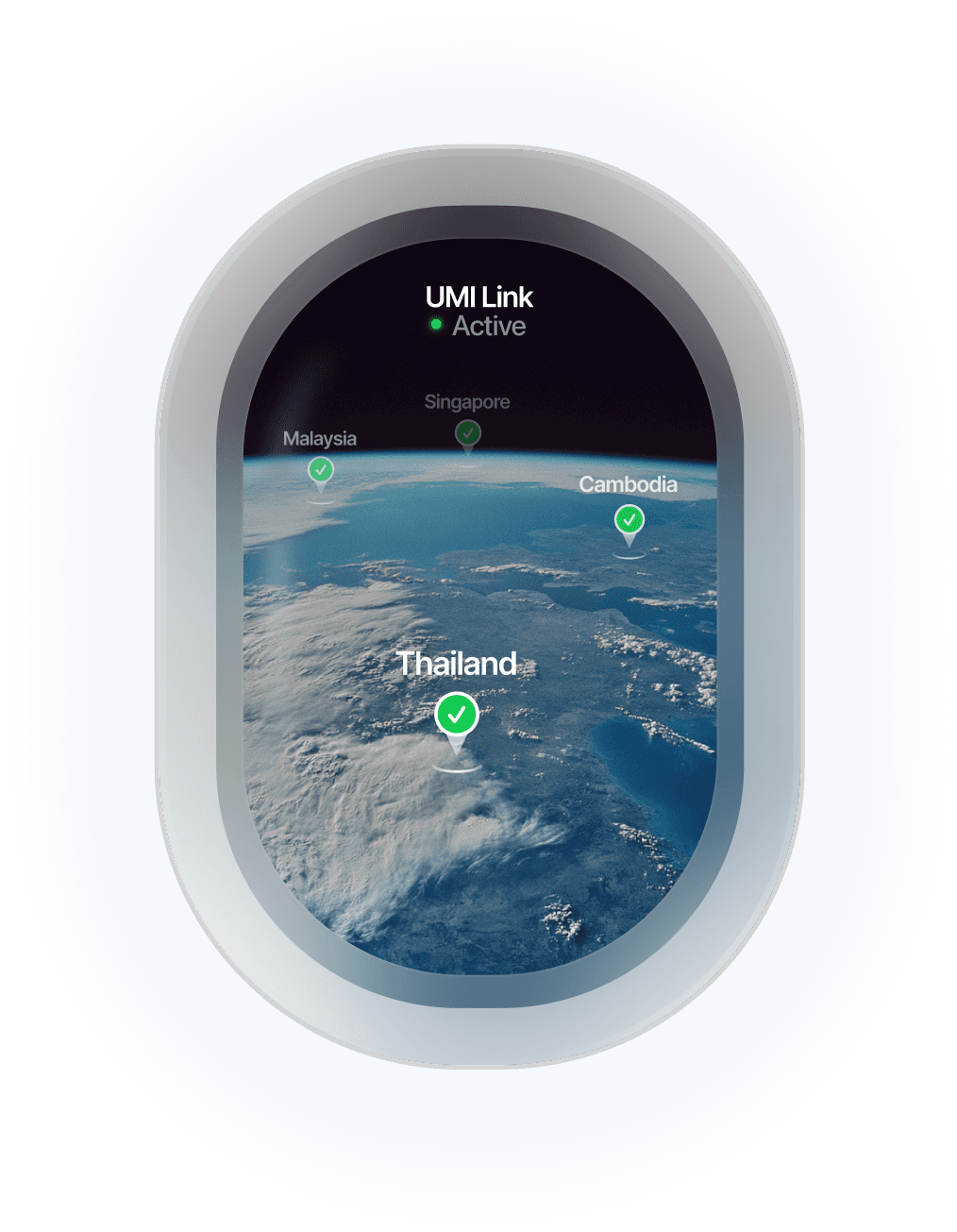
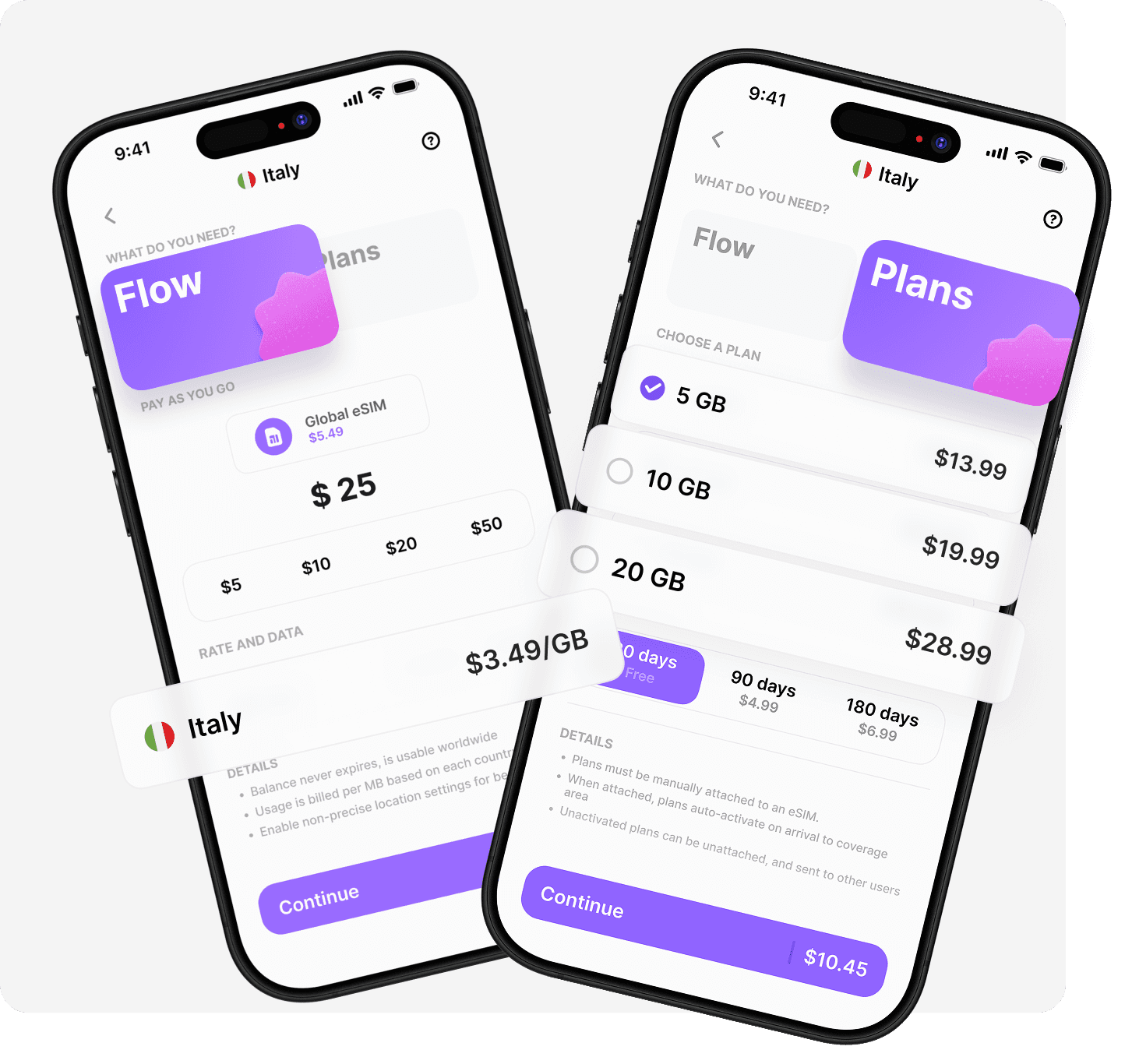
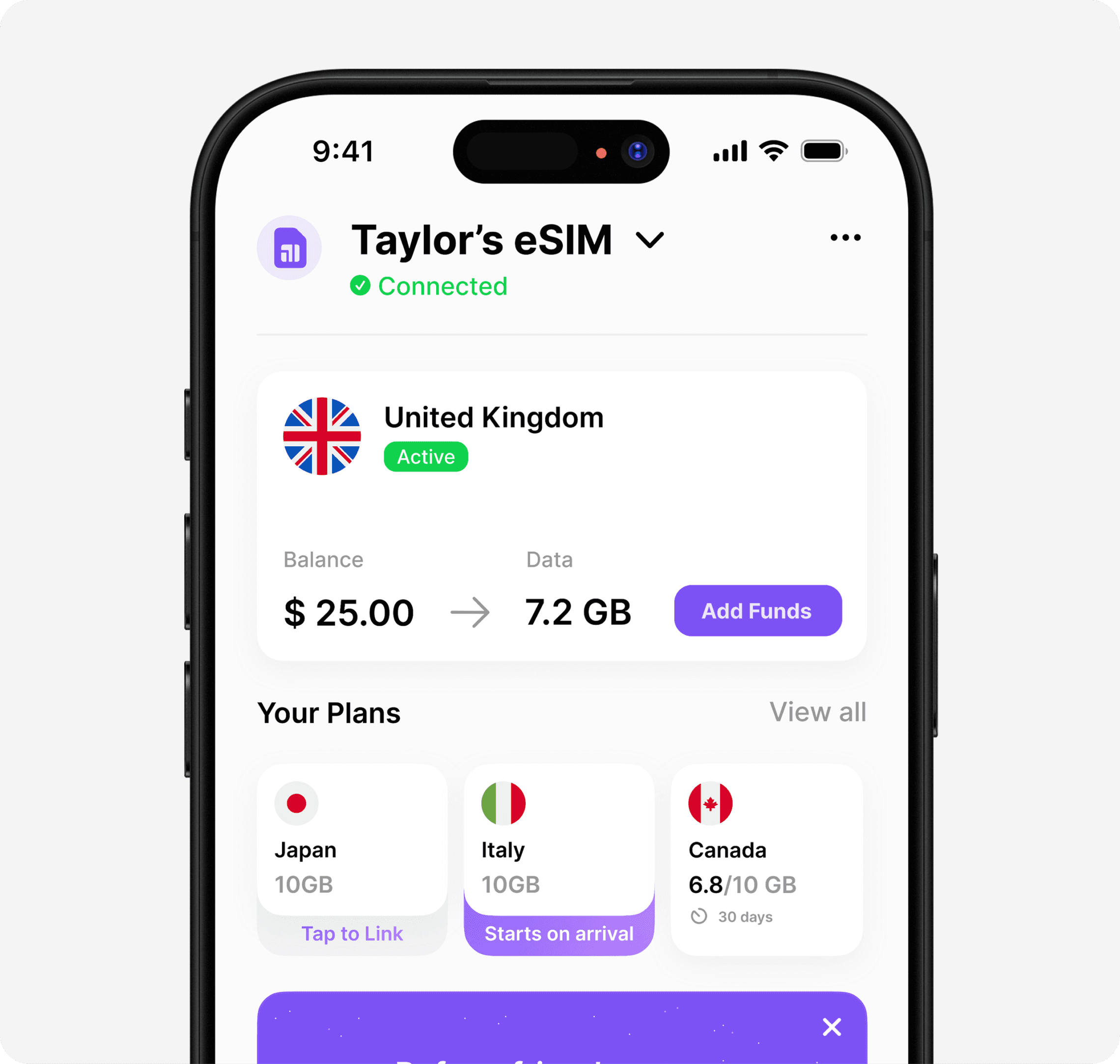
Umi offers a single eSIM profile that delivers instant, reliable data in over 200 countries. You never have to swap SIMs or change plans again. Choose pay-as-you-go or prepaid options, all managed from one convenient app.
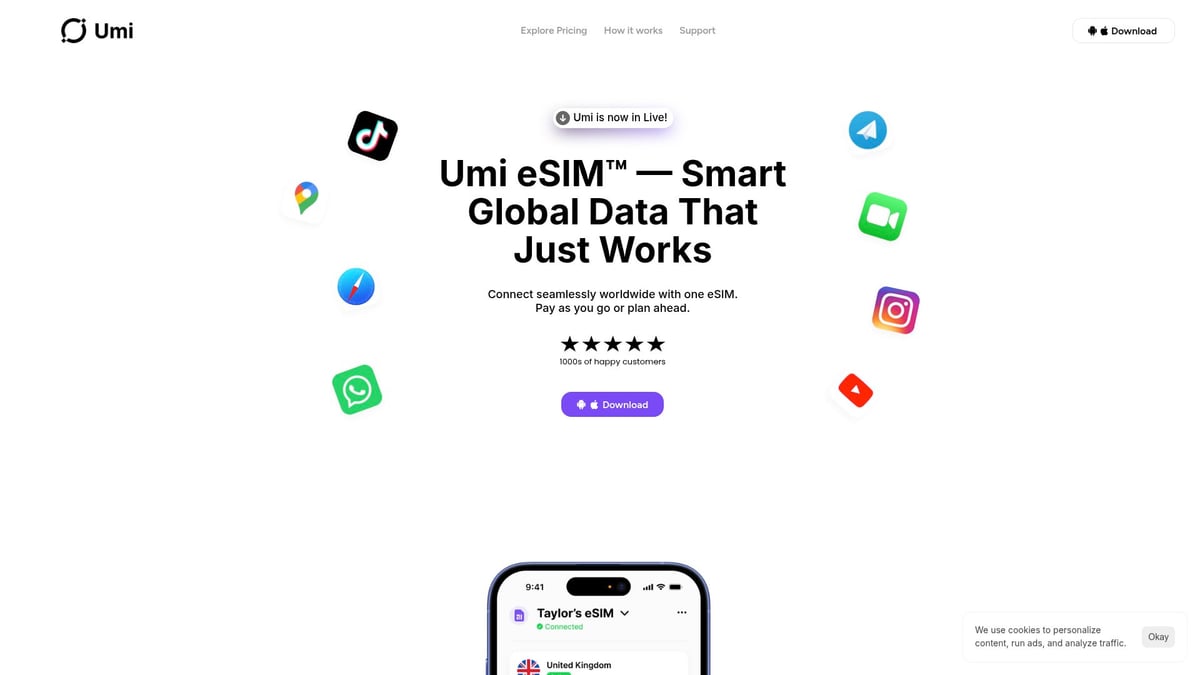
With no roaming fees, data that never expires, and full support for hotspot sharing, Umi ensures your work with your phone is never interrupted by connectivity issues. It is an ideal companion for professionals who depend on their phones for work worldwide.
Future Trends: What’s Next for Phone-Based Productivity?
The future of how we work with your phone is bright and full of exciting change. As technology evolves, new trends are shaping how we stay productive, efficient, and connected in every aspect of our work lives.
Virtual and Augmented Reality Workspaces
Imagine stepping into a virtual office from anywhere. Virtual and augmented reality are transforming how we work with your phone, letting us attend meetings, brainstorm, and collaborate in immersive environments right from our devices.
Voice and Gesture Controls
Typing and tapping will soon be replaced by natural voice and gesture commands. Advanced AI interprets our speech and hand movements, making it easier than ever to manage tasks, send messages, or navigate apps hands-free.
Wearables and IoT Integration
Smartwatches, AR glasses, and connected devices are joining forces with our phones. This seamless integration creates a holistic productivity ecosystem where notifications, reminders, and data sync across all our devices in real time.
AI Productivity Coaches and Predictive Analytics
AI-powered coaches will analyze habits and suggest ways to optimize our day. Predictive analytics anticipate our needs, helping us prioritize tasks and manage time more effectively. According to the Mobile Economy 2025 Report, mobile-first workflows are set to dominate by 2028.
To stay ahead, keep exploring new tools, embrace flexible devices, and be ready to adapt. The journey to smarter ways to work with your phone is just beginning, and together, we can make the most of every innovation.
We’ve covered how your phone can be your all in one work companion in 2026—from the latest apps to smart AI helpers and ways to stay productive wherever you go. But let’s be honest, none of it matters if you can’t stay connected. That’s where Umi steps in to keep us all online, no matter where work takes us. If you’re ready to say goodbye to juggling SIM cards and hunting for WiFi, and want seamless access to data in over 200 countries, you’ll want to check this out. We can all work smarter and travel lighter—Learn more about Umi eSIM.
Staying connected wherever you go
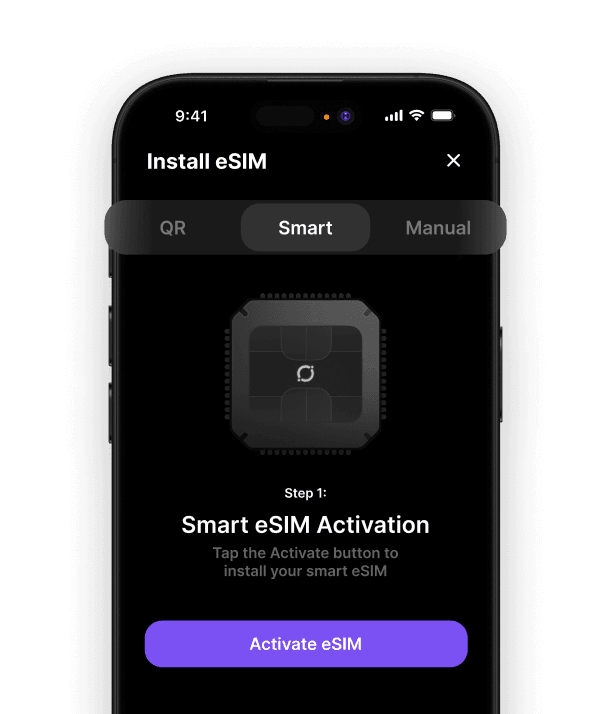
Once you have picked where to go, the next thing to sort is staying online when you land. A travel eSIM saves you from roaming charges and airport SIM queues, and one Umi eSIM works across 200+ destinations on a single install, with data that never expires between trips. See the best travel eSIM options, or get the Umi app before you fly.












" height="15.96587083656648px" id="gUt8q3MIs" width="13.557999603271485px"/></svg>)