eSIM for Samsung: Your Complete Setup Guide 2026
Written By:
Umi
TL;DR: Samsung eSIM Simplifies Global Connectivity
Samsung's eSIM technology revolutionizes travel connectivity by enabling digital mobile plan activation without physical SIM cards.
Compatible with Galaxy S20 and newer models, it allows travelers to save time and money by avoiding roaming charges and local SIM purchases.
Samsung devices can store multiple eSIM profiles, facilitating easy switches between plans, crucial for those frequently crossing borders.
The eSIM setup is straightforward, often using a QR code, and offers flexibility for single-country, multi-country, and long-term stays.
By optimizing data usage and leveraging eSIMs, Samsung users can enjoy seamless and cost-effective international communication.
Samsung's embrace of eSIM technology has transformed how we stay connected whilst travelling. If you're a Samsung owner planning international adventures, understanding how esim for samsung works can save you time, money, and the hassle of hunting for local SIM cards at every destination. Modern Samsung devices support this embedded technology, allowing you to download and activate mobile plans digitally without physically swapping SIM cards. This guide walks you through everything you need to know about getting started with eSIM on your Samsung phone.
Which Samsung Devices Support eSIM
Not every Samsung phone comes with eSIM capability, and compatibility often varies by region and carrier. The flagship Galaxy S series has led the way, with models from the S20 onwards typically featuring eSIM support. The Galaxy S20, S21, and newer models offer this functionality in most markets.
Checking Your Device Compatibility
Before diving into esim for samsung setup, verify your specific model supports the technology:
Galaxy S20, S20+, S20 Ultra, S20 FE
Galaxy S21, S21+, S21 Ultra, S21 FE
Galaxy S22, S22+, S22 Ultra
Galaxy S23, S23+, S23 Ultra
Galaxy S24, S24+, S24 Ultra
Galaxy Z Flip, Z Flip 3, Z Flip 4, Z Flip 5
Galaxy Z Fold, Z Fold 2, Z Fold 3, Z Fold 4, Z Fold 5
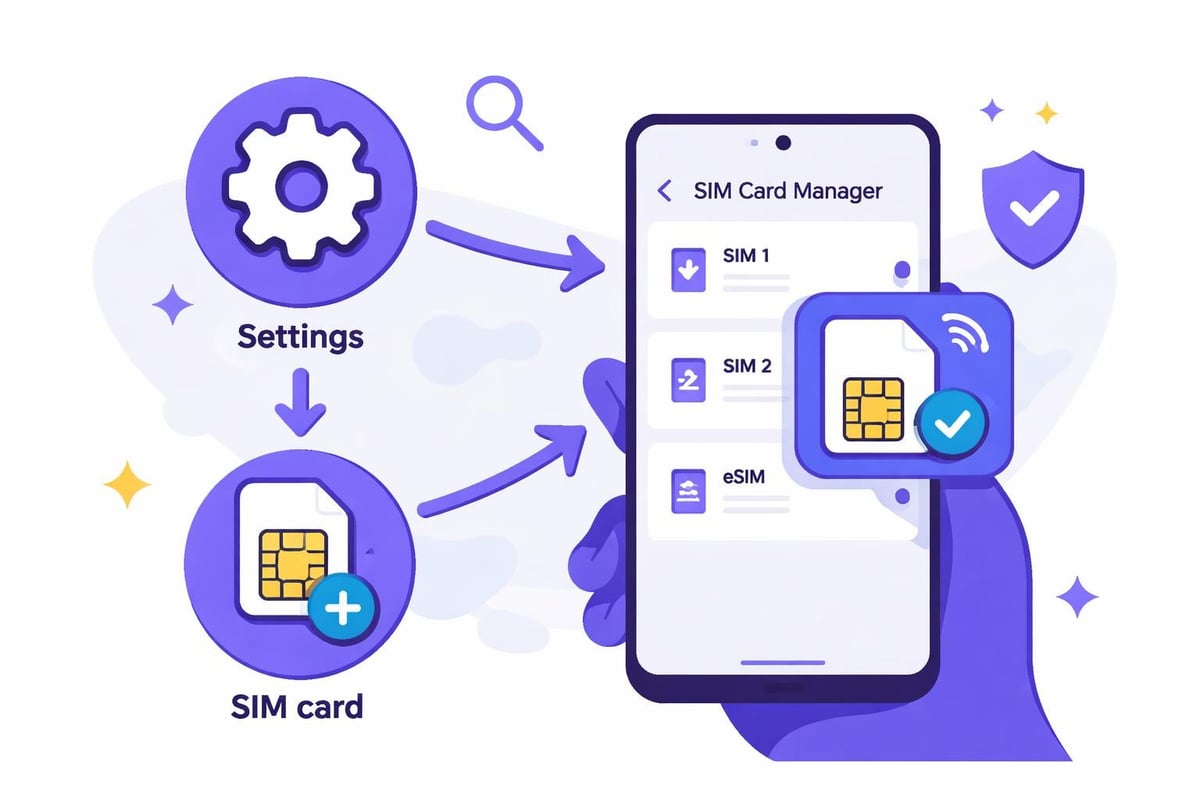
Bear in mind that some models purchased in certain countries may have eSIM disabled. Regional variations affect eSIM availability, particularly in markets where physical SIM cards remain the standard. To confirm your device's eSIM status, navigate to Settings > Connections > SIM card manager and look for an "Add mobile plan" or "Add eSIM" option.
How to Install eSIM on Your Samsung Device
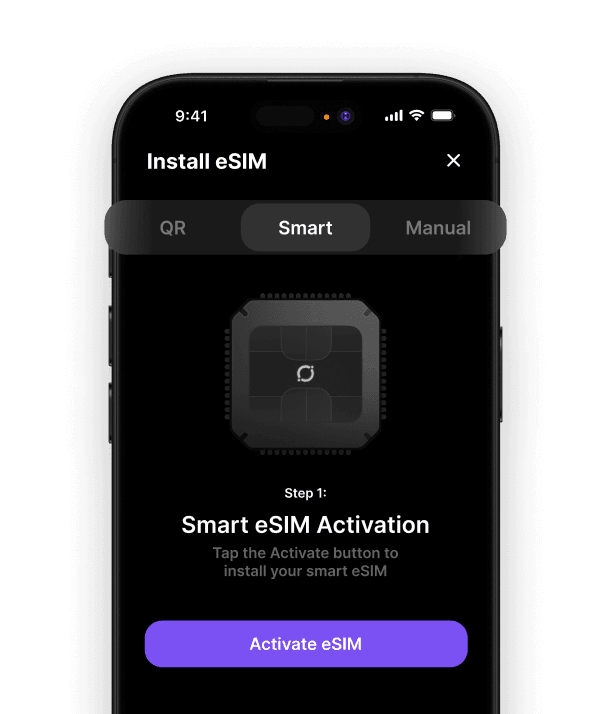
Setting up esim for samsung requires a stable internet connection and your eSIM provider's activation details. Most providers offer QR code activation, making the process straightforward even for first-time users.
QR Code Installation Method
Connect to Wi-Fi - ensure you have a reliable internet connection before starting
Open Settings and navigate to Connections
Select SIM card manager from the menu
Tap "Add mobile plan" or "Add eSIM"
Scan the QR code provided by your eSIM provider
Confirm installation and wait for the profile to download
Label your eSIM with a recognisable name like "Travel Data" or "Umi"
The installation process on Samsung Galaxy devices typically takes just minutes. Your device will download the eSIM profile and activate it automatically once installed.
Manual Entry Method
Some situations require manual eSIM entry rather than QR code scanning. This method involves inputting activation codes directly:
Step | Action | Details |
|---|---|---|
1 | Access SIM manager | Settings > Connections > SIM card manager |
2 | Choose manual entry | Select "Enter activation code" |
3 | Input SM-DP+ address | Provided by your eSIM supplier |
4 | Add activation code | Enter the unique code for your profile |
5 | Confirm details | Review and complete installation |
Managing Multiple Profiles on Samsung
One brilliant advantage of esim for samsung technology is the ability to store multiple mobile plans simultaneously. This feature proves invaluable for frequent travellers who want personal and travel data options readily available.
Your Samsung device can hold several eSIM profiles, though only one or two can be active simultaneously depending on your model. This setup allows you to switch between plans without reinstalling profiles each time.
Managing your eSIM profiles:
Access SIM card manager to view all installed eSIMs
Toggle between profiles by enabling or disabling them
Set default lines for calls, texts, and mobile data
Remove unused profiles to free up space for new ones
Many travellers appreciate how selecting the best eSIM app streamlines profile management. A quality app interface makes switching between plans effortless, particularly when crossing borders.
Why eSIM Matters for International Travellers
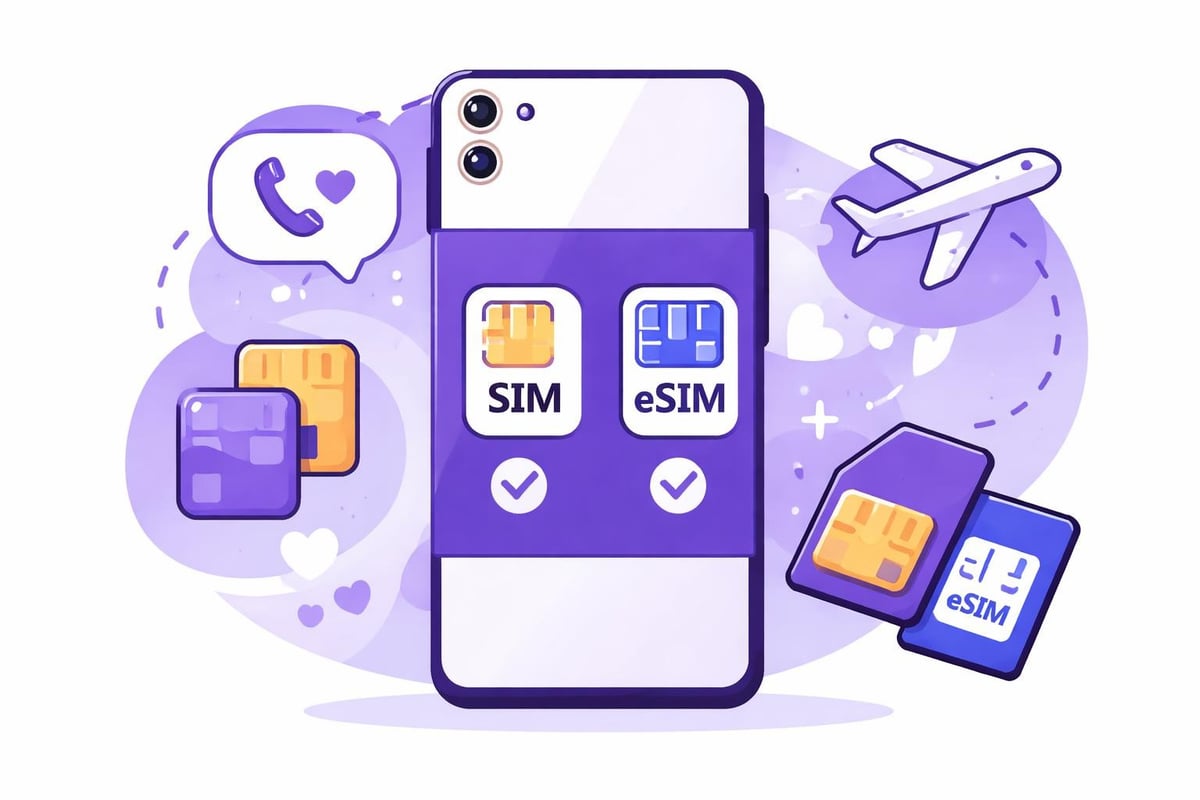
Traditional roaming charges can devastate your budget on international trips. The esim for samsung solution eliminates this problem by letting you access local data rates without visiting mobile shops or dealing with tiny SIM cards.
Cost Comparison: Traditional vs eSIM
Connection Method | Average Daily Cost | Setup Time | Convenience |
|---|---|---|---|
Carrier roaming | £8-15/day | Instant | Limited control |
Physical SIM cards | £3-10/day | 30-60 mins | Requires purchase |
eSIM profiles | £1-5/day | 5 mins | Fully digital |
With eSIM technology, you can research the best eSIM for international travel before departure and activate coverage the moment you land. No queuing at airport kiosks or struggling with language barriers to purchase local SIMs.
Troubleshooting Common Samsung eSIM Issues
Whilst esim for samsung typically works smoothly, occasional hiccups occur. Understanding how to use eSIM on Android devices helps resolve most issues quickly.
Connection problems? Check these solutions:
Restart your device after installing a new eSIM profile
Verify mobile data is enabled for the correct eSIM
Confirm your eSIM plan has active data remaining
Toggle aeroplane mode on and off to refresh network connection
Update your Samsung software to the latest version
If your eSIM won't install, ensure you're connected to Wi-Fi and haven't exceeded your device's profile storage limit. Some older Samsung models restrict the number of eSIM profiles you can store simultaneously.
Setting Up eSIM for Different Travel Scenarios
Different journeys call for different eSIM strategies. Whether you're planning a weekend city break or a multi-country adventure, esim for samsung flexibility adapts to your needs.
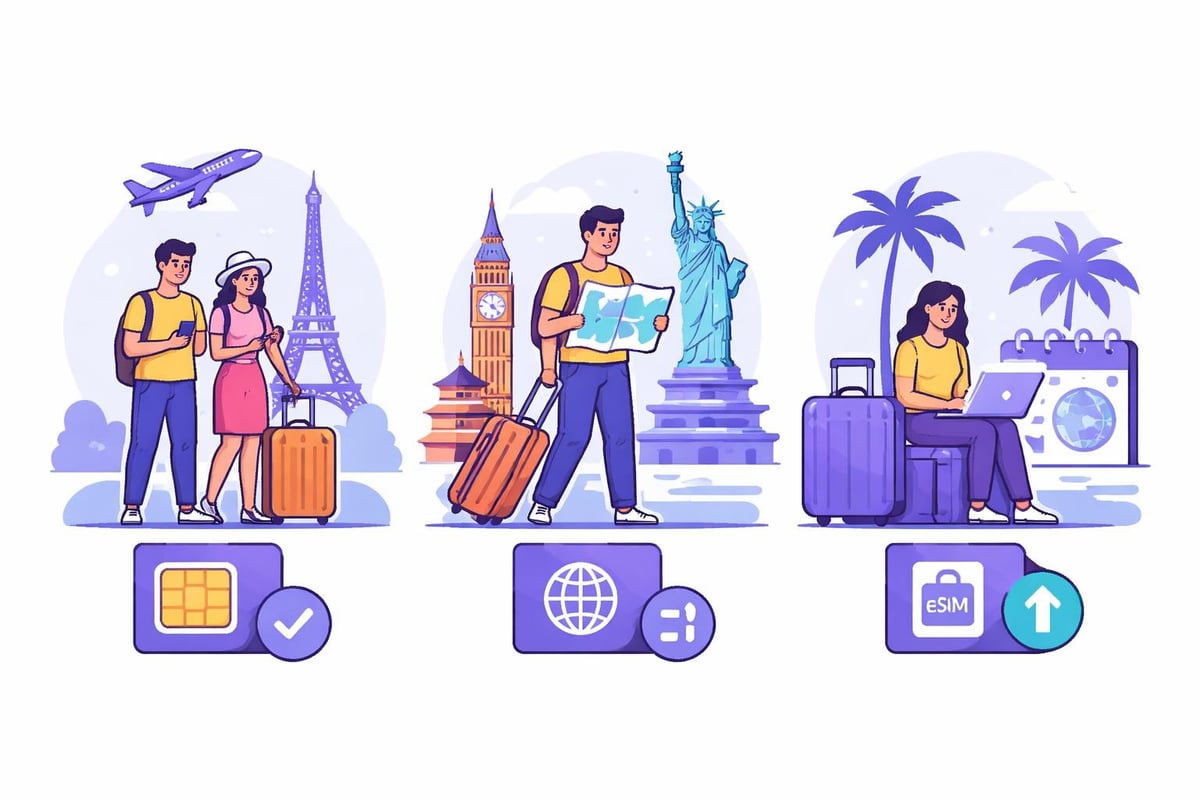
Single-Destination Travel
For trips to one country, a regional eSIM provides straightforward coverage. Install the profile before departure, activate upon arrival, and enjoy local data rates throughout your stay. This approach works brilliantly for holidays where you'll remain in one location.
Multi-Country Tours
European adventures or Asian explorations often span multiple countries. Rather than juggling different eSIM profiles for each destination, choosing a global eSIM provider with multi-country coverage simplifies connectivity. Your Samsung device switches between networks automatically as you cross borders.
Long-Term International Stays
Extended trips require different planning. Look for eSIM plans offering longer validity periods or pay-as-you-go options that don't expire. This prevents the frustration of repeatedly purchasing new plans every week or month whilst abroad.
Maximising Your Samsung eSIM Experience
Getting the most from esim for samsung means understanding advanced features and optimisation strategies. Your device offers settings that enhance eSIM performance and data management.
Data-saving tips for eSIM users:
Enable data saver mode in Settings to reduce background usage
Download maps and content on Wi-Fi before exploring
Monitor data consumption through your eSIM provider's app
Set data warnings to avoid unexpected overage charges
Use Wi-Fi calling when available to preserve mobile data
Modern Samsung devices also support hotspot functionality with eSIM profiles, meaning you can share your connection with tablets, laptops, or travel companions' devices. This feature transforms your phone into a mobile Wi-Fi hub wherever you roam.
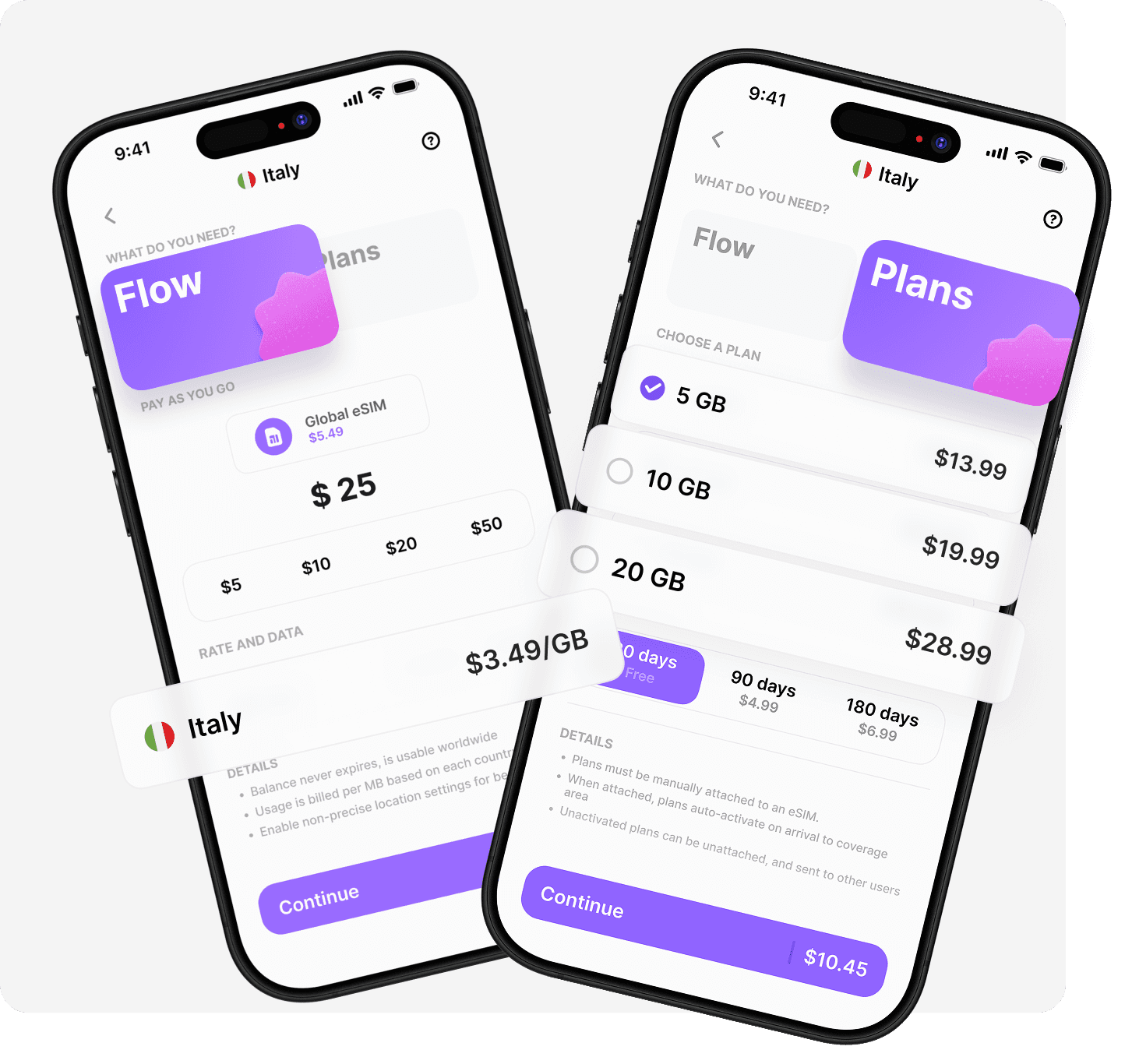
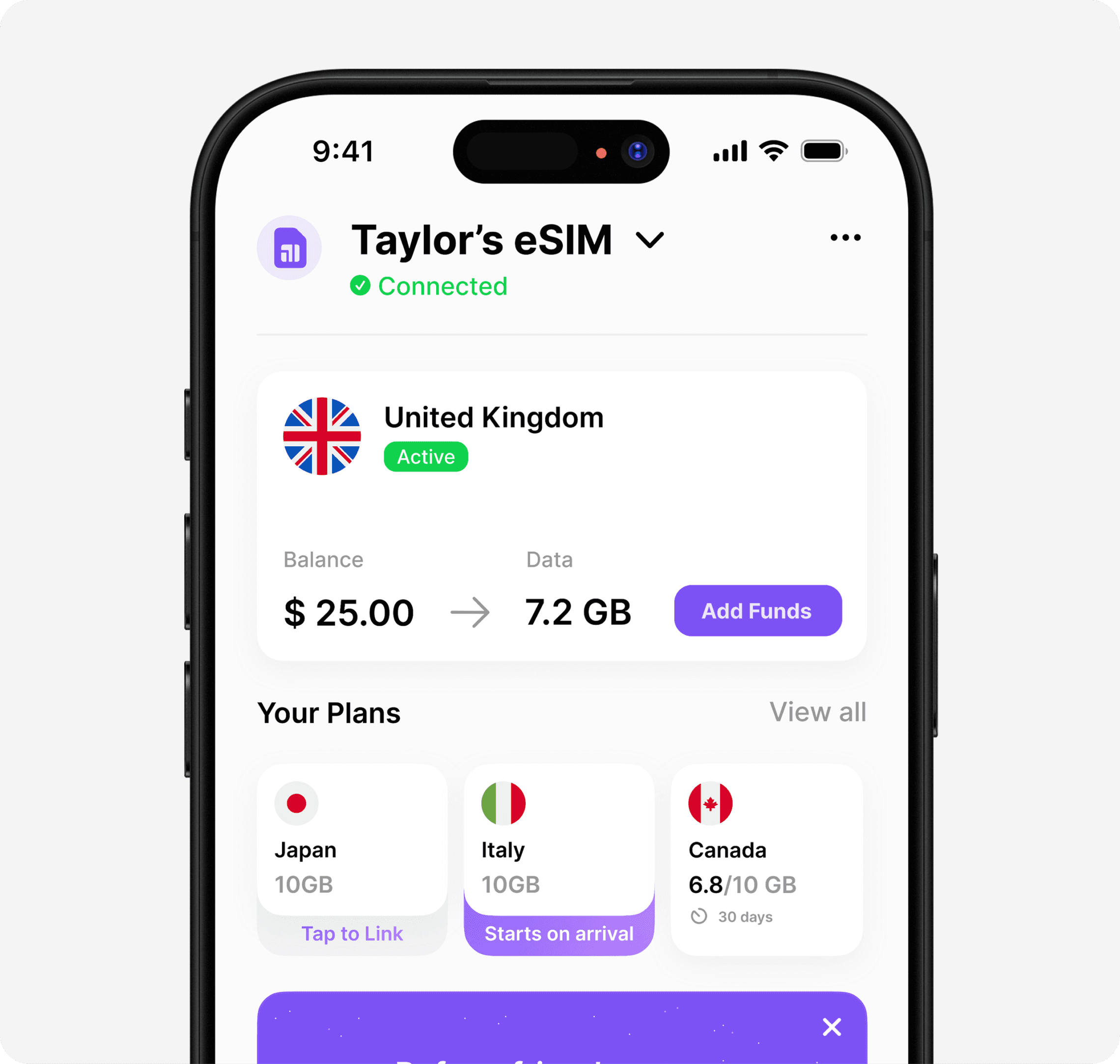
Setting up esim for samsung opens a world of convenient, affordable global connectivity that traditional SIM cards simply can't match. When you're ready to experience truly seamless international data, Umi offers a revolutionary approach with one eSIM that works in 200+ destinations. Install it once, top up your Flow balance, and enjoy automatic connectivity worldwide without buying new eSIMs for every trip. Whether you prefer pay-as-you-go flexibility or fixed data plans, Umi's single-app solution puts complete control in your hands.












" height="15.96587083656648px" id="gUt8q3MIs" width="13.557999603271485px"/></svg>)