eSIM Compatibility for iPhone 8: Travel Connectivity Solutions
Written By:
Umi
TL;DR: Navigating iPhone 8 Connectivity Globally
The iPhone 8 does not support eSIM technology, as Apple introduced this feature starting with the iPhone XS series; however, users have alternatives for maintaining connectivity while traveling.
Physical SIM cards are a fully compatible and easily accessible option for international use.
Wi-Fi and portable hotspots can minimize data costs and maintain connectivity effectively.
Consider upgrading to an eSIM-compatible device if frequent travel is anticipated to benefit from flexible global plans like those offered by companies such as Umi.
Exploring and leveraging these options can enhance travel experiences despite the hardware limitations of the iPhone 8.
If you're wondering whether your iPhone 8 supports eSIM technology, you're not alone. Many travellers are looking to upgrade their connectivity options for international trips, and eSIM technology offers incredible convenience. Unfortunately, the esim iphone 8 combination isn't compatible, but that doesn't mean you're out of options. Let's explore what this means for you and how you can still enjoy seamless global connectivity.
Understanding eSIM Technology and iPhone Compatibility
eSIM stands for embedded SIM, a digital SIM that's built directly into your device. Instead of swapping physical SIM cards when you travel, you can download and activate mobile plans digitally. This technology has revolutionised how we stay connected abroad, but it requires specific hardware support.
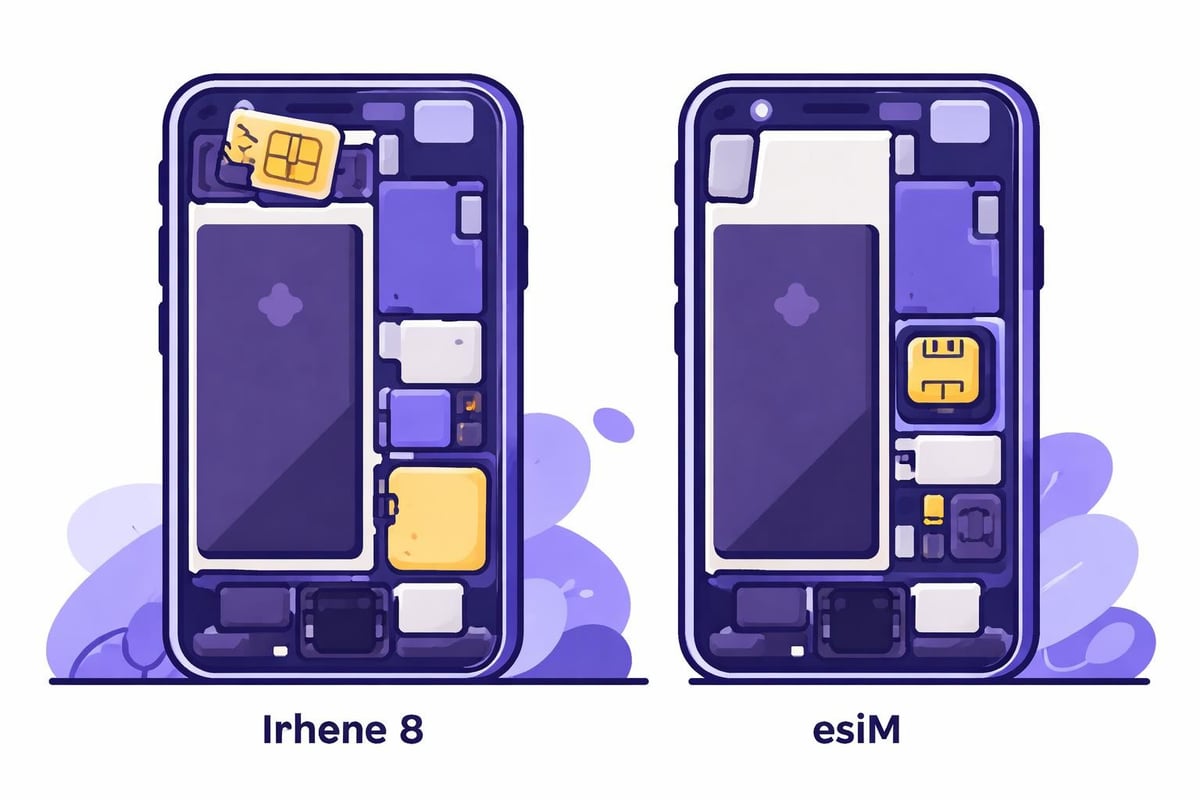
The esim iphone 8 question comes up frequently because Apple introduced eSIM capability just one generation later. The iPhone XS, XS Max, and XR (released in 2018) were Apple's first devices to support dual SIM with eSIM functionality. The iPhone 8, launched in 2017, was manufactured before Apple implemented this technology.
Why the iPhone 8 Doesn't Support eSIM
The hardware limitation is straightforward. Your iPhone 8 simply doesn't have the embedded SIM chip required for eSIM functionality. This isn't something you can add through a software update or system upgrade.
Here's what your iPhone 8 does support:
Traditional nano-SIM cards
4G LTE connectivity
International roaming (with appropriate plans)
Wi-Fi calling and data
Your Connectivity Options with iPhone 8
Just because the esim iphone 8 pairing isn't possible doesn't mean you're stuck with expensive roaming fees. You have several practical alternatives for staying connected during international travel.
Physical Travel SIM Cards
The traditional approach still works brilliantly. You can purchase local SIM cards at your destination or buy international travel SIM cards before you depart. This method requires you to physically swap SIM cards and keep track of multiple cards if you visit several countries.
Advantages of physical SIM cards:
Works perfectly with iPhone 8
Often available at airports and local shops
Can provide excellent local rates
No special setup required
Challenges to consider:
Risk of losing tiny SIM cards
Need to swap cards between countries
May lose access to your home number temporarily
Finding the right size (nano-SIM) in unfamiliar locations
International Roaming Plans
Your home carrier likely offers international roaming packages. Whilst convenient, these options often come with premium pricing that can add up quickly on longer trips.
Option | Cost Range | Best For |
|---|---|---|
Daily roaming passes | £5-15 per day | Short trips (1-3 days) |
Weekly packages | £30-60 per week | Business trips |
Monthly bundles | £60-150 per month | Extended stays |
Making the Most of Your iPhone 8 Abroad
Even without eSIM capability, your iPhone 8 remains a powerful travel companion. Here's how to maximise its potential whilst managing connectivity costs effectively.
Wi-Fi First Strategy
Modern travellers can accomplish quite a lot using Wi-Fi alone. Hotels, cafés, restaurants, and public spaces increasingly offer free Wi-Fi access.
Tips for Wi-Fi-dependent travel:
Download offline maps before leaving Wi-Fi zones
Use messaging apps that work over Wi-Fi (WhatsApp, iMessage)
Save important documents and confirmations offline
Research Wi-Fi availability at your destinations beforehand
Portable Wi-Fi Devices
A mobile hotspot device can provide reliable internet access for your iPhone 8 and other devices. These pocket-sized routers connect to local networks and create a personal Wi-Fi network you can use anywhere.
When to Consider Upgrading Your Device
The esim iphone 8 incompatibility might prompt you to consider whether it's time for a newer device, especially if you're a frequent traveller. Understanding when an upgrade makes financial sense can help you make informed decisions.
eSIM-Compatible iPhone Models
Every iPhone released from the XS onwards supports eSIM technology. If you travel regularly, the convenience factor alone might justify an upgrade. Choosing the best eSIM for international travel becomes possible once you have compatible hardware.
eSIM-capable iPhones include:
iPhone XS, XS Max, XR (2018)
iPhone 11, 11 Pro, 11 Pro Max (2019)
iPhone SE (2nd generation, 2020)
iPhone 12 series (2020)
iPhone 13 series (2021)
iPhone 14 series (2022)
iPhone 15 series (2023)
iPhone 16 series (2024)
Cost-Benefit Analysis
Before rushing to upgrade, calculate your actual connectivity costs. If you travel occasionally, physical SIM cards or roaming packages might be more economical than purchasing a new device.
Annual Travel | Traditional SIM Cost | eSIM Advantage | Upgrade Worth? |
|---|---|---|---|
1-2 trips | £20-50 | Convenience only | Probably not |
3-5 trips | £60-150 | Moderate savings | Consider it |
6+ trips | £180-400 | Significant savings | Likely yes |
The Future of Mobile Connectivity
eSIM technology represents the future of mobile connectivity. Understanding this evolution helps you plan for your long-term travel needs, even if your current esim iphone 8 setup isn't compatible.
The travel industry has embraced eSIM technology because it eliminates the hassle of finding local SIM cards in unfamiliar locations. Services like global eSIM providers have created solutions that work across multiple countries with a single profile.
What Makes Modern eSIM Services Different
Today's best eSIM solutions offer features that weren't available even a few years ago. You can manage multiple profiles, switch between plans instantly, and maintain connectivity in over 200 countries without changing anything physically.
The convenience factor extends beyond just avoiding physical SIM cards. Modern eSIM services often provide better rates than traditional international roaming and give you more control over your data usage.
Practical Steps Moving Forward
Whether you decide to upgrade your device or stick with your iPhone 8 for now, having a clear connectivity strategy makes travel much smoother. Consider your typical travel patterns, budget constraints, and how much you value convenience.
For iPhone 8 users planning their next trip:
Research local SIM card availability at your destination
Compare your carrier's roaming rates against local options
Identify reliable Wi-Fi locations along your itinerary
Keep your physical SIM card safe using a small carrier case
Consider timing an upgrade around major travel plans
The esim iphone 8 limitation shouldn't hold you back from exploring the world. With proper planning and the right tools, you can stay connected affordably and reliably, regardless of which device you're using.
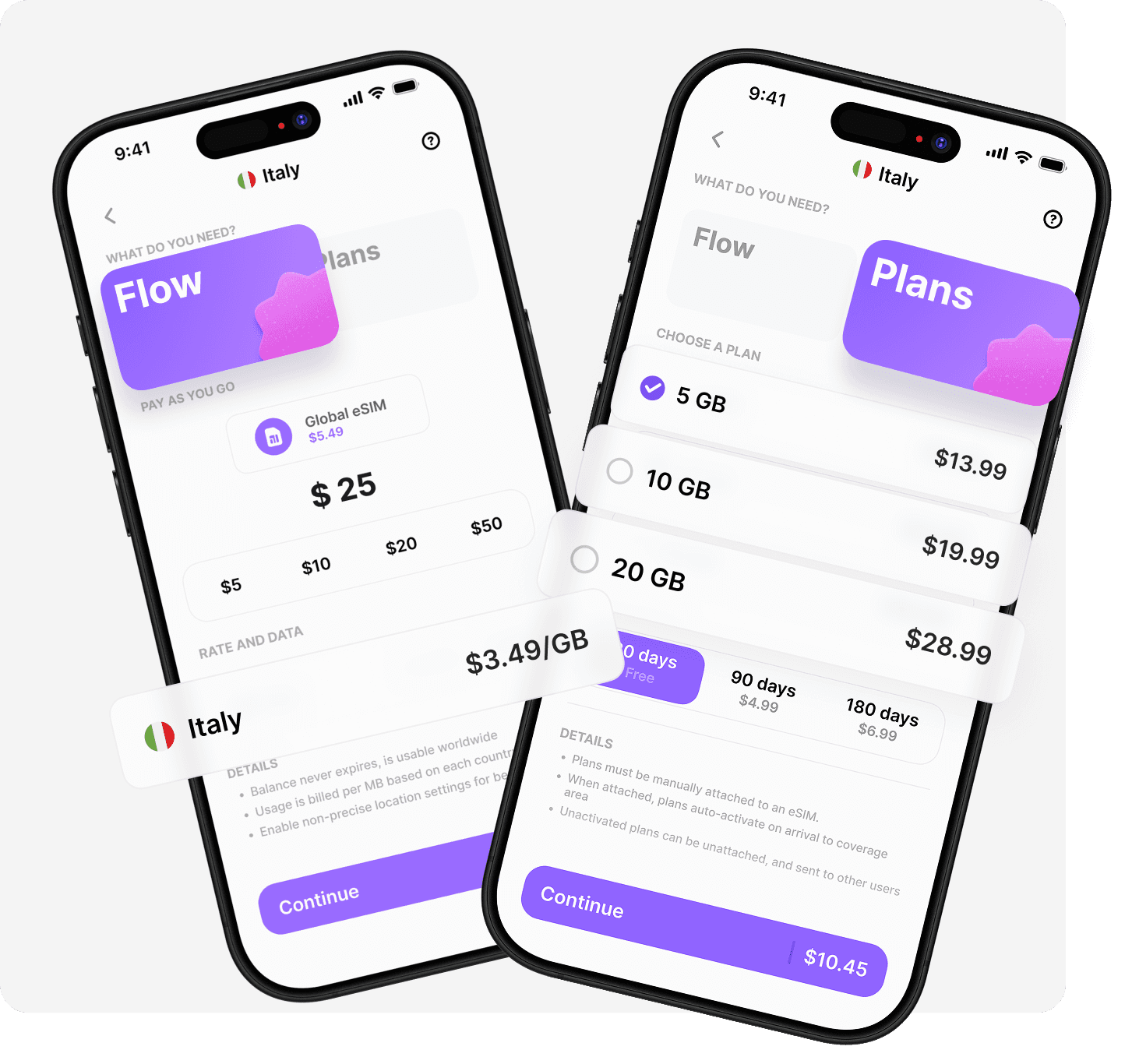
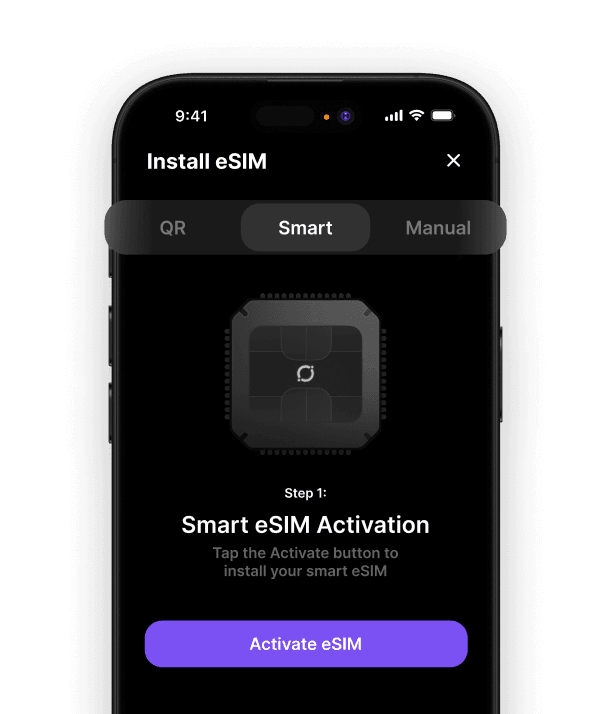
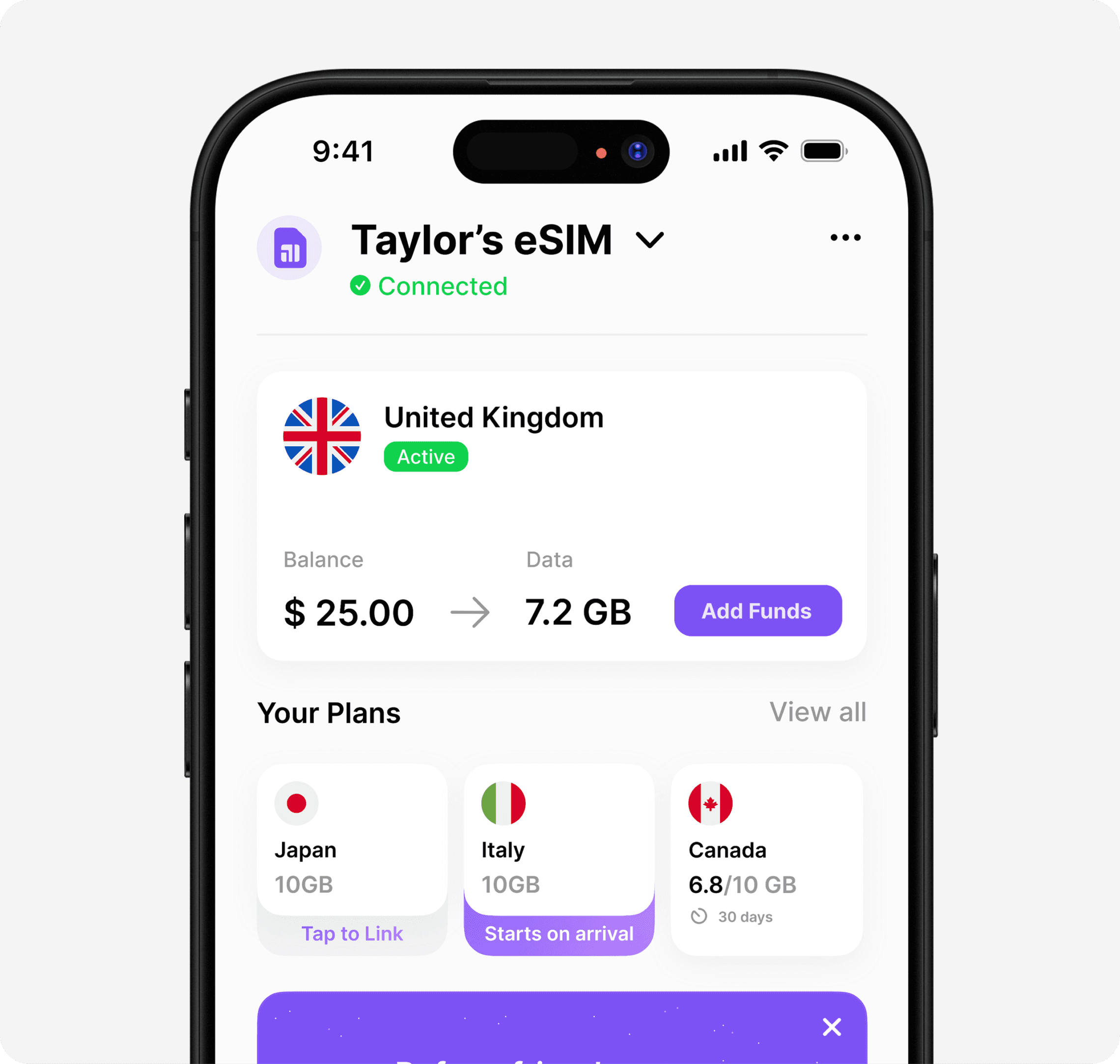
Whilst the iPhone 8 doesn't support eSIM technology, you have plenty of options for staying connected during your travels. When you're ready to upgrade and experience the convenience of true global connectivity, Umi offers a solution that works in over 200 destinations with a single eSIM that stays on your device. Install once, top up your Flow balance, and enjoy data anywhere without expiry or roaming fees. Whether you prefer pay-as-you-go flexibility or fixed prepaid plans, Umi makes global connectivity simple and affordable for all your adventures.












" height="15.96587083656648px" id="gUt8q3MIs" width="13.557999603271485px"/></svg>)