eSIM Google Pixel: A Comprehensive Guide for Travelers
Written By:
Umi
TL;DR: Unlock Seamless Travel Connectivity with Google Pixel eSIM
The Google Pixel's eSIM technology offers international travelers enhanced mobile connectivity by eliminating the need for physical SIM swaps.
With eSIM capability, users can activate mobile plans instantly without visiting a store, and newer Pixel models like the Pixel 8 and 10 support dual eSIM for managing multiple plans.
Setting up is easy, requiring only an unlocked device, Wi-Fi, and carrier support, facilitating hassle-free switching between home and travel eSIMs.
This digital SIM solution not only saves money by avoiding roaming charges but also improves security and reduces plastic waste.
Google Pixel smartphones have embraced eSIM technology wholeheartedly, making them brilliant companions for international travellers. Whether you're hopping between countries for work or exploring new destinations, understanding how esim google pixel functionality works can transform your mobile connectivity experience. With newer models shifting towards eSIM-only designs, it's never been more important to grasp how this technology simplifies staying connected whilst abroad.
Understanding eSIM Technology on Google Pixel Devices
The esim google pixel integration represents a significant leap forward in mobile connectivity. Unlike traditional physical SIM cards that require manual insertion and swapping, eSIMs are embedded directly into your device's hardware. This digital approach means you can activate mobile plans without visiting a shop or waiting for a physical card to arrive.
Google has been steadily expanding eSIM support across its Pixel lineup. Most recent Pixel models, including the Pixel 8, Pixel 9, and the latest Pixel 10 series moving to eSIM-only designs, offer robust eSIM capabilities. Some devices even support dual eSIM functionality, allowing you to maintain two active mobile plans simultaneously.
Which Pixel Models Support eSIM?
Here's a breakdown of eSIM compatibility across the Pixel range:
Model Series | eSIM Support | Dual eSIM | Physical SIM |
|---|---|---|---|
Pixel 3 onwards | Yes | Limited | Yes |
Pixel 8 | Yes | Yes | Yes |
Pixel 9 | Yes | Yes | Yes |
Pixel 10 (US) | Yes | Yes | No |
The shift towards eSIM-only models reflects Google's confidence in this technology and its growing acceptance amongst carriers worldwide.
Setting Up eSIM on Your Google Pixel
Getting started with esim google pixel activation is refreshingly straightforward. The Android eSIM setup process has been streamlined to take just minutes, even for first-time users.
Before you begin, ensure:
Your Pixel device is unlocked and eSIM-compatible
You have a stable Wi-Fi connection
Your carrier supports eSIM activation
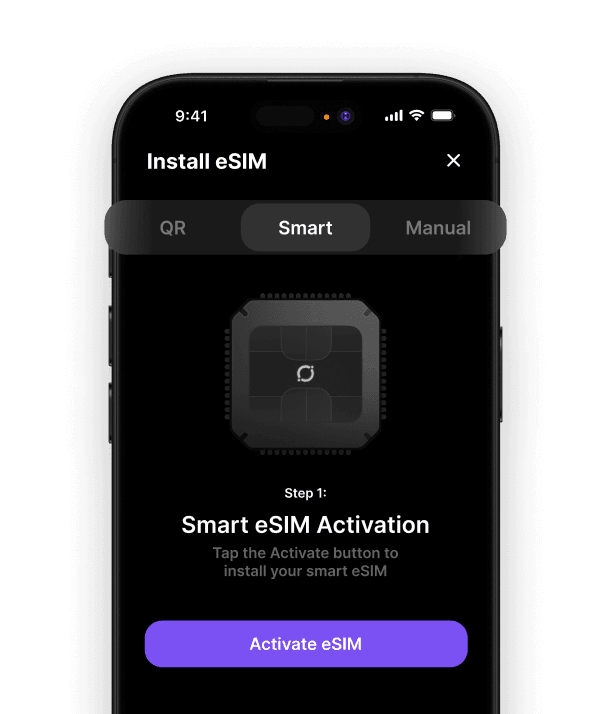
You've received your eSIM QR code or activation details
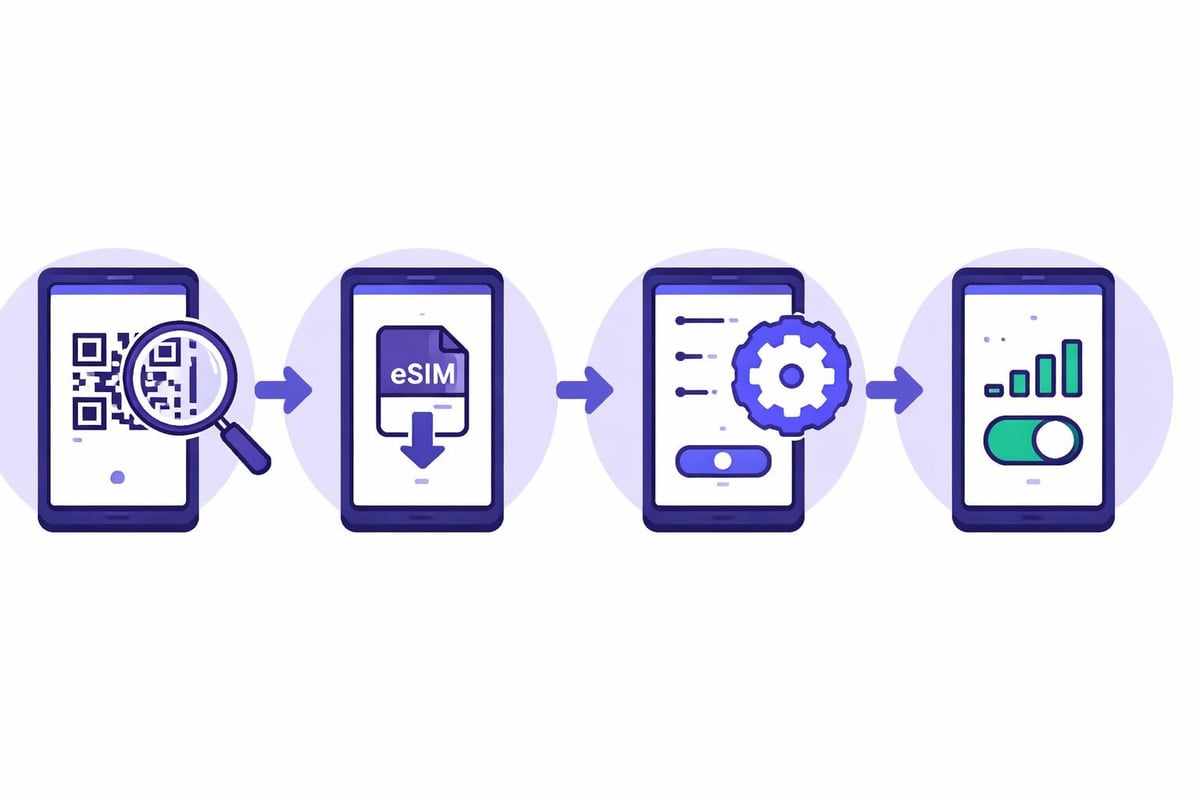
Activation Steps
Open Settings on your Pixel device
Navigate to Network & Internet
Tap SIMs or Mobile Network
Select Add mobile plan or Download a SIM instead?
Scan your eSIM QR code or enter activation details manually
Follow on-screen prompts to complete installation
Enable your new eSIM profile and configure data preferences
The comprehensive activation guide from Android Authority walks through device-specific variations you might encounter. Most travel eSIM providers, including services for international connectivity, offer instant QR codes via email or their mobile apps.
Managing Multiple eSIM Profiles for Travel
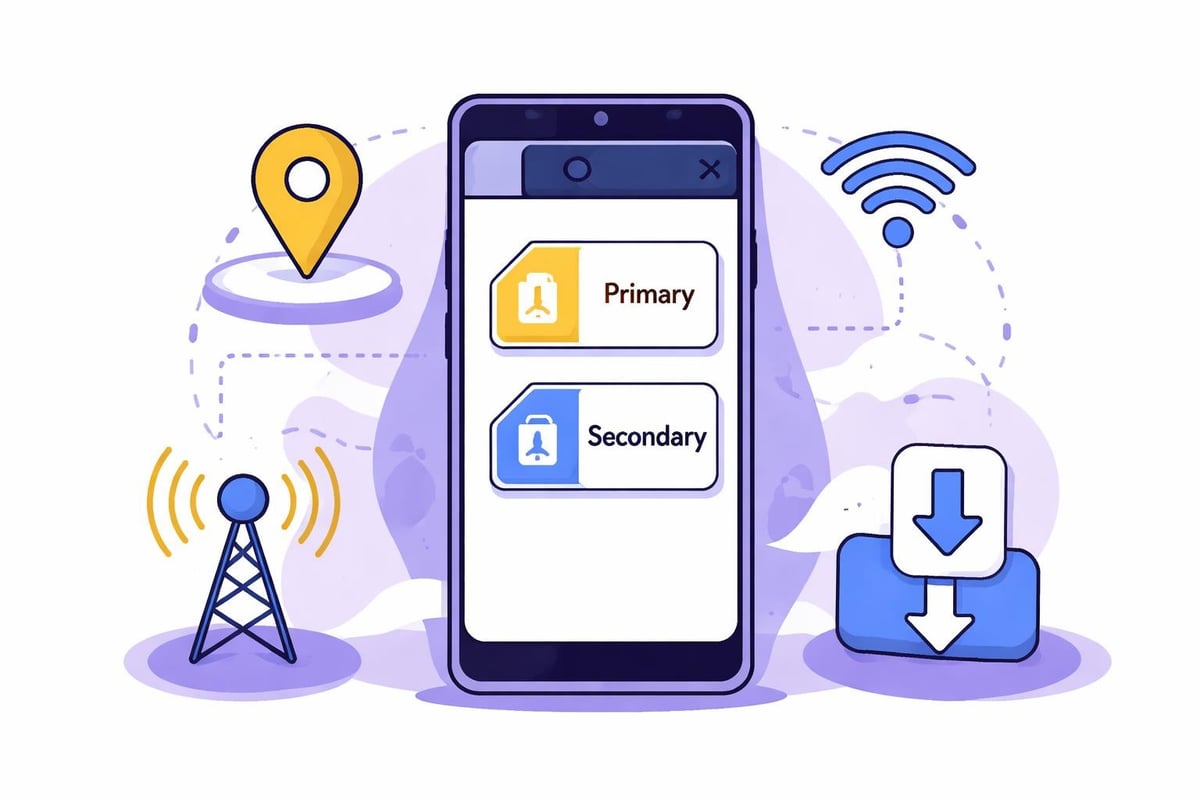
One of the most powerful features of esim google pixel devices is the ability to store multiple eSIM profiles simultaneously. Whilst you can only have two active at once, your Pixel can store numerous profiles for future use.
This capability is transformative for frequent travellers. You might keep your home country's eSIM active for incoming calls whilst using a data-focused travel eSIM for internet connectivity. The flexibility to switch between profiles without deleting them means you're always prepared, regardless of your destination.
Benefits for International Travellers
No physical SIM swapping: Keep your primary number accessible whilst using local data
Instant activation: Download and activate eSIMs within minutes of arrival
Cost savings: Avoid expensive roaming charges with local or regional plans
Device security: eSIMs can't be physically removed if your phone is stolen
Environmental impact: Reduced plastic waste from traditional SIM cards
For those seeking budget-friendly options, exploring affordable eSIM solutions can yield significant savings compared to traditional roaming packages.
Troubleshooting Common eSIM Issues
Even with Google Pixel's reliable esim google pixel implementation, you might occasionally encounter setup challenges. Most issues stem from carrier compatibility, network settings, or activation timing.
Common problems and solutions:
Issue | Likely Cause | Solution |
|---|---|---|
QR code won't scan | Poor lighting or damaged code | Enter activation code manually |
"Unable to activate" error | Network connectivity | Switch to stable Wi-Fi |
eSIM won't connect | Incorrect APN settings | Contact your eSIM provider |
Data not working | Wrong profile selected | Check active SIM in settings |
The Pixel 8's dual-SIM capabilities article explores advanced configuration options that can help resolve connectivity challenges. Remember that some eSIM profiles require activation within specific timeframes or geographical locations.
Choosing the Right eSIM for Your Pixel
With esim google pixel compatibility confirmed, selecting the appropriate eSIM service becomes your next decision. Different providers cater to various travel patterns, from single-country plans to global coverage options.
Consider these factors when choosing:
Coverage area: Does it cover all your destinations?
Data allowance: How much data do you typically consume?
Validity period: Does it match your trip duration?
Activation method: Does it activate automatically or require manual setup?
Top-up flexibility: Can you add more data if needed?
For travellers visiting multiple countries, finding the best eSIM app that offers seamless multi-destination coverage eliminates the hassle of purchasing separate plans for each location. Whether you're exploring Canada, touring Australia, or visiting Romania, having a unified solution simplifies your connectivity.
Advanced Features and Future Developments
Google continues refining the esim google pixel experience with each software update. The Android 14 and upcoming Android 15 releases bring enhanced eSIM management tools, improved carrier switching, and better integration with Google Fi and other services.
The trend towards eSIM-only devices signals a broader industry shift. As physical SIM slots disappear from flagship models, eSIM adoption will accelerate globally. This evolution benefits consumers through simplified device design, improved water resistance, and more internal space for battery or components.
For those converting from traditional SIMs, understanding the transition from physical SIM to eSIM helps navigate this technological shift confidently.
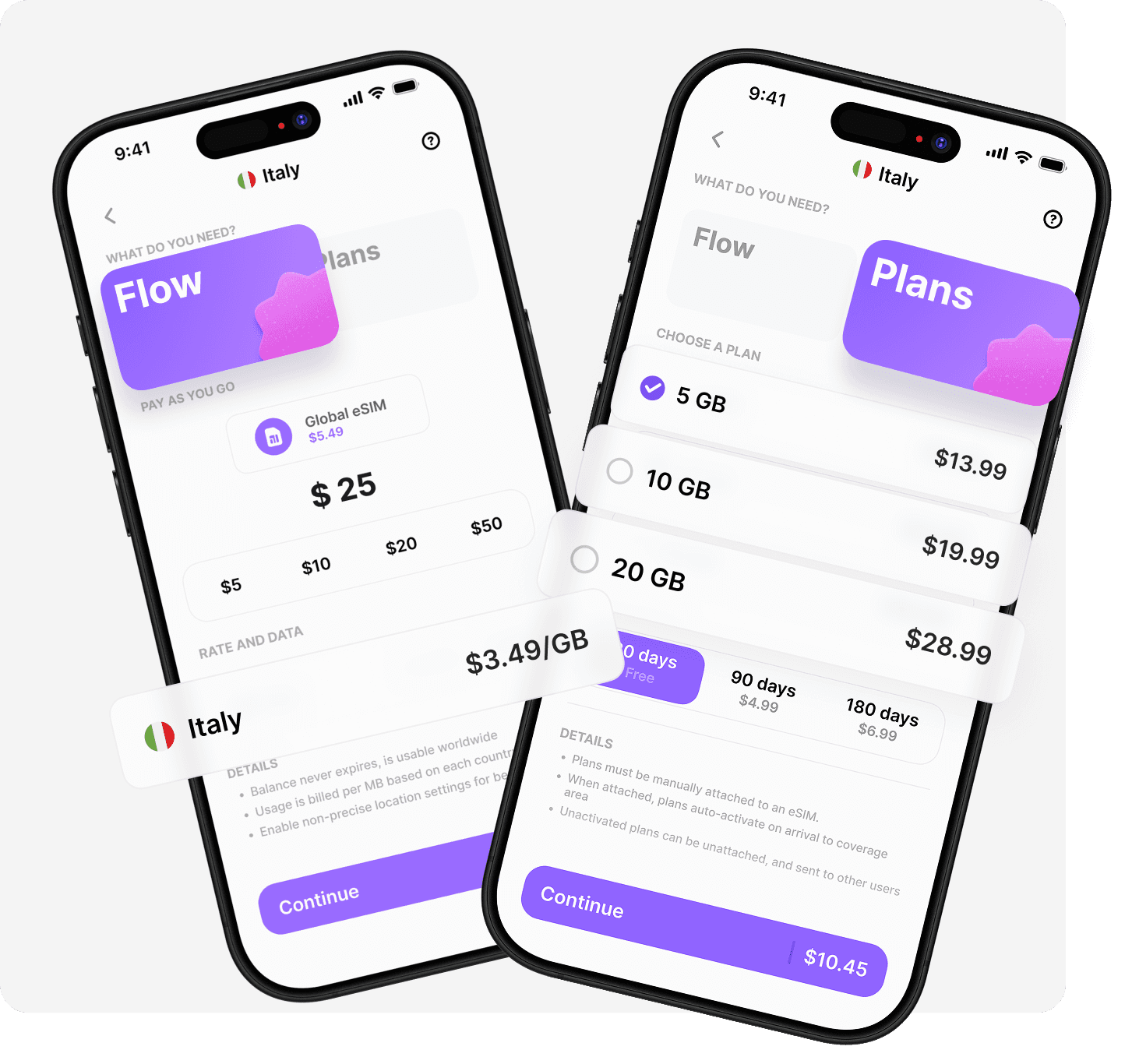
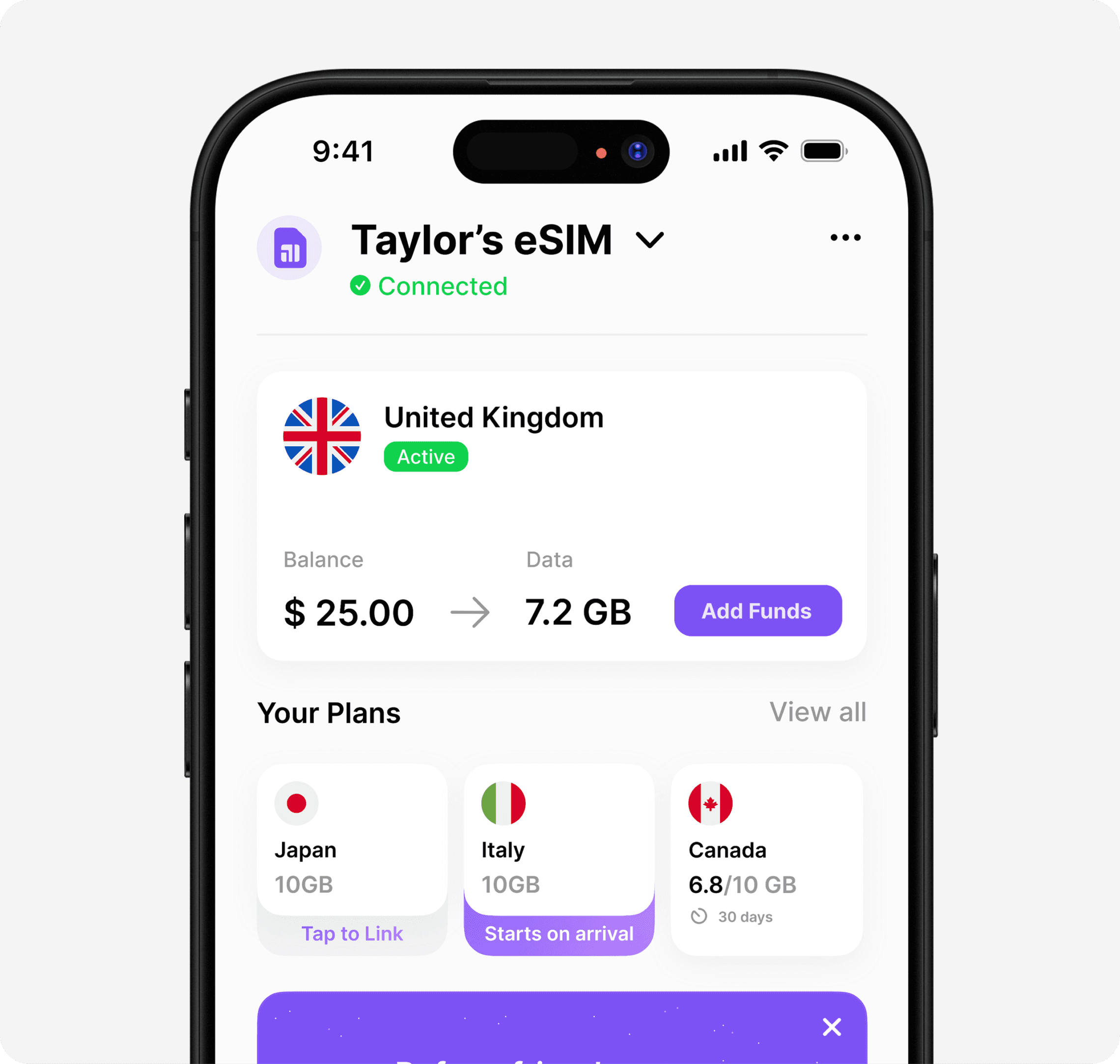
Your Google Pixel's eSIM capabilities open up a world of seamless global connectivity, eliminating the frustrations of traditional roaming and physical SIM cards. Whether you're a digital nomad, frequent business traveller, or occasional holidaymaker, mastering eSIM technology ensures you stay connected effortlessly. Ready for truly hassle-free global coverage? Discover how Umi delivers one eSIM that works everywhere across 200+ destinations, with no plan switching, no expiry on your balance, and complete flexibility between pay-as-you-go Flow and prepaid Plans-because staying connected shouldn't be complicated.












" height="15.96587083656648px" id="gUt8q3MIs" width="13.557999603271485px"/></svg>)