How to Set Up an eSIM: Step-by-Step Guide (2026)
Written By:
Umi

TL;DR: The Benefits of eSIM for Travelers
eSIM technology revolutionizes travel connectivity by allowing instant activation and seamless carrier switching without physical SIM cards.
Travelers benefit from storing multiple carrier profiles, remote plan activation, and enhanced security features.
Ensure device compatibility, especially for smartphones post-2018, and follow simple setup steps like scanning a QR code to activate eSIM.
Managing multiple eSIMs facilitates global connectivity, removing the hassle of manual SIM swaps or searching for local SIMs.
Optimizing settings like data roaming and choosing suitable plan types—pay-as-you-go or fixed—enhances the travel experience.
Modern travel demands modern connectivity solutions. If you're tired of hunting for local SIM cards at airports or dealing with expensive roaming charges, it's time to setup eSIM technology on your device. This digital alternative to traditional SIM cards is transforming how we stay connected whilst travelling, offering instant activation and seamless switching between carriers without the hassle of physical cards. Whether you're a frequent flyer or planning your first international adventure, understanding how to properly configure an eSIM will save you time, money, and considerable frustration.
What Is eSIM Technology and Why Should You Use It?
An eSIM (embedded SIM) is a digital SIM that's built directly into your smartphone, tablet, or smartwatch. Unlike traditional plastic SIM cards that you physically insert into your device, an eSIM operates entirely through software, allowing you to activate cellular plans without ever touching a physical card.
The advantages are substantial. You can store multiple carrier profiles simultaneously, switch between them instantly through your settings, and activate new plans remotely. For travellers, this means no more airport kiosks, no more tiny SIM ejector tools, and no more worrying about losing that minuscule piece of plastic.
Key benefits include:
Instant activation when you land in a new country
No physical swapping required
Multiple profiles stored on one device
Remote provisioning from anywhere
Enhanced security features
Environmental benefits from eliminating plastic waste
When choosing the best eSIM for international travel, you'll want to consider coverage areas, pricing structures, and whether the provider offers truly global connectivity or requires purchasing separate plans for each destination.
Checking Device Compatibility Before You Setup eSIM
Not all devices support eSIM functionality, so verification is your first essential step. Most flagship smartphones released after 2018 include eSIM capability, but you'll need to confirm your specific model before proceeding.
How to Check iPhone Compatibility
For Apple users, iPhones XS, XR, and all newer models support eSIM. To verify, navigate to Settings > General > About. If you see an option for "Digital SIM" or "Available SIM," your device is compatible. Apple provides detailed guidance on eSIM setup for their devices.
Android Device Verification
Android compatibility varies by manufacturer and model. Generally, Google Pixel 3 and newer, Samsung Galaxy S20 and beyond, and most recent flagship models from OnePlus, Motorola, and Huawei support eSIM technology.
To check Android devices:
Open Settings
Navigate to Connections or Network & Internet
Look for SIM card manager or Mobile network settings
Check for options mentioning eSIM, Digital SIM, or Add mobile plan
If you're unsure about your specific model, our guide on phones with eSIM capability provides a comprehensive compatibility list.
Step-by-Step Guide to Setup eSIM on Your Device
Once you've confirmed compatibility, the actual setup process is remarkably straightforward. Most providers, including services offering global eSIM coverage, follow similar activation procedures.
Installing Your eSIM Profile
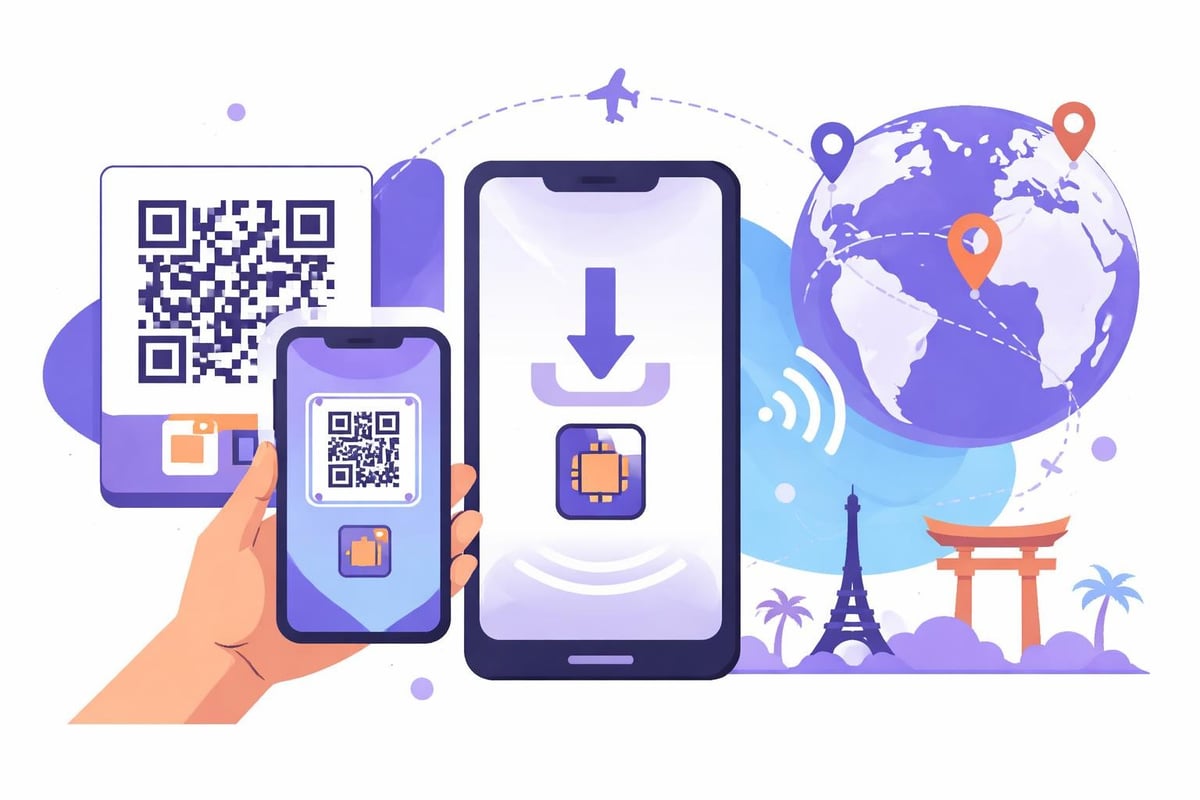
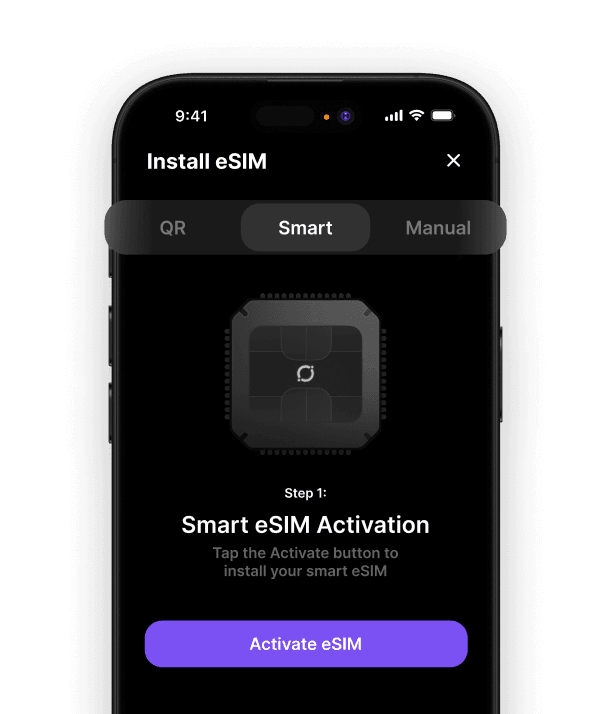
The most common method involves scanning a QR code provided by your eSIM carrier. Here's the complete process:
For iPhone users:
Ensure your device is connected to Wi-Fi
Navigate to Settings > Cellular > Add Cellular Plan
Use your camera to scan the QR code
Wait for the profile to download (typically 30-60 seconds)
Label your new plan (e.g., "Travel Data" or "Umi eSIM")
Choose which line to use for cellular data
Confirm your preferences for calls and messages
For Android devices:
Open Settings > Network & Internet
Tap the plus icon next to Mobile Network
Select "Download a SIM instead?"
Scan the QR code provided
Follow the on-screen prompts to complete installation
Activate the eSIM profile when ready
Some carriers offer manual installation using SM-DP+ addresses and activation codes. This method requires entering specific details provided by your eSIM supplier, but it's equally effective when QR scanning isn't available.

Managing Multiple eSIM Profiles and Data Plans
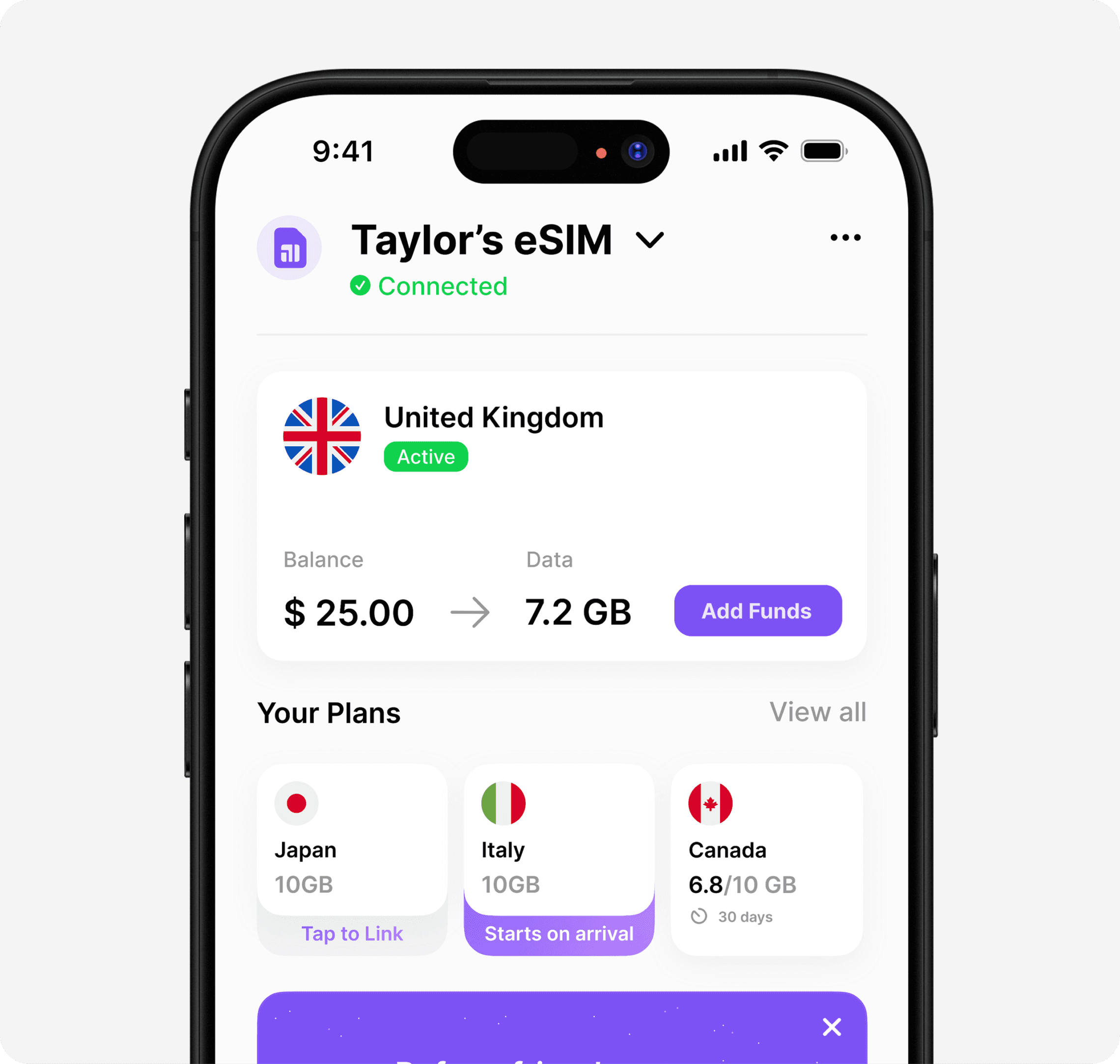
One significant advantage of eSIM technology is the ability to store multiple carrier profiles simultaneously. This flexibility becomes particularly valuable for international travellers who need different data plans for various regions.
Feature | Traditional SIM | eSIM |
|---|---|---|
Profiles stored | 1 physical card | Up to 5-10 profiles |
Switching time | Manual swap (minutes) | Instant (seconds) |
Activation location | Physical store/mail | Anywhere with internet |
Lost/damaged risk | High | None |
Switching Between eSIM Plans
Your device allows you to enable or disable eSIM profiles without deleting them. This means you can keep your home carrier alongside travel plans, switching between them as needed.
To switch active eSIMs on iPhone, visit Settings > Cellular and tap on the plan you wish to use. Toggle "Turn On This Line" to activate it. On Android, navigate to Settings > Network & Internet > SIM cards and select your preferred profile.
Modern eSIM solutions for worldwide connectivity eliminate the need for constant switching by offering single profiles that work across multiple countries, significantly simplifying the experience.
Troubleshooting Common Setup Issues
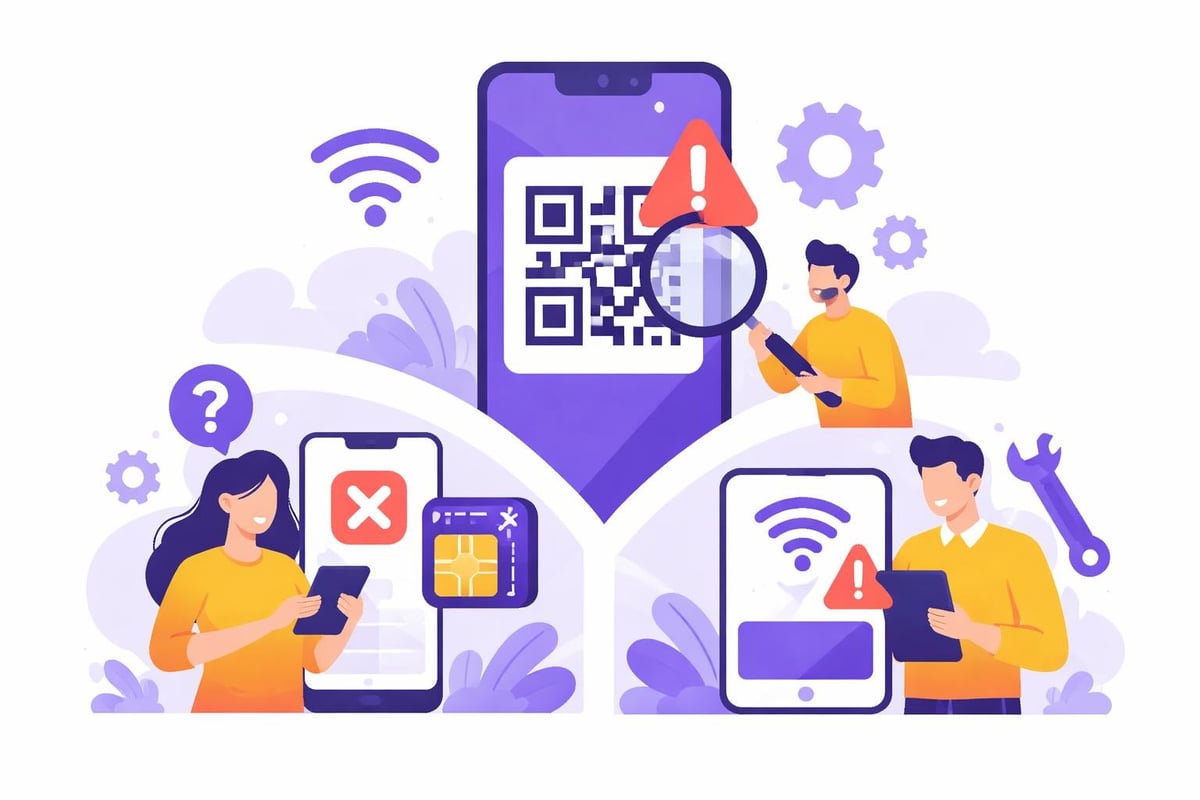
Even with straightforward installation processes, you might encounter occasional hiccups when you setup eSIM on your device. Understanding common problems and their solutions saves time and frustration.
QR code won't scan properly
Clean your camera lens thoroughly
Ensure adequate lighting on the QR code
Try increasing screen brightness if scanning from another device
Request manual activation codes as an alternative
eSIM profile downloads but won't activate
Verify you have active Wi-Fi connection
Check with your carrier that the plan is active on their end
Restart your device completely
Confirm data roaming is enabled in settings
No cellular signal after activation
Ensure airplane mode is disabled
Toggle the eSIM off and on again
Check that the correct network is selected (automatic is usually best)
Verify your plan includes coverage in your current location
If you're experiencing persistent connectivity problems, our comprehensive guide on what to do when your eSIM isn't working provides detailed troubleshooting steps for various scenarios.
Optimising Your eSIM for International Travel
Successfully installing an eSIM is just the beginning. Optimising your settings ensures smooth connectivity throughout your travels whilst avoiding unexpected charges or connectivity gaps.
Essential Settings to Configure
Before departing, configure these crucial settings:
Data roaming: Enable this for your eSIM profile to connect abroad
Default line for cellular data: Choose your travel eSIM to avoid home carrier charges
Wi-Fi calling: Disable on your home line to prevent unexpected roaming
Background app refresh: Limit to Wi-Fi only to conserve data
Automatic downloads: Disable to prevent unnecessary data consumption
Choosing Between Pay-As-You-Go and Fixed Plans
Different travel patterns suit different pricing structures. If you take frequent short trips across various regions, pay-as-you-go options with no expiry provide excellent flexibility. For longer stays in specific areas, fixed data packages often offer better value.
Plan Type | Best For | Typical Cost | Flexibility |
|---|---|---|---|
Pay-as-you-go | Frequent short trips | Variable | Excellent |
Fixed regional | Extended stays | £15-40/month | Moderate |
Global unlimited | Digital nomads | £50+/month | Limited destinations |
The beauty of learning how to setup eSIM properly means you can easily switch between different plan types as your needs evolve, without being locked into lengthy contracts or specific carriers.
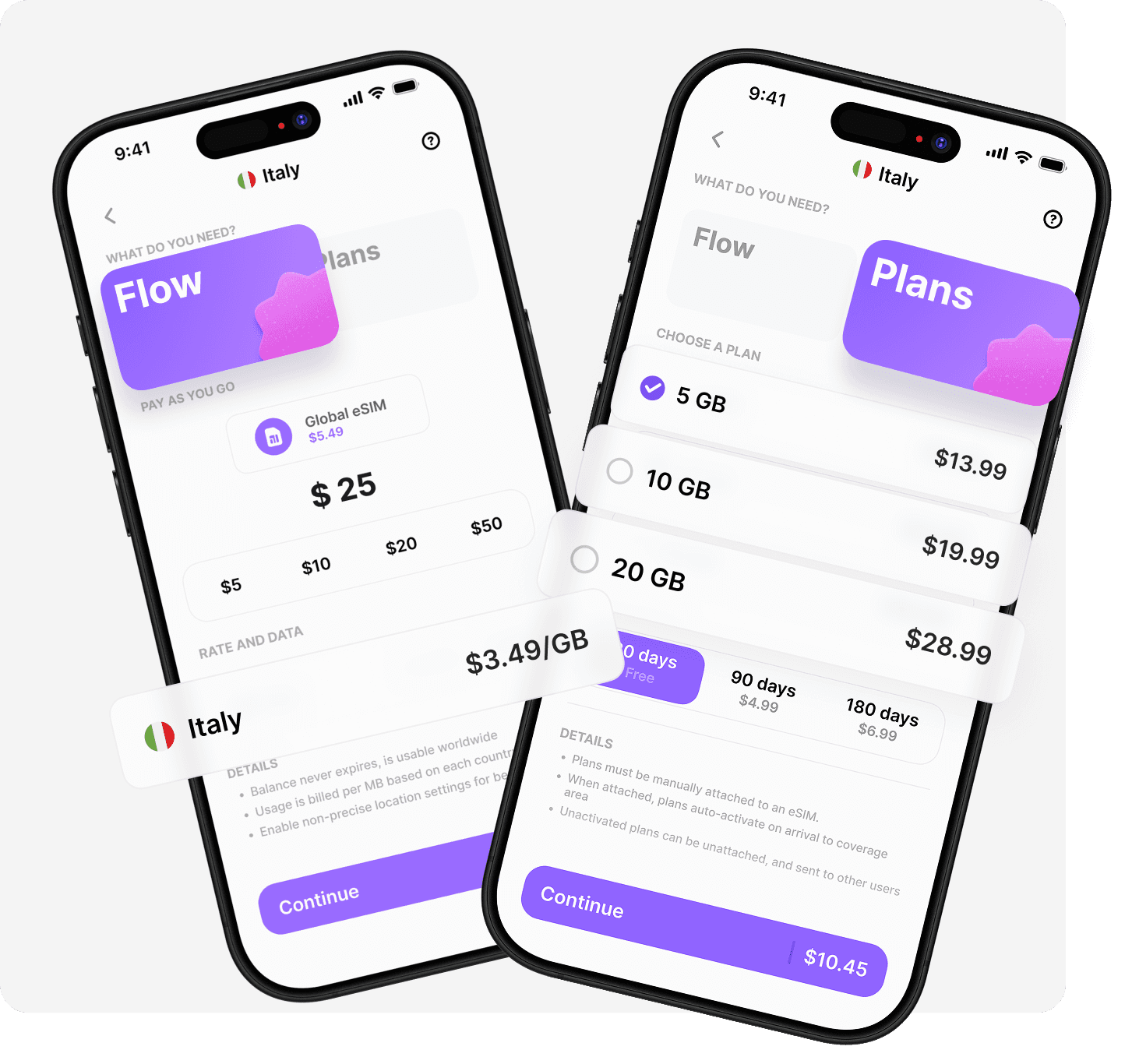
Setting up eSIM technology opens up a world of convenient, affordable connectivity that adapts to your travel needs rather than constraining them. Whether you're planning a weekend in Paris or a year-long adventure across continents, proper eSIM configuration ensures you're always connected without the traditional headaches of international roaming. With Umi, you install once and enjoy truly global coverage across 200+ destinations on a single eSIM. Choose Flow for pay-as-you-go flexibility with no expiry, or select from our prepaid Plans for predictable costs. Either way, you'll experience seamless connectivity that just works, wherever your journeys take you.












" height="15.96587083656648px" id="gUt8q3MIs" width="13.557999603271485px"/></svg>)